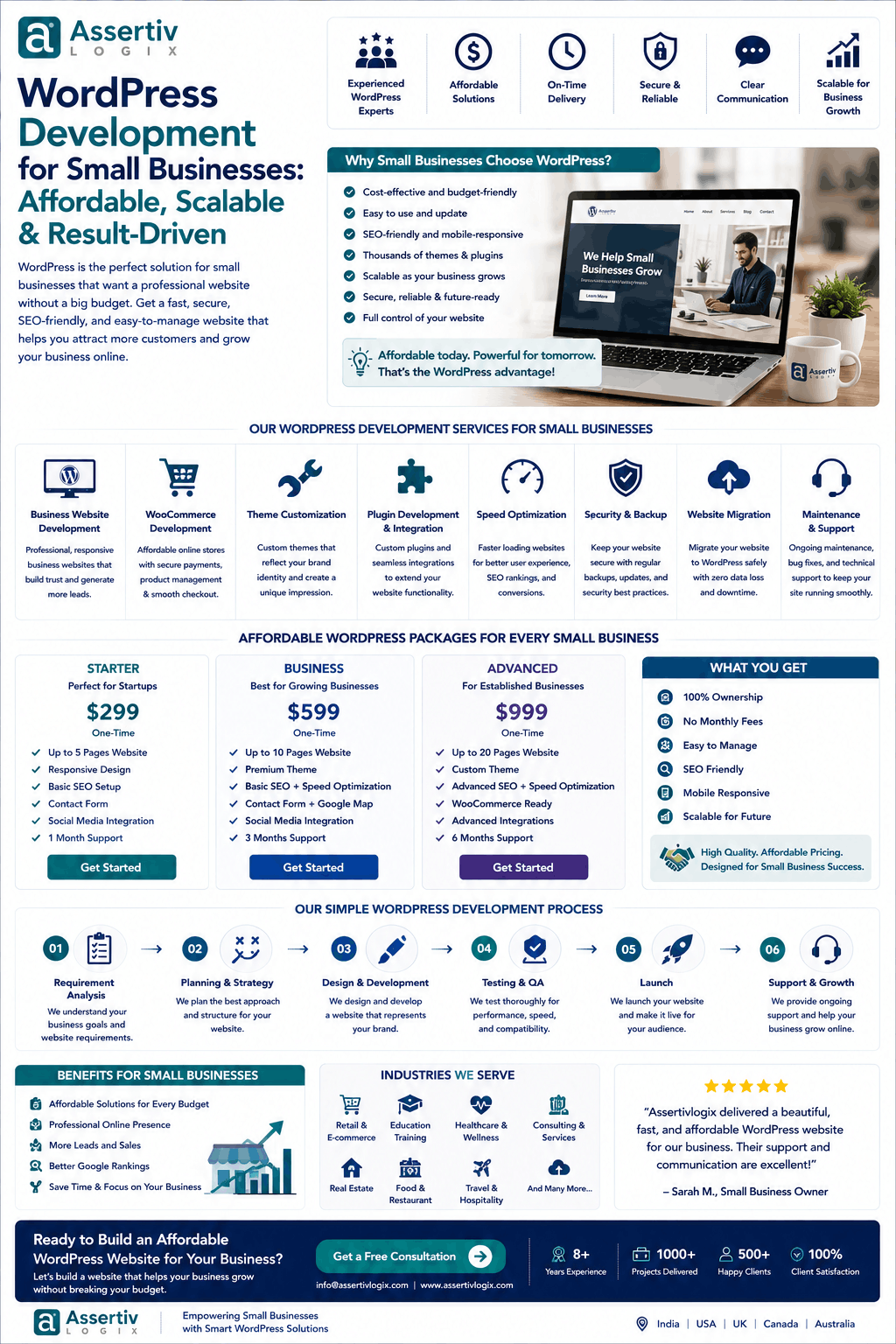
WordPress development for small businesses doesn’t have to mean choosing between an inexpensive website and a professional one. With the right development approach, a small business can build a fast, secure, mobile-friendly, SEO-ready website without paying for features it doesn’t actually need.
For a local service provider, startup, consultant, professional firm, retailer, restaurant, or growing company, WordPress can provide a flexible foundation for building an online presence.
The challenge is knowing where to spend your budget.
You don’t necessarily need a complex custom platform on day one. What you need is a website that represents your business professionally, helps customers find you, generates enquiries, loads quickly, works on mobile devices, and can grow as your business grows.
This guide explains how small businesses can approach WordPress development affordably, what features are worth investing in, what costs to expect, and how to avoid unnecessary development expenses.
Why WordPress Is a Good Choice for Small Businesses
WordPress is widely used for business websites because it offers flexibility without requiring every business to build its website from scratch.
For a small business, WordPress can support:
- Business websites
- Service websites
- Local business websites
- Blogs
- Landing pages
- Portfolio websites
- Membership websites
- Online stores
- Booking websites
- Lead-generation websites
It also allows businesses to start with a focused website and add functionality later.
What Does Affordable WordPress Development Mean?
Affordable WordPress development does not simply mean finding the cheapest developer.
A cheap website that becomes slow, insecure, difficult to update, or expensive to maintain can cost more in the long run.
For a small business, affordable development should mean:
- Clear project scope
- Useful features
- Clean development
- Responsive design
- Good performance
- Basic technical SEO
- Security fundamentals
- Easy content management
- Scalable architecture
- Predictable maintenance
The goal is to spend money where it creates business value instead of paying for unnecessary complexity.
How Much Does WordPress Development for Small Businesses Cost?
The cost depends on the website’s size, design, functionality, developer, location, and level of customization.
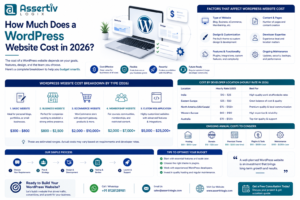
| Website Type | Typical Planning Range | Suitable For |
|---|---|---|
| Basic WordPress Website | $500–$2,000+ | Very small businesses |
| Professional Business Website | $1,500–$5,000+ | Growing businesses |
| Custom WordPress Website | $3,000–$10,000+ | Businesses needing custom functionality |
| WooCommerce Website | $2,500–$10,000+ | Small and medium ecommerce businesses |
| Ongoing Maintenance | $50–$500+ / month | Businesses needing ongoing support |
These are general planning ranges, not fixed market prices. Your actual cost will depend on the requirements of your project.
What Should a Small Business WordPress Website Include?
A small business doesn’t need dozens of features to create a professional online presence.
A typical website can include:
- Homepage
- About page
- Services or products
- Contact page
- Blog
- Testimonials
- FAQ section
- Contact form
- Call-to-action buttons
- Social media links
- Google Maps integration
- Analytics
The exact structure depends on the business model.
1. Professional Homepage
Your homepage is often the first impression potential customers have of your company.
A small business homepage should quickly communicate:
- What you offer
- Who you serve
- Why customers should choose you
- What makes you different
- How visitors can contact you
Strong calls to action can encourage visitors to call, submit a form, request a quote, book an appointment, or make a purchase.
2. About Page
The About page gives customers an opportunity to understand the people and story behind the business.
It can include:
- Company background
- Team information
- Experience
- Mission
- Values
- Certifications
- Business achievements
3. Services or Product Pages
Instead of putting every service on one page, businesses can create dedicated pages for important services.
This can improve:
- User experience
- Internal linking
- Search visibility
- Lead generation
For example, a web development company could have separate pages for WordPress development, WooCommerce development, plugin development, and maintenance.
4. Contact and Lead Generation
A business website should make it easy for visitors to contact the company.
Common options include:
- Contact forms
- Phone numbers
- Email addresses
- WhatsApp links
- Booking forms
- Quote request forms
- Google Maps
Don’t make visitors search for a way to contact you.
5. Mobile-Friendly Design
Many potential customers will access your website from smartphones.
Your website should work properly across:
- Mobile phones
- Tablets
- Laptops
- Desktop computers
Responsive design should be considered from the beginning rather than added as an afterthought.
6. Basic SEO Setup
Small businesses need to be discoverable in search engines.
Technical WordPress development can establish a foundation for SEO through:
- SEO-friendly URLs
- Proper headings
- Responsive design
- Fast page loading
- XML sitemap
- Canonical URLs
- Schema markup
- Image optimization
- Internal linking
Ongoing SEO campaigns, content creation, and link building are separate activities that may require additional investment.
7. Website Speed Optimization
A beautiful website is not very useful if customers leave before it loads.
WordPress development for small businesses should consider performance from the beginning.
Performance improvements may include:
- Image optimization
- Efficient code
- Caching
- Optimized CSS
- Optimized JavaScript
- Font optimization
- Lazy loading
- CDN configuration
- Quality hosting
Performance should also be monitored after launch.
8. Security
Small businesses are not too small to worry about website security.
Basic WordPress security practices include:
- Strong administrator passwords
- Limited user permissions
- Regular updates
- Secure hosting
- Backups
- SSL
- Security monitoring
Custom development should also follow secure coding practices.
9. Easy Content Management
One of the benefits of WordPress is that business owners can update content without needing a developer for every small change.
Your website should make it easy to:
- Update text
- Add blog posts
- Upload images
- Update services
- Manage pages
- Update contact information
Developers can also create custom fields and content structures when a business needs a more controlled editing experience.
Should Small Businesses Use a WordPress Theme or Custom Development?
This is one of the most important budget decisions.
Pre-Built Theme
A suitable pre-built theme can reduce development time and initial costs.
It may be suitable when:
- Your design requirements are straightforward
- You need to launch quickly
- Your functionality is standard
- You have a limited initial budget
Customized Theme
A customized theme can provide more control while still using an existing foundation.
This can be a practical middle ground for many small businesses.
Custom WordPress Theme
A completely custom theme is useful when your business needs a unique design, custom layouts, specialized components, or greater control over the frontend.
It generally requires a larger development budget.
When Should a Small Business Invest in Custom WordPress Development?
Custom development may be worthwhile when:
- Your business has unique workflows
- Existing plugins don’t provide the required functionality
- You need custom integrations
- You require advanced forms
- You need customer dashboards
- You have complex ecommerce requirements
- You need custom reporting
- You expect the website to scale significantly
If your requirements are simple, custom development may not be necessary for every part of the website.
How Small Businesses Can Save Money on WordPress Development
1. Start With Essential Features
Don’t build everything at once.
Identify the features that directly support your business objectives and launch those first.
2. Create a Clear Scope
A clear scope reduces revisions and prevents unexpected development costs.
3. Avoid Unnecessary Plugins
Every plugin introduces another dependency that may require updates and compatibility testing.
Use reliable plugins when they solve a genuine requirement, but don’t install plugins simply because they offer features you may never use.
4. Use Existing Solutions Where Appropriate
Custom development isn’t always the best answer.
If a reliable existing solution meets your requirements, using it may be more cost-effective.
5. Plan SEO and Performance Early
Fixing structural problems after launch can be more expensive than considering them during development.
6. Choose Scalable Development
Your initial website doesn’t need enterprise-level complexity, but it should not be built in a way that makes future development unnecessarily difficult.
Freelancer vs Agency for Small Business WordPress Development
| Factor | Freelancer | Agency / Development Company |
|---|---|---|
| Initial Cost | Often Lower | Varies |
| Team Size | Usually One Developer | Multiple Specialists |
| Design Resources | Depends on Freelancer | Usually Available |
| QA | May Be Limited | Usually Available |
| Scalability | Limited | Higher |
| Ongoing Support | Depends on Availability | Usually Available |
A freelancer can be a good option for a straightforward small business website. A development company may be a better fit if you need design, development, QA, SEO implementation, integrations, and ongoing support from a team.
Read our Freelance vs Agency WordPress guide for more information.
WordPress Development for Small Businesses in India
Small businesses in India have access to a large WordPress development ecosystem, including freelancers, agencies, and specialized development companies.
Working with an Indian WordPress development company can offer:
- Access to a large technology talent pool
- Competitive development rates
- Flexible engagement models
- Dedicated developer options
- Experience working with international businesses
However, price should not be the only factor when choosing a provider.
Technical skills, communication, reliability, security, development practices, and post-launch support are equally important.
What Does a Small Business WordPress Development Project Include?
A professional project can include:
- Requirement analysis
- Website structure
- Design or theme selection
- WordPress configuration
- Page development
- Responsive implementation
- Contact forms
- Basic SEO setup
- Analytics setup
- Performance optimization
- Security configuration
- Browser testing
- Mobile testing
- Launch
Additional services such as custom plugins, advanced API integrations, WooCommerce, content creation, and ongoing SEO may be quoted separately.
How Long Does It Take to Build a Small Business WordPress Website?
The timeline depends on the scope and how quickly content and approvals are provided.
| Project Type | Typical Planning Timeline |
|---|---|
| Basic Website | 1–3 weeks |
| Professional Business Website | 2–6 weeks |
| Custom Website | 4–10+ weeks |
| WooCommerce Website | 4–12+ weeks |
These are general planning estimates. Content preparation, design revisions, custom functionality, integrations, and client approvals can change the timeline.
How to Choose a WordPress Developer for Your Small Business
Before hiring a developer or company, check:
- Relevant portfolio
- WordPress experience
- Communication process
- Technical expertise
- Pricing transparency
- Development process
- Testing process
- Security practices
- Performance knowledge
- Post-launch support
Don’t choose purely on the lowest quote. A slightly higher initial investment can be worthwhile if it gives you better code quality, performance, security, and maintainability.
Common Mistakes Small Businesses Make With WordPress
Choosing the Cheapest Developer
The lowest price doesn’t necessarily provide the best value.
Installing Too Many Plugins
More plugins can mean more maintenance and potential conflicts.
Ignoring Website Speed
Performance should be considered from the beginning.
Ignoring Mobile Users
A website that works well only on desktop computers can lose potential customers.
Skipping Backups
Backups should be part of your website maintenance strategy.
Ignoring Updates
WordPress core, themes, and plugins should be maintained properly.
Building Without an SEO Structure
It is easier to establish a clean technical foundation during development than to repair a poorly structured website later.
Why Choose Assertivlogix for Small Business WordPress Development?
Assertivlogix provides WordPress development services for small businesses, startups, ecommerce companies, and agencies.
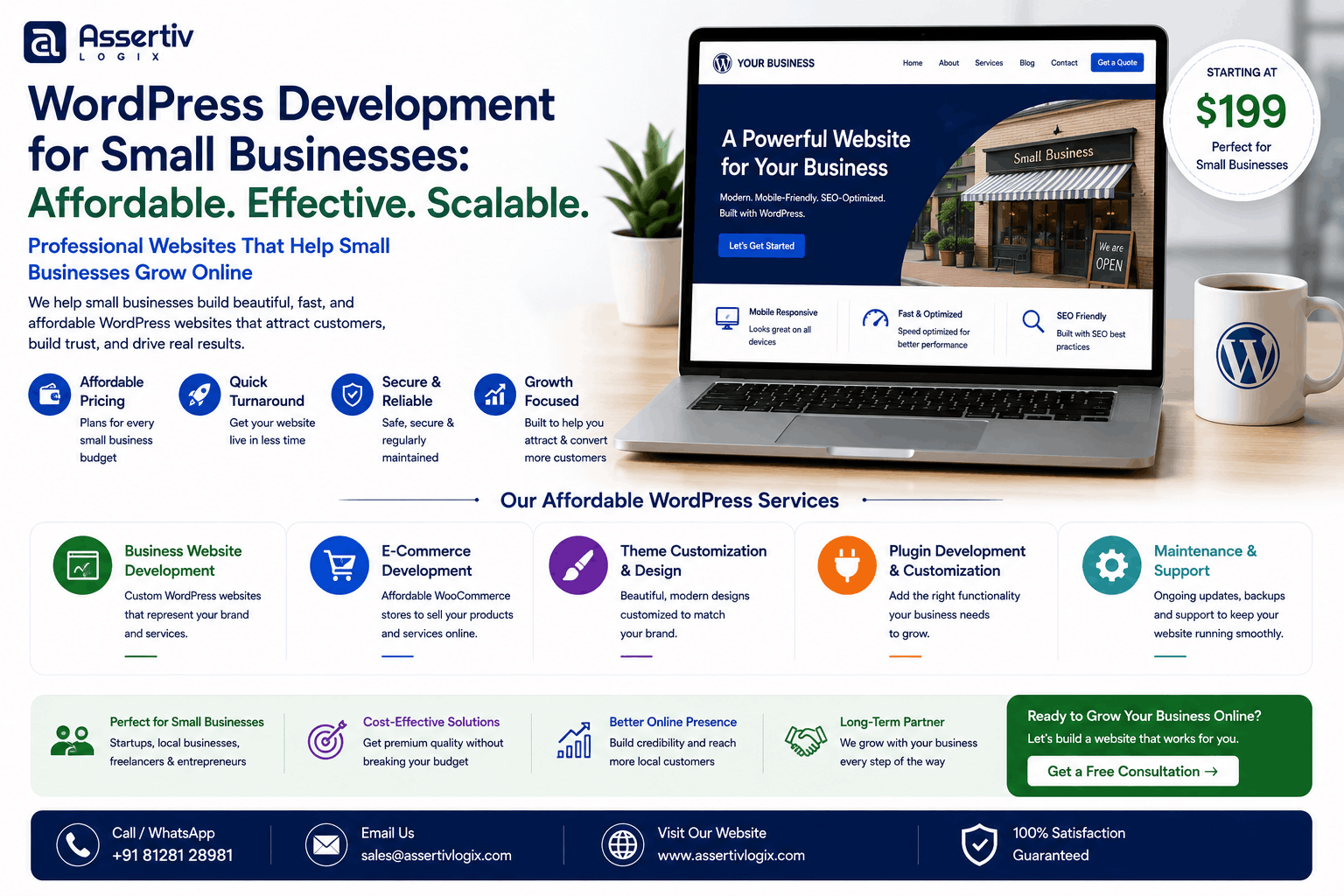
Our services include:
- WordPress website development
- Custom WordPress development
- Custom theme development
- Custom plugin development
- WooCommerce development
- API integrations
- WordPress migration
- Website redesign
- Speed optimization
- Core Web Vitals optimization
- WordPress security
- WordPress maintenance
- Dedicated WordPress developers
For small businesses, we focus on building what is actually required rather than adding unnecessary complexity. As your business grows, additional features can be developed as needed.
Tell us about your small business, website goals, required features, and budget. We’ll help you identify a practical WordPress development approach.
Frequently Asked Questions
Is WordPress affordable for small businesses?
Yes. WordPress can be a cost-effective option because businesses can start with a relatively focused website and expand functionality as their needs grow.
How much does a WordPress website cost for a small business?
A small business WordPress website can range from hundreds to several thousand dollars depending on design, number of pages, customization, functionality, integrations, and developer experience.
What should a small business WordPress website include?
A typical website should include a professional homepage, service or product pages, About page, contact information, lead-generation forms, responsive design, basic SEO, analytics, security, and performance optimization.
Is custom WordPress development necessary for a small business?
Not always. Small businesses with standard requirements can often use a suitable theme and reliable plugins. Custom development becomes more useful when the business needs unique functionality or integrations.
Should I hire a WordPress freelancer or company?
A freelancer can be suitable for a simple project or individual tasks. A development company may be preferable when you need multiple specialists, ongoing support, custom development, or more complex functionality.
How long does it take to build a small business WordPress website?
A simple website may take one to three weeks, while a more professional or customized website may take several weeks. The exact timeline depends on scope, content, design, functionality, and approvals.
Can a small business add WooCommerce later?
Yes. WordPress can be extended with WooCommerce when a business decides to start selling products or services online. However, ecommerce requirements should be considered early if they are part of the near-term business plan.
Is WordPress good for local businesses?
Yes. WordPress can support local business websites with service pages, contact forms, maps, reviews, location information, local SEO, and lead-generation functionality.
How can I reduce WordPress development costs?
Start with essential features, define the scope clearly, use reliable existing solutions where appropriate, avoid unnecessary custom functionality, and plan SEO, performance, and scalability from the beginning.
Do small businesses need WordPress maintenance?
Yes. Regular maintenance helps keep WordPress, plugins, and themes updated and provides opportunities to monitor security, backups, performance, and website functionality.
Affordable WordPress Development Checklist for Small Businesses
- Define your business goals
- Identify essential pages
- List required functionality
- Choose a realistic budget
- Decide between theme customization and custom development
- Use only necessary plugins
- Make the website mobile responsive
- Plan technical SEO
- Optimize website performance
- Configure security
- Set up backups
- Test before launch
- Plan ongoing maintenance
- Keep the architecture scalable
Final Thoughts
WordPress development for small businesses can be affordable without compromising professionalism.
The key is to build around your actual business requirements instead of paying for features you don’t need.
Start with the fundamentals: a professional design, clear messaging, responsive pages, strong calls to action, technical SEO, good performance, security, and easy content management.
As your business grows, your WordPress website can grow with it through custom plugins, WooCommerce, integrations, automation, advanced SEO, and additional development.
If you’re looking for affordable WordPress development for your small business, contact Assertivlogix to discuss your requirements and get a practical development plan.