Email marketing delivers an average ROI of $42 for every $1 spent — the highest of any marketing channel. Yet most WooCommerce stores only send basic order confirmation emails. With the AI eCommerce Growth Suite, you can set up sophisticated automated email flows in minutes, without paying for a separate email marketing platform like Klaviyo or Mailchimp.
The Three Essential WooCommerce Email Flows
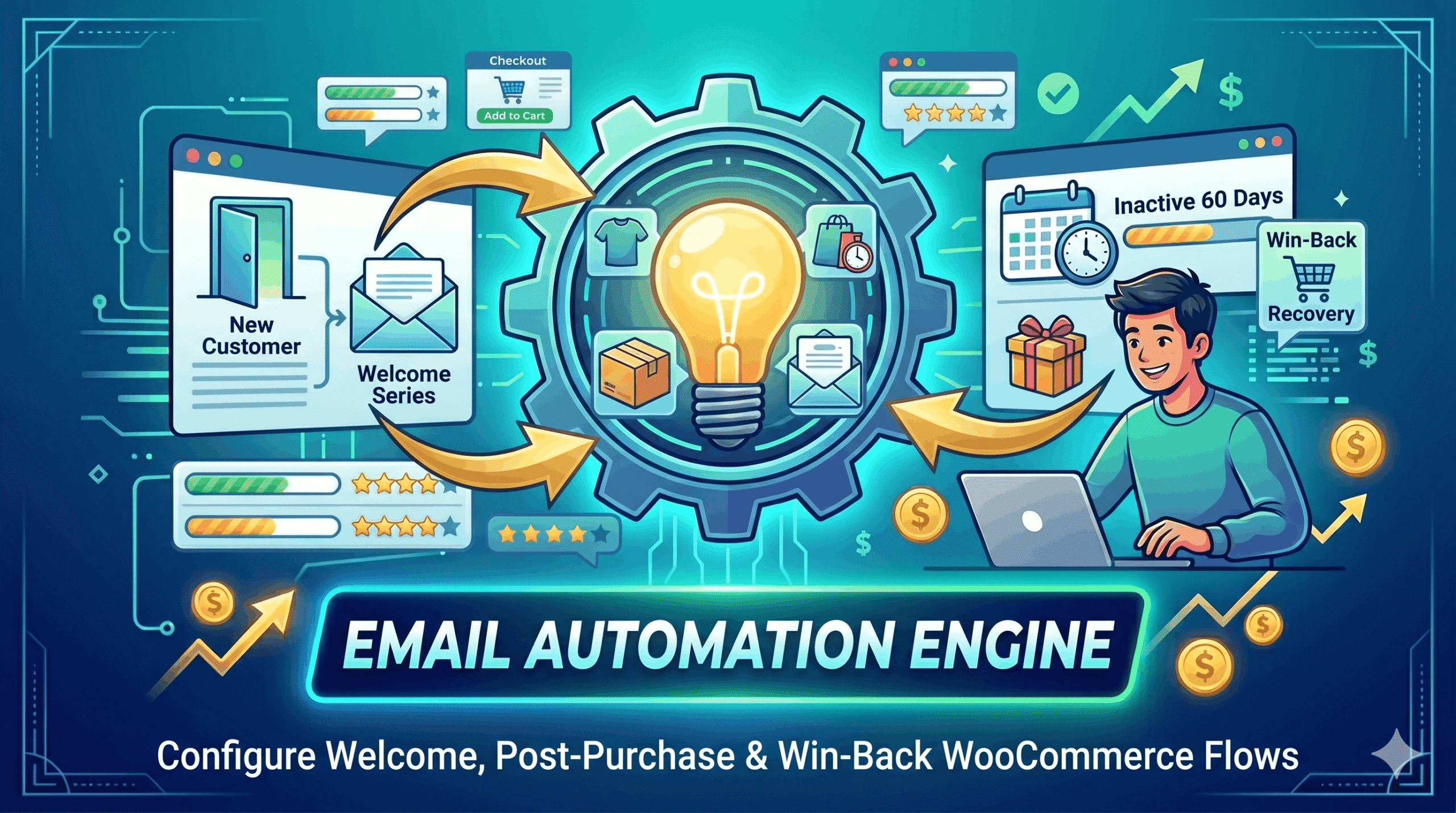
Not all emails are created equal. The most effective eCommerce email flows target customers at the moments when they are most likely to engage. The AI eCommerce Growth Suite includes three pre-built flows out of the box.
1. Welcome Flow
Triggered when a new customer registers or makes their first purchase. The welcome email sets expectations, introduces your brand, and is often the most-opened email a store ever sends. A strong welcome email can increase repeat purchase rate by up to 25%.
2. Post-Purchase Flow
Sent after a completed order, this flow thanks the customer, provides order details, and sets the stage for a second purchase. Including a personalized product recommendation or a small incentive for the next order in this email significantly increases customer lifetime value.
3. Win-Back Flow
Targets customers who have not purchased in a while. A well-timed win-back email with a compelling offer can reactivate 10–15% of lapsed customers, turning them back into active buyers without the cost of paid acquisition.
Personalization with Dynamic Placeholders
Every email in the plugin supports dynamic placeholders so messages feel personal, not automated. Available placeholders include customer first name, last order details, product names, store name, and contact information. Personalized emails consistently outperform generic ones in open rates, click rates, and revenue per email.
Setting Your Brand Voice
The plugin lets you set your brand voice — Professional, Friendly, Humorous, or Luxury — so AI-generated email content always matches your store’s personality. A luxury jewelry brand needs a different tone than a budget outdoor gear shop, and this setting ensures consistency across all automated communications.
How to Set Up Your Email Flows
- Navigate to Marketing Automation in your dashboard.
- Select the flow you want to configure: Welcome, Post-Purchase, or Win-Back.
- Edit the subject line and email body using the template editor.
- Insert dynamic placeholders for personalization.
- Choose your send timing: immediate, delayed by X hours, or a specific time.
- Toggle the flow on with one click.
- Monitor delivery stats — sent and failed counts — from the dashboard.
AI eCommerce Growth Suite
Frequently Asked Questions
Does this replace my existing email marketing platform?
Can I create custom flows beyond the three pre-built ones?
How do I track which emails have been delivered?
Are these transactional or marketing emails?