






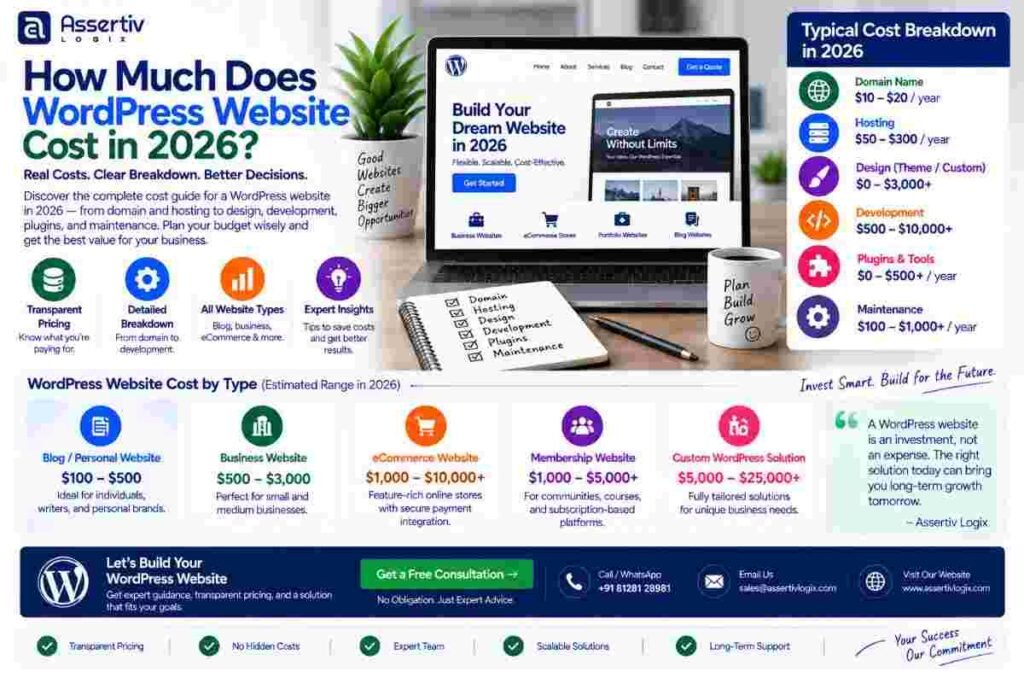
How Much Does WordPress Website Cost in 2026?
WordPress website cost can range from a relatively small amount for a basic DIY website to…
 Nikul Patel
 WordPress
A comprehensive expert comparison of WordPress and Webflow — analysing pricing, design freedom, SEO, scalability, content management, and total cost of ownership to help you choose the right platform.
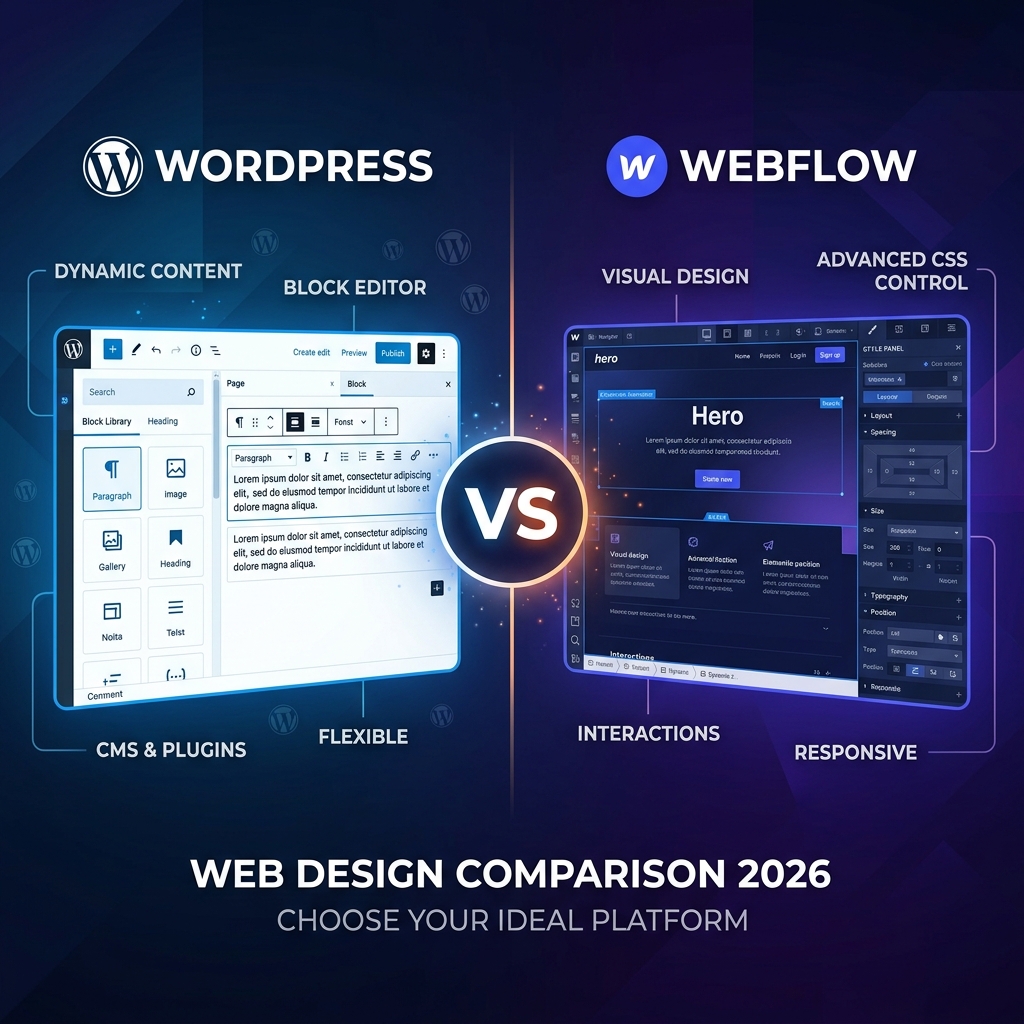
WordPress and Webflow are both world-class website platforms — but they cater to very different audiences. WordPress is an open-source CMS powering 43% of the web, offering unlimited extensibility via 58,000+ plugins. Webflow is a visual no-code/low-code designer tool with built-in hosting, best loved by designers building pixel-perfect sites without writing CSS.
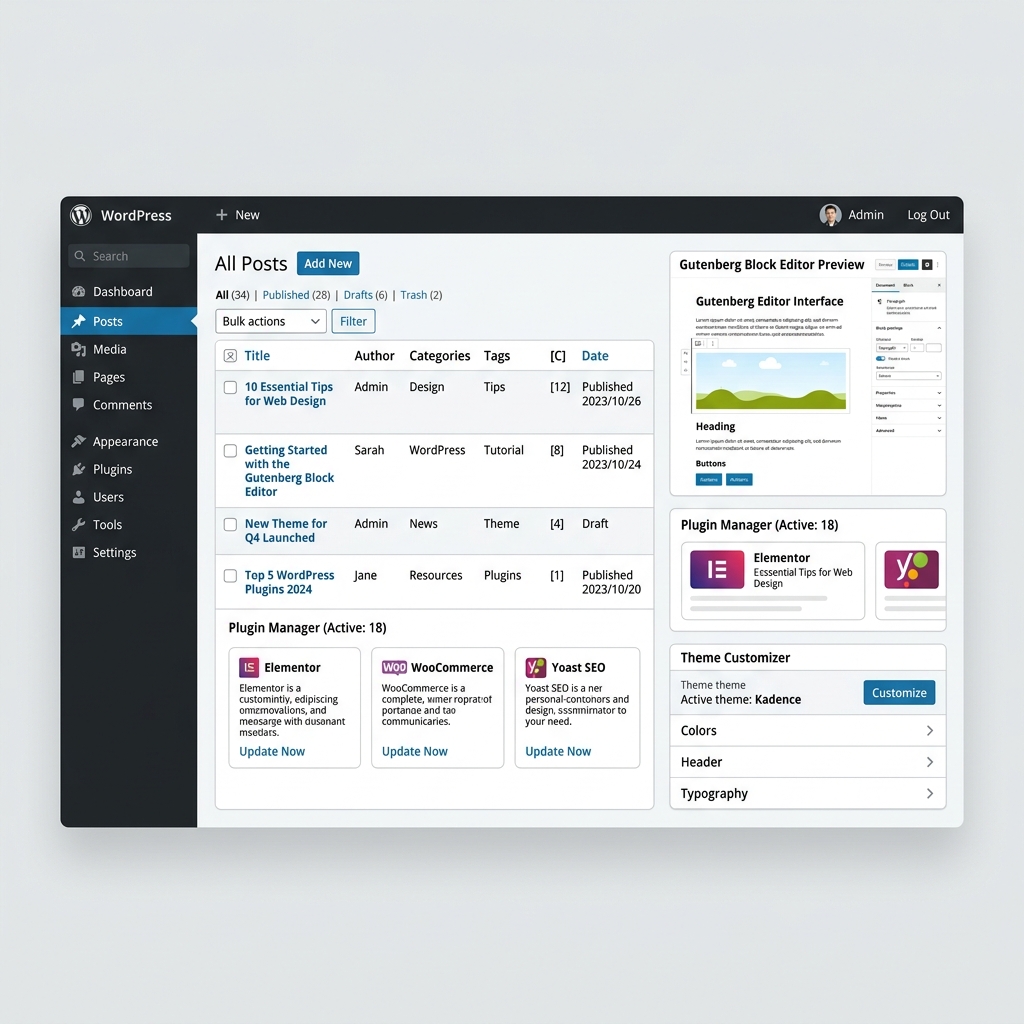
A complete look at each platform's strengths, limitations, and ideal use cases for 2026.
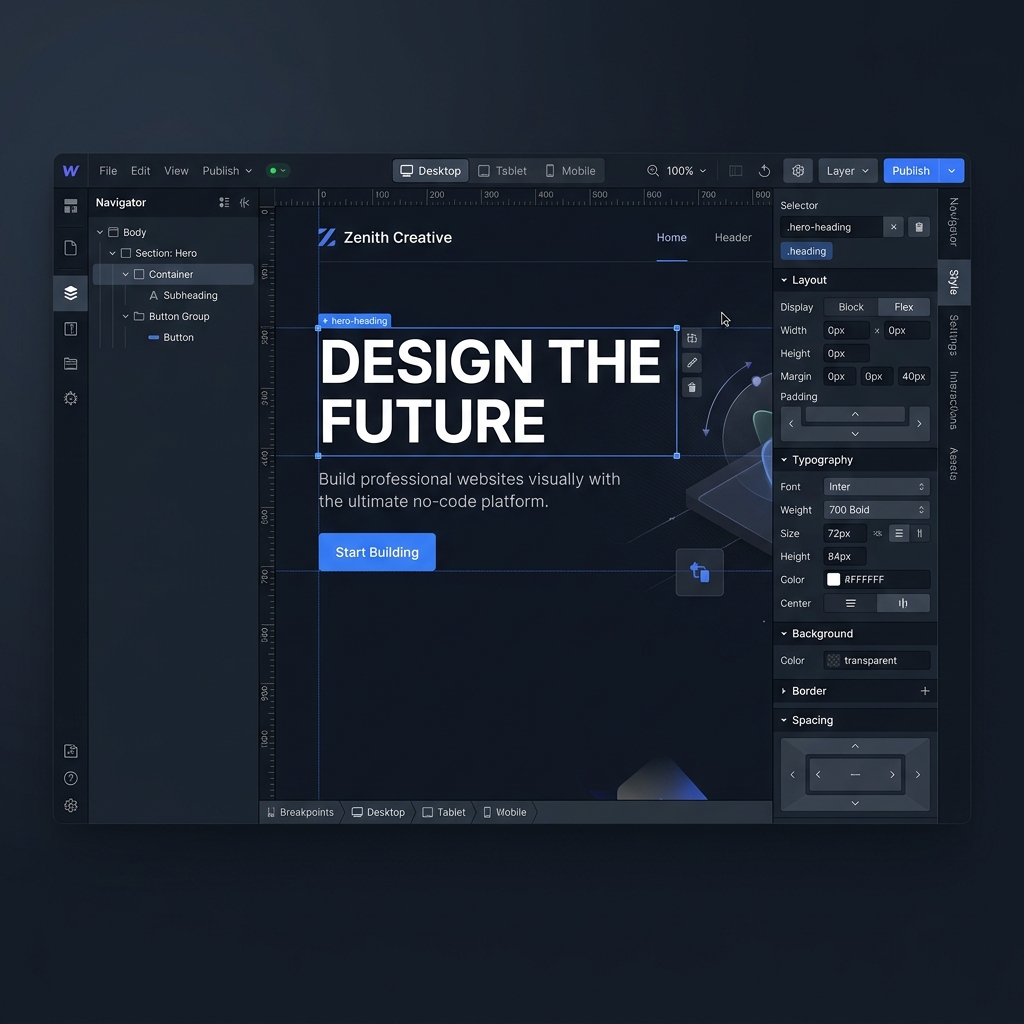
A detailed breakdown of how WordPress and Webflow compare across every critical dimension for 2026.
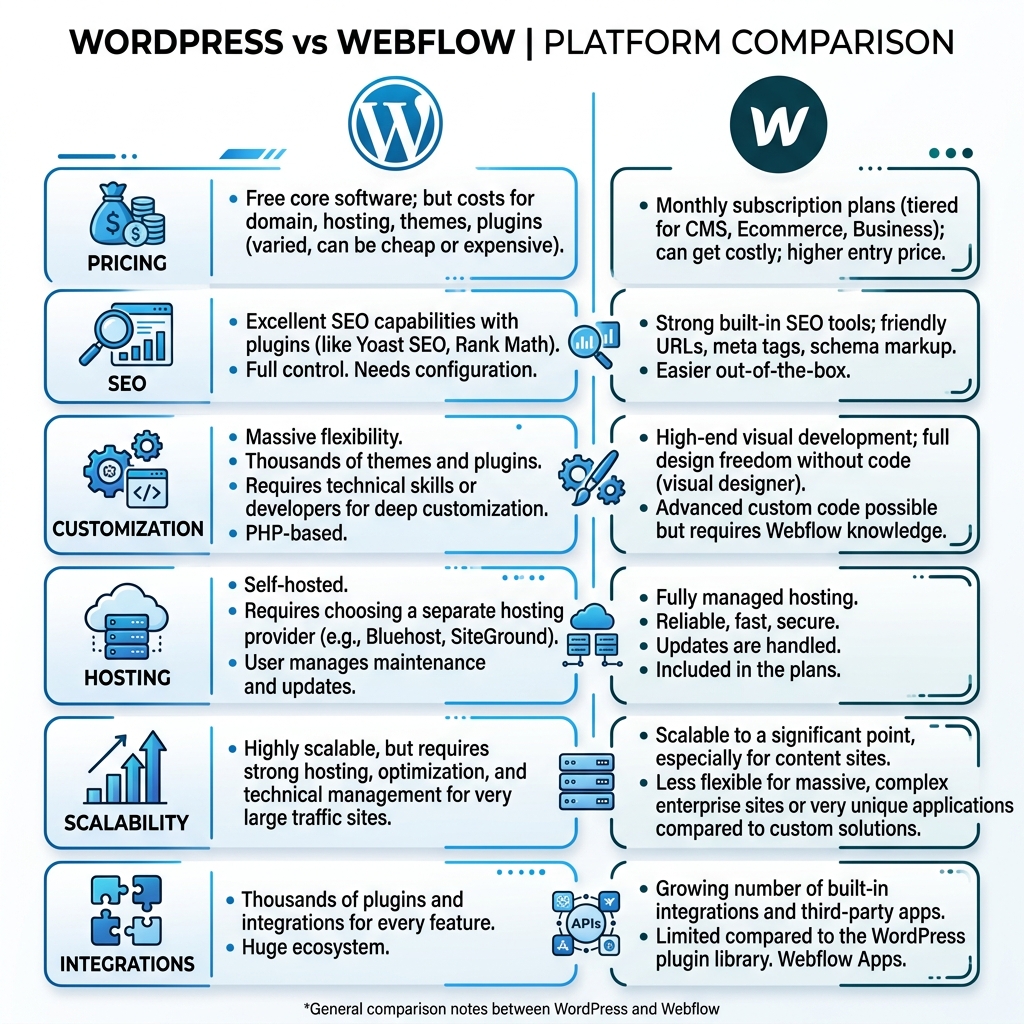
| Criteria | 🔵 WordPress | 🔷 Webflow |
|---|---|---|
| 💰 Pricing |
✓ Winner Free core software. Pay only for hosting (~$10–$50/mo). Premium themes and plugins are optional one-time or annual costs. |
Site plans from $14–$212/mo (General to Business). Workspace plans add $19–$49/mo per seat. Costs escalate fast for teams. |
| 🎨 Design Flexibility | Unlimited via custom themes, page builders (Elementor, Bricks, Gutenberg). Requires coding for pixel-perfect custom builds. |
✓ Winner Visual canvas gives designers pixel-perfect CSS control without writing code. Unmatched for bespoke marketing sites. |
| 📈 SEO Capabilities |
✓ Winner Industry-leading SEO via Yoast / Rank Math. Full control over schema, metadata, canonical tags, XML sitemaps, URL structure, and content strategy. |
Good built-in SEO basics — clean code, fast load times, meta tag editor. Limited schema markup and no plugin ecosystem for advanced SEO. |
| 📝 Content Management |
✓ Winner Industry-standard CMS. Gutenberg block editor, custom post types, taxonomies, bulk editing, editorial workflows. Scales to millions of posts. |
Webflow CMS handles structured content well for small-medium sites. Lacks advanced editorial workflows, user roles, and bulk management tools. |
| 🔌 Integrations & Plugins |
✓ Winner 58,000+ free plugins — CRM, email marketing, analytics, ecommerce, LMS, membership, booking, and more. API-first architecture. |
500+ Webflow Apps. Logic (no-code automations) for basic workflows. Relies on Zapier/Make for deep integrations. Limited native extensibility. |
| 🔒 Data Ownership |
✓ Winner 100% data ownership. Self-host on any server, export everything. No vendor lock-in whatsoever. |
Data stored on Webflow's servers. Exporting HTML/CSS is possible but CMS content export is limited. Platform dependency risk. |
| ⚡ Performance | Performance depends on hosting and optimization (caching, CDN, image optimization). Excellent with proper setup (LiteSpeed, Cloudflare, Redis). |
✓ Winner Built-in global CDN, clean semantic HTML output, automatic image optimization. Consistently fast without configuration. |
| 🚀 Scalability |
✓ Winner Scales to millions of pages, users, and transactions. Enterprise hosting (VPS, cloud) unlocks unlimited growth. |
Good for marketing sites and medium-content sites. CMS item limits (10,000 items on Business plan) can constrain large publishers. |
| 🛒 Ecommerce |
✓ Winner WooCommerce powers 38% of all online stores. Unlimited products, variants, payment gateways, and no transaction fees. |
Webflow Ecommerce is available (Basic/Business/Plus plans) but has limited product variants, no subscriptions natively, and 2% transaction fees on Basic. |
| 🔑 Best For | Blogs, news sites, ecommerce stores, complex web applications, enterprises, agencies, and anyone needing full control and unlimited extensibility. | Agency portfolios, SaaS marketing sites, landing pages, designer-built brochure sites, and teams that prioritise visual design speed. |
When evaluated on total cost, content scalability, and long-term ownership, WordPress wins for the vast majority of businesses.
WordPress core is free. A business-grade setup costs $120–$600/year in hosting. Webflow's Business plan alone runs $2,544/year — plus per-seat workspace fees and app subscriptions.
WordPress runs on open-source code you can host anywhere. Every file, database record, and media asset is yours. Webflow's proprietary platform means your site lives on their terms.
WordPress with Yoast or Rank Math gives you granular control over every SEO element. Major publishers, news networks, and enterprise brands trust WordPress for organic search dominance.
WordPress was built for content. Custom post types, taxonomies, editorial workflows, bulk editing, and multi-author management make it the gold standard for content-heavy operations.
Need CRM integration? LMS? Membership portal? Subscription billing? Booking engine? WordPress has a plugin for everything, most free. Webflow's 500-app library can't compete.
WordPress powers BBC America, The New York Times, TechCrunch, and thousands of Fortune 500 marketing sites. It handles billions of pageviews per month with the right infrastructure.
Growing companies often outgrow Webflow's CMS item limits, lack of plugin extensibility, and escalating seat-based pricing. Assertiv Logix specialises in pixel-perfect Webflow-to-WordPress migrations that preserve every design detail and SEO ranking.
We use the complete WordPress and modern web toolchain to build high-performance, design-led websites.
WordPress
 Figma
Figma
 Laravel
 React
React
 Next.js
 Angular
Laravel
React
Next.js
Angular
Angular
Laravel
React
Next.js
Angular
A proven, structured process to migrate your Webflow site to WordPress without downtime, design loss, or SEO damage.
We map your Webflow design system — components, interactions, CMS collections, and custom code — to plan a faithful WordPress rebuild.
We develop a custom WordPress theme replicating your Webflow design pixel-perfectly, with all animations, transitions, and custom functionality.
All CMS collections, blog posts, media assets, and metadata are migrated. 301 redirects map every Webflow URL for full SEO preservation.
DNS is switched, SSL configured, performance optimized, and we monitor rankings and traffic for 30 days post-launch.
From quick Webflow migrations to complex enterprise WordPress builds — we have the right engagement for your needs.
Ideal for small Webflow sites (5–15 pages) needing a clean migration to WordPress with minimal customization.
Pixel-perfect Webflow-to-WordPress migration with custom theme, animations rebuilt, and full plugin ecosystem setup.
Full custom WordPress development from scratch for enterprise brands, large publishers, or complex application needs.
Deepen your platform knowledge with our expert WordPress and web development articles.
WordPress website cost can range from a relatively small amount for a basic DIY website to…
Nikul Patel
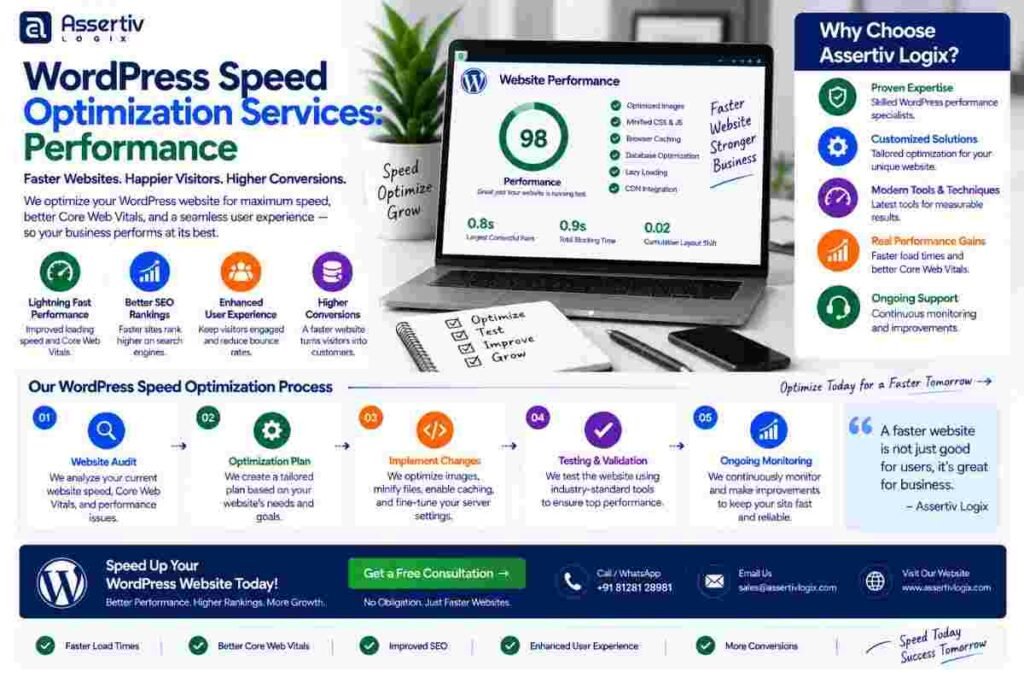
wordpress speed optimization services help businesses improve website loading times, Core Web Vitals, responsiveness, server performance,…
Nikul Patel
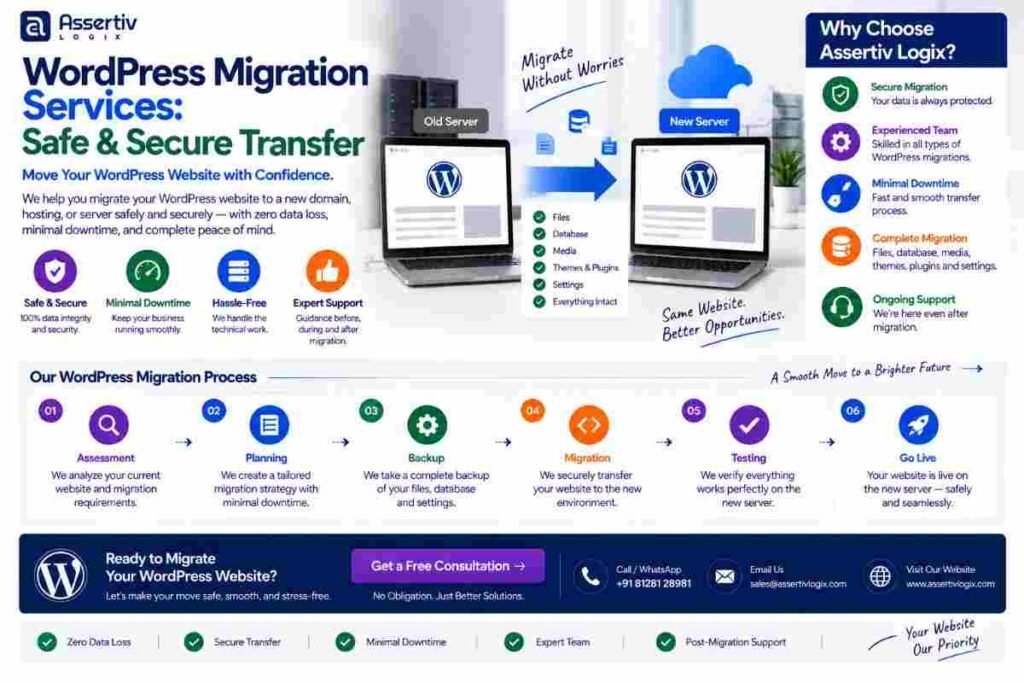
WordPress migration services help businesses safely move their WordPress websites from one hosting provider, server, domain,…
Nikul Patel
Stop paying Webflow's rising seat fees and CMS item limits. Let Assertiv Logix migrate your Webflow site to WordPress with zero downtime and full design fidelity.
Tell us about your Webflow site and we'll provide a detailed WordPress migration proposal within 24 hours.