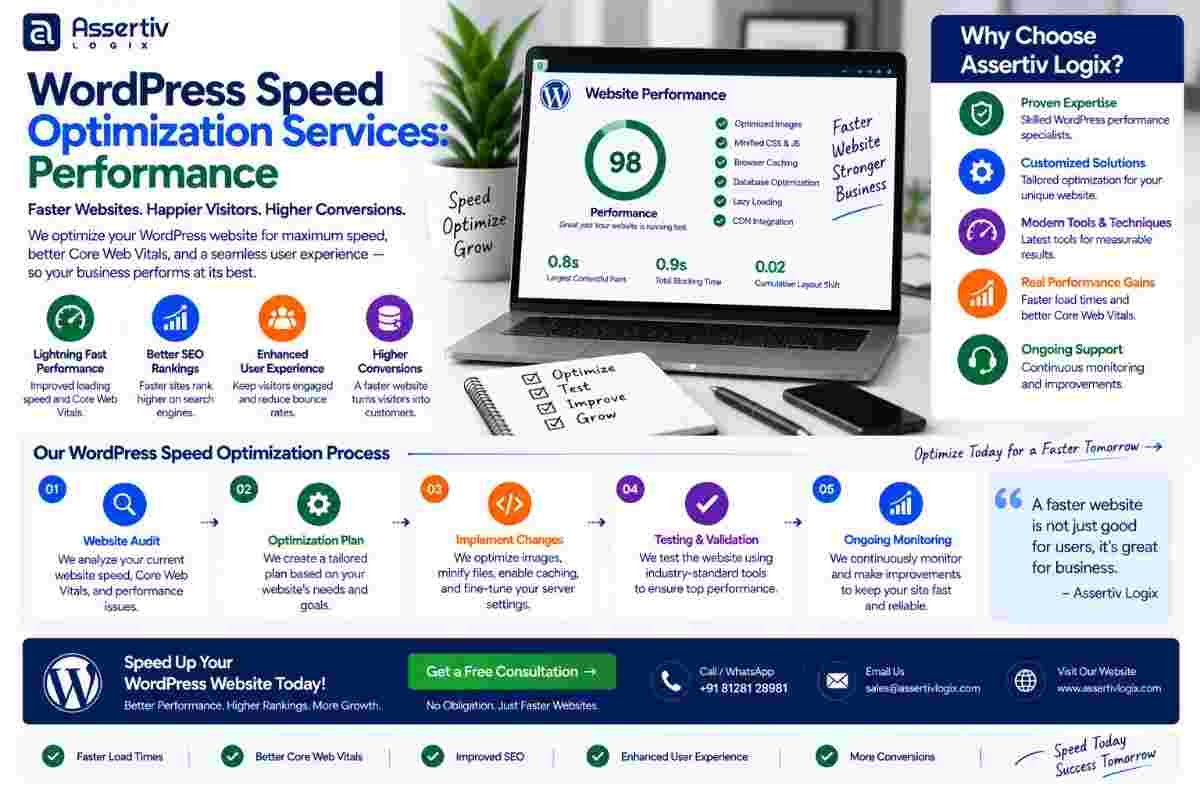
wordpress speed optimization services help businesses improve website loading times, Core Web Vitals, responsiveness, server performance, and overall user experience. A fast WordPress website can make it easier for visitors to navigate pages, interact with content, complete forms, and make purchases.
Website speed is no longer just a technical consideration. It affects user experience, conversions, mobile usability, and search performance. A website that takes too long to load can cause visitors to leave before they even see the main content.
Professional wordpress speed optimization services focus on finding the actual causes of poor performance rather than simply installing a caching plugin and hoping for better results. Depending on the website, optimization can involve images, JavaScript, CSS, plugins, databases, hosting, caching, fonts, third-party scripts, and WordPress configuration.
In this guide, we explain how WordPress speed optimization works, why websites become slow, what Core Web Vitals mean, which areas developers optimize, how to measure performance, and how professional WordPress developers can help improve website speed.
WordPress Speed Optimization Services: Improve Website Performance in 2026
wordpress speed optimization services are designed to improve the performance, loading speed, responsiveness, and technical efficiency of WordPress websites.
A fast website should not only load quickly. It should also respond smoothly when users interact with it, deliver important content efficiently, avoid unnecessary layout shifts, and perform consistently across mobile and desktop devices.
That is why effective wordpress speed optimization requires a complete performance audit instead of relying on a single optimization technique.
What Are WordPress Speed Optimization Services?
WordPress speed optimization services involve identifying and resolving technical factors that make a WordPress website slow or inefficient.
Depending on the website, optimization may include:
- Website performance audits
- Core Web Vitals optimization
- Image compression and next-generation image formats
- Browser and page caching
- CSS optimization
- JavaScript optimization
- Plugin optimization
- Database optimization
- Font optimization
- Lazy loading
- CDN configuration
- Server optimization
- PHP and WordPress configuration
- Third-party script optimization
- WooCommerce performance optimization
The exact strategy depends on the website’s theme, plugins, hosting environment, traffic, content, functionality, and performance bottlenecks.
Why Is WordPress Website Speed Important?
Website speed affects the way visitors experience your website.
When pages load quickly, visitors can reach content faster and interact with the website more easily. Slow websites, on the other hand, can create frustration and increase the likelihood of visitors leaving.
Speed is particularly important for:
- Business websites
- eCommerce stores
- Lead generation websites
- Blogs and publishers
- SaaS websites
- Membership websites
- High-traffic WordPress websites
For websites that depend on organic search, performance should also be considered as part of the broader technical SEO strategy.
Google provides detailed information about Core Web Vitals and website performance.
What Makes a WordPress Website Slow?
There is rarely one universal reason for a slow WordPress website. Performance problems can come from multiple layers of the website infrastructure.
1. Poor Hosting
Limited server resources, slow server response times, poor configuration, and overloaded hosting can affect WordPress performance.
If the server itself is slow, frontend optimization alone may not solve the problem.
2. Too Many Plugins
Plugins add functionality, but poorly coded or unnecessary plugins can increase database queries, JavaScript, CSS, server processing, or external requests.
A professional audit can identify plugins that are unnecessary, inefficient, duplicated, or creating performance bottlenecks.
3. Unoptimized Images
Large images are one of the most common reasons for slow page loading.
Images should be appropriately sized and compressed. Modern formats such as WebP or AVIF can also reduce file size when implemented correctly.
4. Excessive JavaScript
JavaScript can provide useful functionality, but too much JavaScript can delay page rendering and user interaction.
Unused scripts, third-party tracking tools, sliders, widgets, and plugin assets should be reviewed carefully.
5. Unoptimized CSS
Large stylesheets and unused CSS can increase the amount of data browsers need to process.
6. Poor Database Performance
Large databases containing unnecessary revisions, transient data, metadata, logs, and other unused records can contribute to performance issues.
7. External Scripts
Analytics platforms, advertising scripts, chat widgets, social integrations, video embeds, and other third-party services can introduce additional network requests.
8. Poor Caching
Without effective caching, WordPress may repeatedly generate pages that could otherwise be served more efficiently.
Core Web Vitals and WordPress Performance
Core Web Vitals are important performance metrics used to evaluate aspects of real-world user experience.
The current Core Web Vitals focus on:
| Metric | What It Measures | Optimization Focus |
|---|---|---|
| LCP | Loading performance | Improve critical content delivery, images, server response, and rendering |
| INP | Interaction responsiveness | Reduce JavaScript work and improve event responsiveness |
| CLS | Visual stability | Reserve space for images, ads, embeds, and dynamic elements |
Improving Core Web Vitals often requires changes across both frontend and backend systems.
Google’s Core Web Vitals documentation provides additional guidance for website owners and developers.
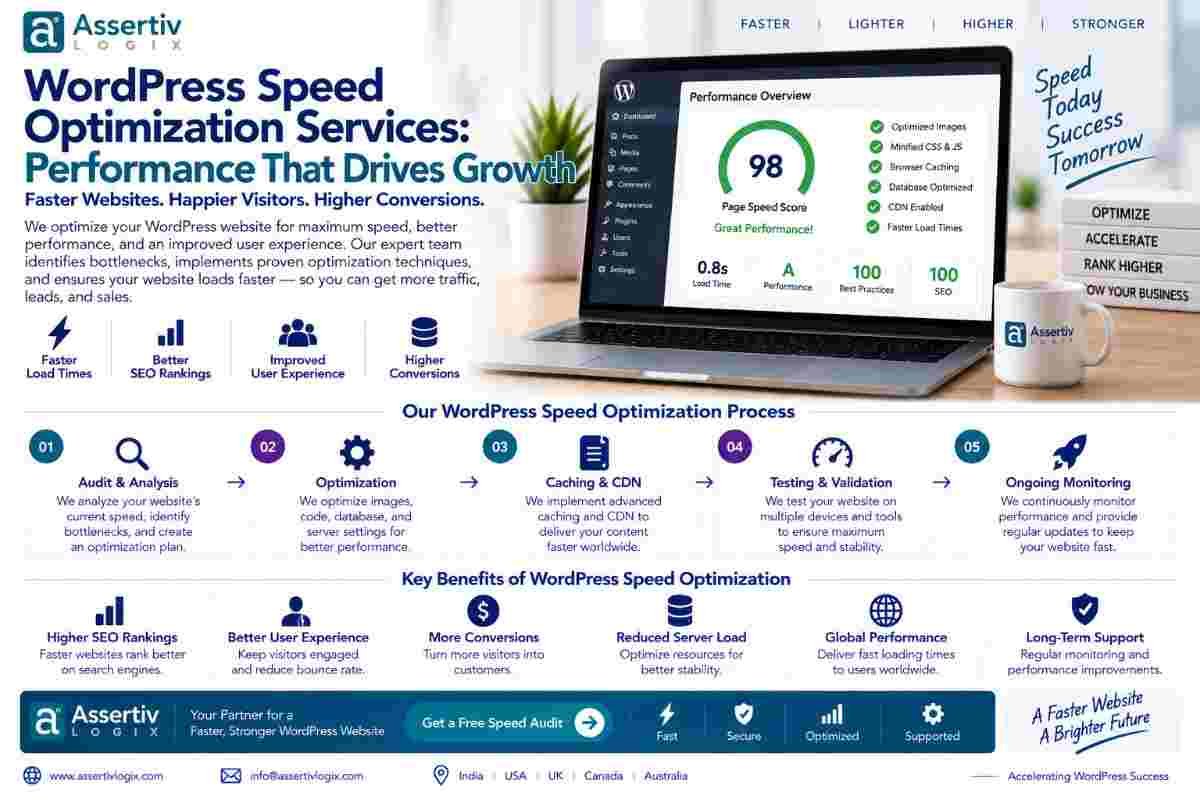
Our WordPress Speed Optimization Process
A professional wordpress speed optimization service should follow a systematic process rather than making random performance changes.
Step 1: Performance Audit
The first step is to establish a performance baseline.
We review the website using performance testing tools and technical analysis to identify major bottlenecks.
Useful testing tools include:
- Google PageSpeed Insights
- Chrome DevTools
- Google Search Console
- WebPageTest
- GTmetrix
Google PageSpeed Insights can be used to analyze the performance of individual web pages.
Step 2: Identify Performance Bottlenecks
After testing, the next step is determining what is actually causing the slow performance.
We may analyze:
- Server response time
- Largest Contentful Paint
- JavaScript execution
- Render-blocking resources
- Image sizes
- CSS files
- Database queries
- Plugin behavior
- Third-party requests
- Font loading
Step 3: Optimize Images
Images should be optimized without unnecessarily reducing visual quality.
Image optimization can include:
- Resizing oversized images
- Compressing images
- Using WebP or AVIF where appropriate
- Lazy loading non-critical images
- Preloading important images when appropriate
- Removing unnecessary image assets
Step 4: Optimize CSS
CSS optimization may include removing unnecessary styles, reducing stylesheet size, optimizing critical rendering paths, and preventing non-essential styles from delaying important content.
Step 5: Optimize JavaScript
JavaScript optimization is especially important for improving interaction responsiveness.
Depending on the website, optimization may include:
- Deferring non-critical JavaScript
- Reducing unused JavaScript
- Delaying third-party scripts
- Minifying files
- Reducing unnecessary plugin assets
- Optimizing frontend interactions
Step 6: Configure Caching
Caching allows frequently requested resources or generated pages to be served more efficiently.
Depending on the hosting environment, optimization may involve:
- Page caching
- Browser caching
- Object caching
- CDN caching
- Server-level caching
Step 7: Optimize the WordPress Database
Database optimization focuses on unnecessary or inefficient data and queries.
Potential areas include:
- Post revisions
- Transients
- Unused metadata
- Database tables
- Autoloaded options
- Slow queries
Database optimization should be performed carefully and backed up before making structural or data-level changes.
Step 8: Review Plugins and Themes
Plugins and themes should be evaluated based on their impact on performance and functionality.
Instead of simply removing plugins, developers should determine whether the functionality is actually required and whether it can be implemented more efficiently.
Step 9: Optimize Fonts
Fonts can affect rendering performance when multiple font files, weights, and external font requests are loaded unnecessarily.
Font optimization may include reducing font variants, using appropriate formats, improving loading behavior, and hosting fonts efficiently when appropriate.
Step 10: Optimize Third-Party Scripts
Third-party resources can include analytics, advertising, chat, social media, maps, video players, and marketing tools.
We review whether these scripts are essential and determine whether they can be delayed, loaded conditionally, or otherwise optimized.
Step 11: Optimize the Server
Server-side performance can have a significant impact on WordPress websites.
Depending on the hosting environment, optimization may involve PHP configuration, database performance, caching, compression, CDN configuration, server resources, and response times.
Step 12: Retest and Monitor
After optimization, the website should be tested again.
The goal is not simply to improve one laboratory score. The website should provide a better overall experience across important pages and devices.
WordPress Speed Optimization for Mobile Websites
Mobile visitors often experience different performance conditions than desktop users.
Mobile optimization should therefore consider:
- Responsive images
- Mobile-specific JavaScript
- Font loading
- Touch interactions
- Network conditions
- Mobile layout stability
- Server response time
A website that performs well on a high-speed desktop connection may still provide a poor experience on mobile devices.
WordPress Speed Optimization for WooCommerce
WooCommerce websites can be more complex than standard WordPress websites because they may contain product catalogs, filters, carts, checkout functionality, customer accounts, payment gateways, inventory systems, and dynamic pages.
wordpress speed optimization services for WooCommerce may focus on:
- Product page performance
- Category page optimization
- Database queries
- Cart performance
- Checkout performance
- Plugin optimization
- Image optimization
- Caching strategy
- Server resources
- Third-party integrations
WooCommerce’s official documentation provides technical resources for store owners and developers.
How to Measure WordPress Website Speed
Website performance should be measured before and after optimization.
Useful performance indicators include:
| Performance Area | What to Review |
|---|---|
| Loading | How quickly important page content becomes visible |
| Responsiveness | How quickly the page responds to user interactions |
| Visual Stability | Whether page elements unexpectedly move while loading |
| Server Performance | Time required for the server to respond |
| Page Weight | Total size of assets loaded by the page |
| Requests | Number of network resources requested by the page |
Performance testing should be performed consistently so that improvements can be compared against a reliable baseline.
WordPress Performance Optimization Checklist
| Optimization Area | Recommended Action |
|---|---|
| Hosting | Review server resources and response time |
| Images | Resize, compress, and serve appropriate formats |
| CSS | Remove unnecessary CSS and optimize delivery |
| JavaScript | Reduce unused scripts and defer non-critical resources |
| Caching | Configure page, browser, object, and CDN caching where appropriate |
| Database | Review unnecessary data and slow queries |
| Plugins | Remove unnecessary plugins and investigate inefficient functionality |
| Fonts | Reduce unnecessary font files and improve loading behavior |
| Third-Party Scripts | Delay or conditionally load non-essential resources |
| Core Web Vitals | Review LCP, INP, and CLS |
| Monitoring | Continue measuring performance after optimization |
Common WordPress Speed Optimization Mistakes
Using Too Many Optimization Plugins
Installing multiple caching, minification, image, and optimization plugins without understanding how they interact can create conflicts.
Optimizing Only the Homepage
A homepage may perform well while product pages, blog posts, landing pages, or checkout pages remain slow.
Ignoring Hosting
Frontend optimization cannot always compensate for an underpowered or poorly configured server.
Removing Functionality Just to Improve a Score
Performance optimization should balance speed with business requirements. Removing useful functionality simply to increase a laboratory score may not be the right solution.
Ignoring Mobile Performance
Desktop performance does not automatically mean the website performs well on mobile.
Focusing Only on a Single Score
Performance tools are useful diagnostic resources, but real-world performance should be evaluated across important templates, devices, and user journeys.
Benefits of Professional WordPress Speed Optimization Services
Better User Experience
Faster and more responsive pages make it easier for visitors to browse and interact with your website.
Improved Conversion Opportunities
When users can reach content, forms, product pages, and checkout experiences efficiently, there are fewer performance-related barriers to conversion.
Better Core Web Vitals
Technical optimization can help address problems associated with LCP, INP, and CLS.
Improved Mobile Experience
A performance-focused implementation can make websites more usable on mobile devices and slower connections.
Better Technical Foundation
Performance optimization can also improve the underlying efficiency of WordPress, plugins, themes, databases, and server configuration.
How Much Do WordPress Speed Optimization Services Cost?
The cost of wordpress speed optimization services depends on the website’s complexity and the number of performance problems that need to be addressed.
Pricing can be influenced by:
- Website size
- Number of templates
- Number of plugins
- Theme complexity
- WooCommerce functionality
- Database size
- Hosting environment
- Third-party integrations
- Core Web Vitals issues
- Custom development requirements
- Required monitoring and support
A simple business website may require a smaller optimization project, while a large WooCommerce or enterprise WordPress website may require deeper backend and frontend performance work.
Why Choose Assertivlogix for WordPress Speed Optimization?
At Assertivlogix, we provide wordpress speed optimization services designed around the actual technical requirements of each website.
Our optimization approach can include:
- WordPress performance audits
- Core Web Vitals analysis
- Page speed optimization
- Image optimization
- CSS and JavaScript optimization
- Plugin optimization
- Database optimization
- Caching configuration
- CDN implementation
- Server-side performance improvements
- WooCommerce performance optimization
- Third-party script optimization
We focus on identifying the underlying performance bottlenecks instead of applying the same optimization checklist to every WordPress website.
If your website is slow, has poor Core Web Vitals, takes too long to load on mobile, or has performance problems after adding plugins and functionality, a technical performance audit can help identify the right solutions.
Explore our WordPress development services or contact Assertivlogix to discuss your website performance requirements.
Improve loading speed, Core Web Vitals, mobile performance, and WordPress responsiveness with professional performance optimization.
Frequently Asked Questions
What are WordPress speed optimization services?
WordPress speed optimization services focus on identifying and fixing technical issues that make a WordPress website slow. They can include image optimization, caching, CSS and JavaScript optimization, database optimization, plugin review, server optimization, and Core Web Vitals improvements.
How can I improve my WordPress website speed?
You can improve WordPress website speed by optimizing images, reducing unnecessary plugins and scripts, improving caching, optimizing CSS and JavaScript, reviewing hosting performance, optimizing the database, and addressing Core Web Vitals issues.
Why is my WordPress website slow?
A WordPress website can be slow because of poor hosting, large images, inefficient plugins, excessive JavaScript, unoptimized CSS, database issues, third-party scripts, poor caching, or inefficient themes and custom code.
Do WordPress speed optimization services improve Core Web Vitals?
Professional optimization can address technical issues affecting Core Web Vitals such as slow content loading, excessive JavaScript work, and layout instability. Actual results depend on the website and its implementation.
Can WordPress speed optimization improve SEO?
Performance is one part of the broader search experience. Improving technical performance can contribute to a better user experience, but SEO results depend on many other factors including content, relevance, authority, technical SEO, and site architecture.
Can you optimize a WooCommerce website?
Yes. WooCommerce performance optimization can include product pages, database queries, cart and checkout functionality, images, plugins, caching strategy, server resources, and third-party integrations.
How long does WordPress speed optimization take?
The timeline depends on website size, performance issues, theme and plugin complexity, hosting configuration, database size, and the depth of optimization required.
Will speed optimization break my WordPress website?
Performance changes should be tested carefully because aggressive optimization can sometimes affect website functionality. A professional process should include backups, staged testing, and verification after changes.
Do I need a new hosting provider to make WordPress faster?
Not always. Many websites can achieve significant improvements through frontend, database, caching, plugin, and configuration optimization. However, if server resources or infrastructure are the primary bottleneck, changing hosting may be appropriate.
How do I measure WordPress website performance?
You can use tools such as Google PageSpeed Insights, Chrome DevTools, WebPageTest, GTmetrix, and Google Search Console to evaluate different aspects of website performance.
Final Thoughts
wordpress speed optimization services can help businesses build faster, more responsive, and technically efficient WordPress websites.
Effective wordpress speed optimization is not about installing as many optimization plugins as possible. It is about identifying the actual bottlenecks and improving the areas that have the greatest impact on real-world performance.
From images and caching to JavaScript, CSS, databases, hosting, third-party scripts, and Core Web Vitals, every layer of a WordPress website can contribute to performance.
Whether you operate a small business website, content platform, WooCommerce store, SaaS website, or enterprise WordPress installation, professional wordpress speed optimization services can provide a structured way to identify performance problems and implement sustainable improvements.
If your website is slow or struggling with Core Web Vitals, the best first step is to perform a detailed performance audit and understand exactly what is causing the bottleneck.