Most WooCommerce store owners write a product title and description once and never revisit them. But what if a single word change in your product title increased conversions by 15%? A/B testing lets you find out — and the AI eCommerce Growth Suite PRO makes it accessible to any WooCommerce store without needing a developer or a separate testing platform.
What Is A/B Testing for Product Pages?
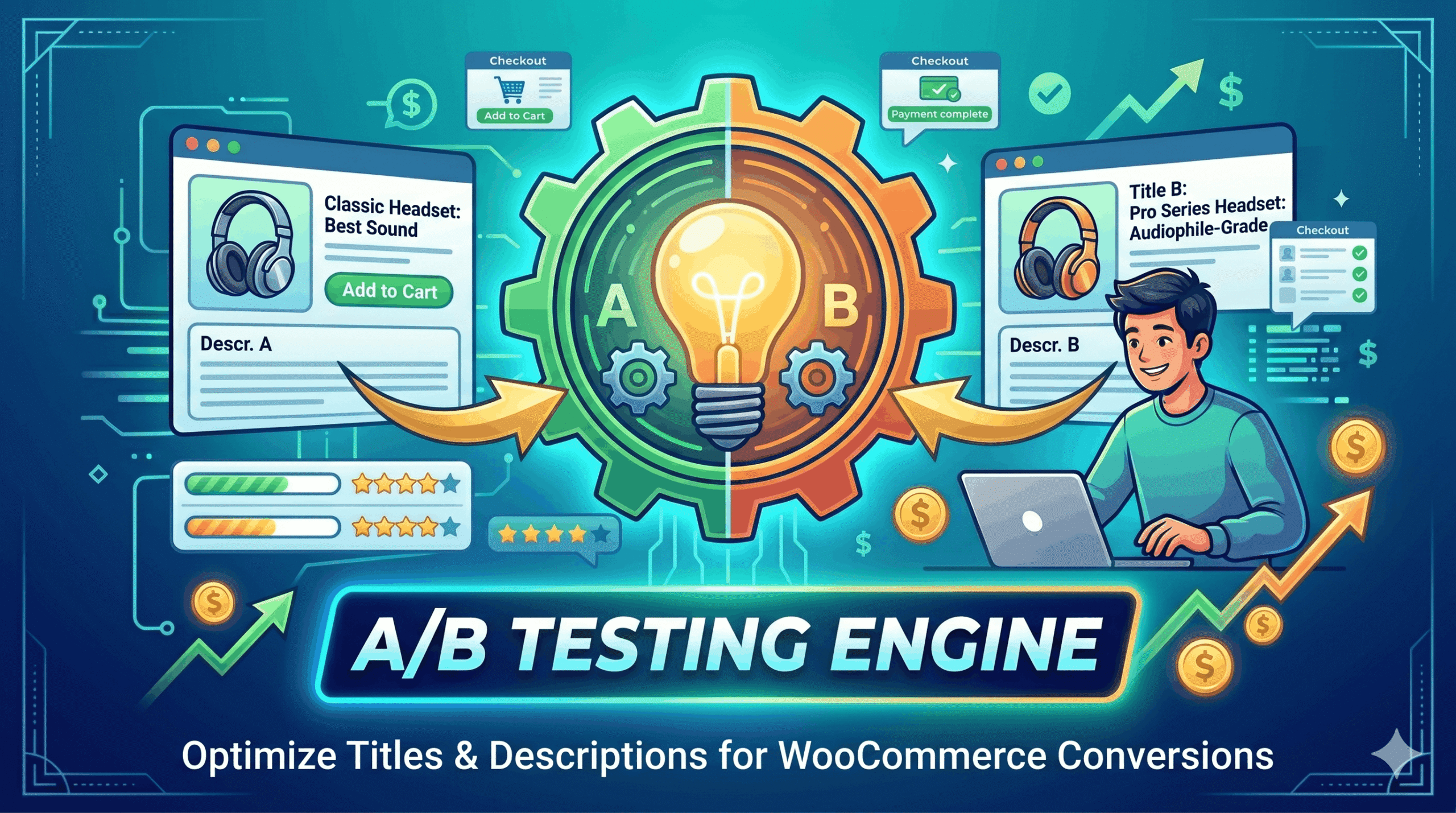
A/B testing (also called split testing) means showing two different versions of a page element to different visitors and measuring which version performs better. For WooCommerce products, you can test different product titles, product descriptions, or both simultaneously. Version A is typically your current copy and Version B is the challenger — a reworded title, a benefit-led description, or a different tone.
Why A/B Test Your WooCommerce Product Copy?
- A product title that emphasizes benefits can outperform a feature-focused title by 20–30%.
- Description length and structure significantly affect time on page and add-to-cart rates.
- Small copy changes can have a large compounding effect on monthly revenue.
- It removes guesswork and replaces it with real customer data.
- It is cheaper and faster than redesigning your entire store.
How to Set Up an A/B Test in AI eCommerce Growth Suite
- Ensure you have an active PRO license.
- Navigate to A/B Testing in your dashboard.
- Click Create Test and select the product you want to test.
- Choose the test type: product title, product description, or both.
- Enter Variant A (your current copy) and Variant B (your new copy).
- Set the traffic split — for example, 50/50 between variants.
- Launch the test and let it run until you have statistically significant data.
- View the report to see which variant converts better, then apply the winner.
How to Write a Strong Variant B
- Lead with the biggest customer benefit, not the product feature.
- Use your target keyword naturally in the first sentence.
- Try a shorter, punchier title if your current one is long.
- Test an emotional hook against a factual, specification-based description.
- Try different CTAs: ‘Add to Cart’ vs ‘Get Yours Today’ in the description body.
AI eCommerce Growth Suite
Frequently Asked Questions
How long should I run an A/B test?
Can I test more than two variants at once?
Does A/B testing affect my SEO?
Is A/B testing available in the free version?