Introduction
When website owners think about WordPress optimization, they usually focus on page speed, caching, image compression, SEO, security, and hosting performance. While all of these areas are important, there is one hidden issue that often goes unnoticed for years: duplicate images.
Duplicate images quietly accumulate in WordPress media libraries as websites grow. Every blog update, product refresh, landing page redesign, marketing campaign, and content revision can create additional copies of existing files. Most website owners don’t notice these duplicates because they are buried among thousands of media files.
At first, duplicate images may seem harmless. Storage is inexpensive, and a few extra files don’t appear to cause immediate problems. However, as websites continue growing, duplicate media files can consume significant server space, increase backup sizes, complicate migrations, and make media management difficult.
Fortunately, WordPress administrators can identify and manage duplicate images before they become a major problem. Tools such as Assertivlogix Duplicate and Unused Media Cleaner help website owners detect duplicate media files and maintain a cleaner media library.
In this comprehensive guide, we’ll explore why duplicate images occur, how they impact WordPress websites, and what steps you can take to eliminate unnecessary storage waste.
What Are Duplicate Images in WordPress?
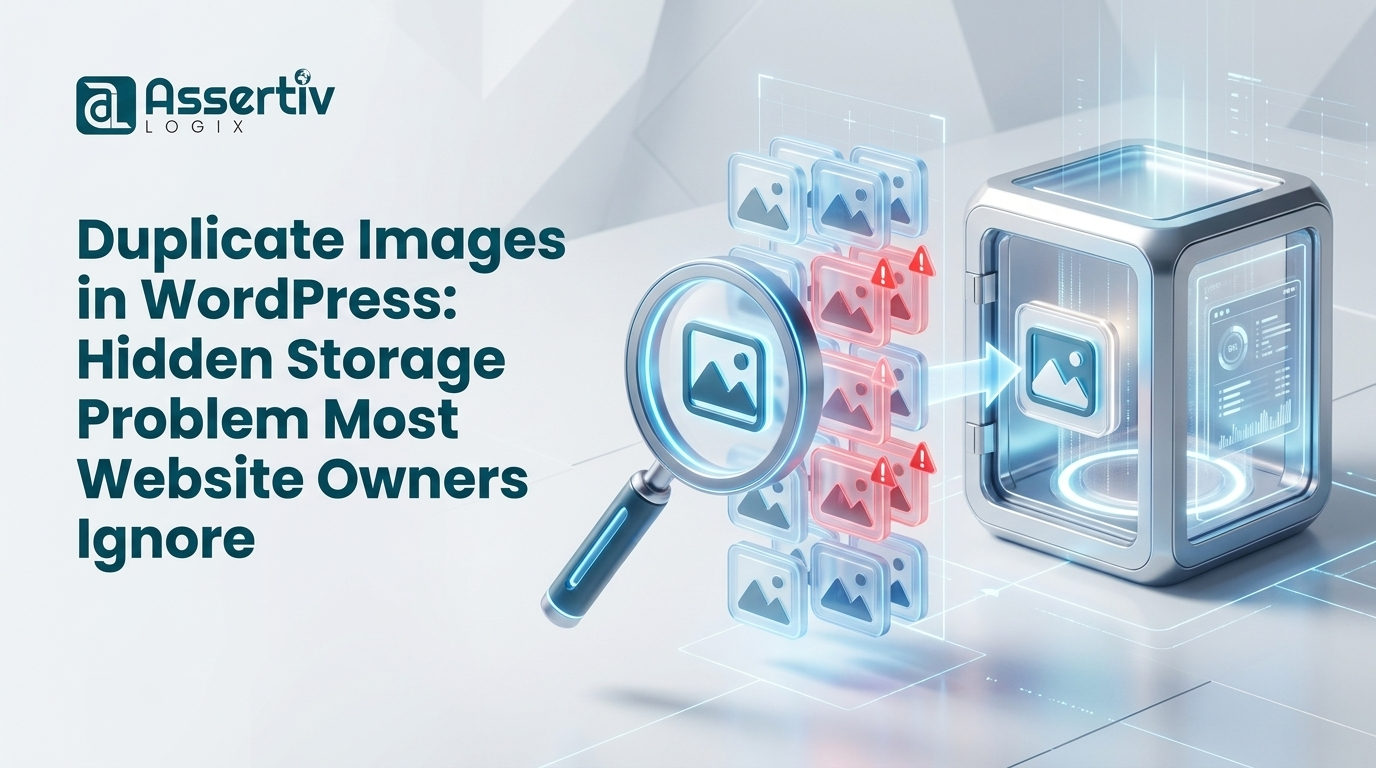
Duplicate images are multiple copies of the same image stored within your WordPress installation. These duplicates may have different filenames while containing identical or nearly identical visual content.
For example:
- logo.png
- logo-new.png
- logo-final.png
- logo-final-v2.png
- company-logo-latest.png
Although these files may represent the same image, WordPress treats them as separate uploads. Each file occupies storage space and contributes to media library clutter.
Over time, these duplicate files can accumulate into hundreds or even thousands of unnecessary uploads.
Why Duplicate Images Are More Common Than You Think
Many website owners assume duplicate images are rare. In reality, they are one of the most common causes of media library bloat.
Multiple Team Members Uploading Files
In organizations with multiple content creators, different users frequently upload the same image without checking whether it already exists.
For example, a marketing banner may be uploaded separately by a content manager, graphic designer, and marketing specialist.
Website Redesign Projects
During redesigns, teams often upload updated versions of graphics, logos, icons, and banners while retaining previous versions.
The older files remain stored indefinitely.
WooCommerce Product Updates
Online stores regularly replace product photos, seasonal graphics, and promotional materials.
Old versions often remain in the media library long after they stop being used.
Page Builder Experiments
Website builders such as Elementor, Gutenberg, Divi, and WPBakery encourage rapid design experimentation.
Users frequently upload multiple versions of images during testing.
Content Revisions
Blog posts and landing pages are continuously updated. New images are added while previous versions remain stored.
The Hidden Cost of Duplicate Images
Duplicate images create costs that are often overlooked.
Storage Consumption
Every duplicate image consumes disk space.
A single duplicate image may only occupy a few hundred kilobytes or megabytes. However, hundreds or thousands of duplicates can consume gigabytes of storage.
This becomes especially problematic for:
- WooCommerce stores
- Photography websites
- Membership sites
- Educational platforms
- Media-heavy blogs
Higher Hosting Expenses
Many hosting plans impose storage limits.
Duplicate files can push websites toward expensive storage upgrades long before they are truly necessary.
Removing duplicates often delays or eliminates the need for higher-tier hosting plans.
Larger Backups
Every duplicate image is included in website backups.
This leads to:
- Larger backup files
- Longer backup creation times
- Increased cloud storage costs
- Slower backup restoration processes
Website owners using automated backup solutions frequently discover that media files represent the largest portion of their backups.
How Duplicate Images Affect Website Maintenance
Storage is not the only concern.
Duplicate images can significantly impact ongoing website maintenance.
Difficult Asset Management
Finding the correct image becomes harder when multiple versions exist.
Content creators may accidentally use outdated files simply because the media library contains numerous duplicates.
Reduced Team Productivity
Employees spend more time searching for assets and less time producing content.
This inefficiency becomes costly for larger organizations.
Confusing Media Libraries
Large media libraries quickly become overwhelming.
Duplicate files make organization significantly more difficult.
Duplicate Images and WooCommerce Stores
WooCommerce stores are particularly vulnerable to duplicate media issues.
Store owners frequently upload:
- Product images
- Gallery photos
- Category banners
- Seasonal graphics
- Marketing creatives
As products evolve, old images remain stored.
A store with thousands of products can accumulate tens of thousands of media files over time.
This is one reason many WooCommerce administrators rely on tools like Assertivlogix Duplicate and Unused Media Cleaner to help identify duplicate media assets.
Signs Your Website Has a Duplicate Image Problem
Here are some warning signs:
- Your hosting storage usage continues increasing.
- Your media library contains thousands of files.
- Backups are becoming larger each month.
- You frequently struggle to locate images.
- Your website has undergone multiple redesigns.
- Several team members upload media.
- You manage a large WooCommerce catalog.
If several of these signs apply to your website, duplicate images may be consuming more resources than you realize.
How Duplicate Images Impact Website Migrations
Website migrations become more complicated as media libraries grow.
Every duplicate image increases:
- Migration file size
- Transfer duration
- Storage requirements
- Risk of migration failure
Removing duplicate images before migration can significantly simplify the process.
Why Manual Duplicate Detection Is Difficult
Many website owners attempt to locate duplicate images manually.
This quickly becomes impractical.
A typical WordPress website may contain:
- 5,000 media files
- 10,000 media files
- 20,000 media files
- 50,000+ media files
Manually reviewing thousands of images is time-consuming and prone to error.
This is why dedicated media management tools are often necessary.
Using Assertivlogix Duplicate and Unused Media Cleaner
The Assertivlogix Duplicate and Unused Media Cleaner plugin was created to help WordPress administrators identify duplicate and unused media files more efficiently.
Benefits include:
- Duplicate media detection
- Unused file identification
- Cleaner media organization
- Storage optimization
- Simplified website maintenance
Regular scans help ensure media libraries remain manageable as websites grow.
Best Practices to Prevent Duplicate Images
Establish Upload Guidelines
Create internal procedures for uploading media.
Encourage team members to search the media library before uploading new files.
Use Consistent Naming Conventions
Consistent filenames reduce duplicate uploads.
Examples:
- company-logo.png
- summer-sale-banner.jpg
- product-123-front.jpg
Conduct Regular Media Audits
Schedule quarterly reviews of your media library.
Routine audits help identify duplicate assets before they accumulate.
Train Content Teams
Many duplicates occur because users don’t realize files already exist.
Training can significantly reduce duplication.
Media Cleanup as Part of Website Maintenance
Media management should be part of every WordPress maintenance plan.
Tasks should include:
- Backup verification
- Plugin updates
- Security reviews
- Performance optimization
- Media library cleanup
Using tools such as Assertivlogix Duplicate and Unused Media Cleaner can simplify this process.
Frequently Asked Questions
Do duplicate images slow down WordPress?
Duplicate images don’t directly slow page rendering, but they increase storage consumption, backup sizes, and maintenance complexity.
How common are duplicate images?
Very common. Most websites accumulate duplicates through normal content creation and updates.
How often should media libraries be audited?
Quarterly audits are recommended for most websites. WooCommerce stores may benefit from monthly reviews.
Can duplicate images increase hosting costs?
Yes. Duplicate files consume storage and may require more expensive hosting plans.
What is the easiest way to find duplicate media files?
Using a dedicated solution such as Assertivlogix Duplicate and Unused Media Cleaner can help streamline identification and cleanup.
Conclusion
Duplicate images represent one of the most overlooked forms of WordPress waste. While a few duplicate files may seem insignificant, years of uploads, redesigns, product updates, and content revisions can create thousands of unnecessary media assets.
These duplicates increase storage usage, inflate backup sizes, complicate migrations, and make media management more difficult.
By implementing media management best practices and regularly reviewing your media library, you can maintain a cleaner, more efficient WordPress website.
For website owners looking to simplify media cleanup, the Assertivlogix Duplicate and Unused Media Cleaner plugin provides a practical solution for identifying duplicate and unused media files while helping keep WordPress installations organized and optimized.