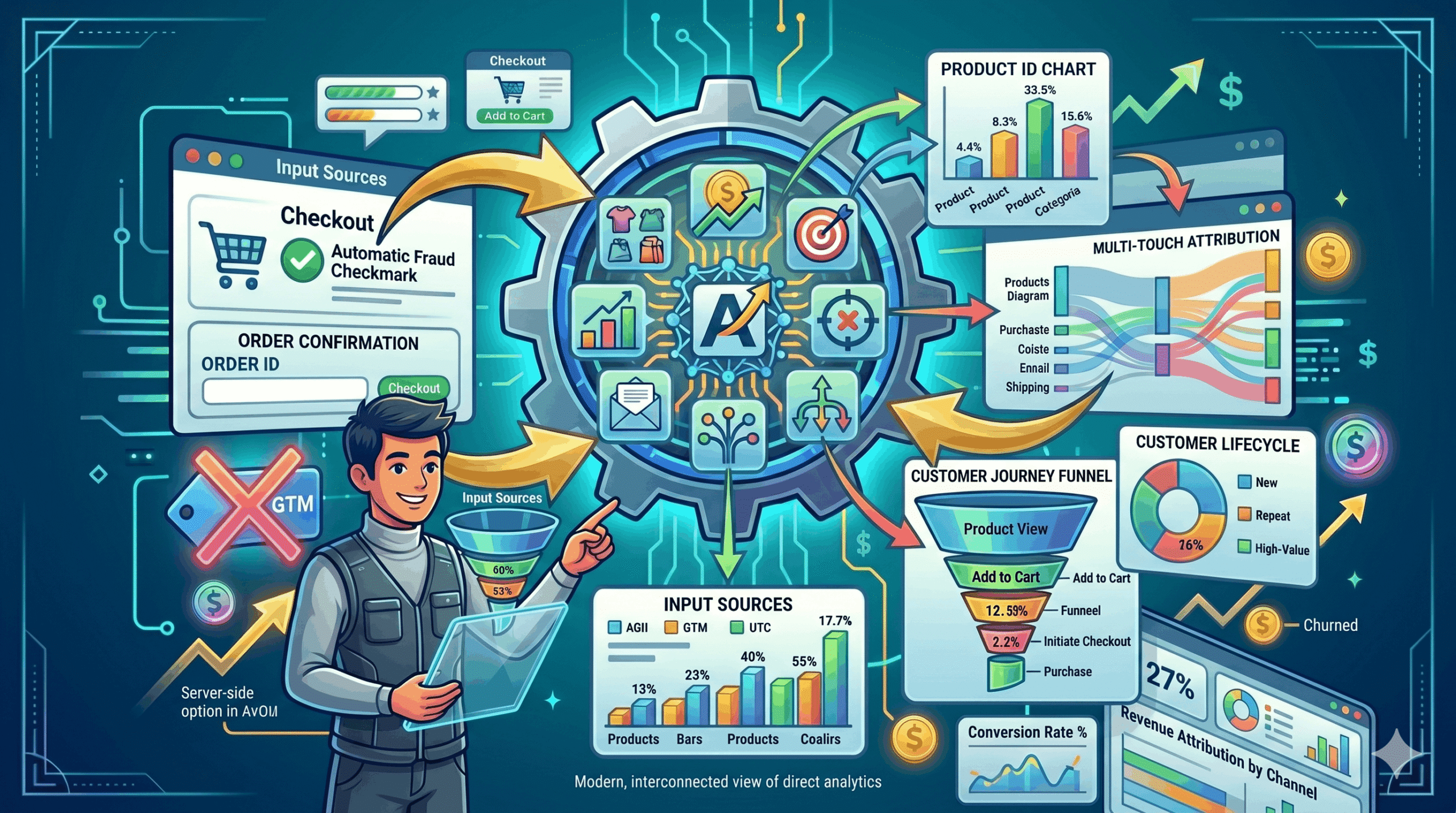
Most WooCommerce analytics tools require complex Google Tag Manager setups, developer resources, or expensive third-party platforms. The result? Most store owners fly blind, making decisions based on gut feeling rather than data. The AI eCommerce Growth Suite PRO solves this with a built-in analytics dashboard that tracks revenue, conversions, and attribution out of the box — no snippets, no tags, no developer required.
What the Analytics Dashboard Tracks
- Product page views — which products are getting attention
- Add-to-cart actions — which products are being considered
- Purchases and order totals — which products are actually converting
- Contribution of AI features to revenue (product descriptions, upsells, pricing rules)
- Email flow performance and revenue attribution
- Conversion funnel from view to purchase
Why Attribution Matters More Than Total Revenue
Knowing your total revenue is useful, but knowing which features and interventions are driving that revenue is transformational. The AI eCommerce Growth Suite’s analytics dashboard shows you how much revenue can be attributed to AI-generated descriptions, upsell recommendations, dynamic pricing rules, and email flows separately. This helps you double down on what works and improve what does not.
The Conversion Funnel: From View to Purchase
The dashboard visualizes your full conversion funnel: how many customers viewed a product, how many added it to their cart, and how many completed a purchase. Identifying where customers drop off in this funnel reveals exactly where to focus optimization efforts — whether that is product copy, pricing, or the checkout experience.
No Extra Setup Required
Unlike Google Analytics 4 or Facebook Pixel, which require custom event configuration, the AI eCommerce Growth Suite captures all tracking data natively through WooCommerce. There are no external snippets to add, no data layer configuration, and no developer time needed. Activate your PRO license and the analytics dashboard is ready to use immediately.
AI eCommerce Growth Suite
Frequently Asked Questions
Does the analytics feature comply with GDPR?
Can I export analytics data?
How far back does analytics data go?
Is the analytics dashboard available in the free version?