Introduction
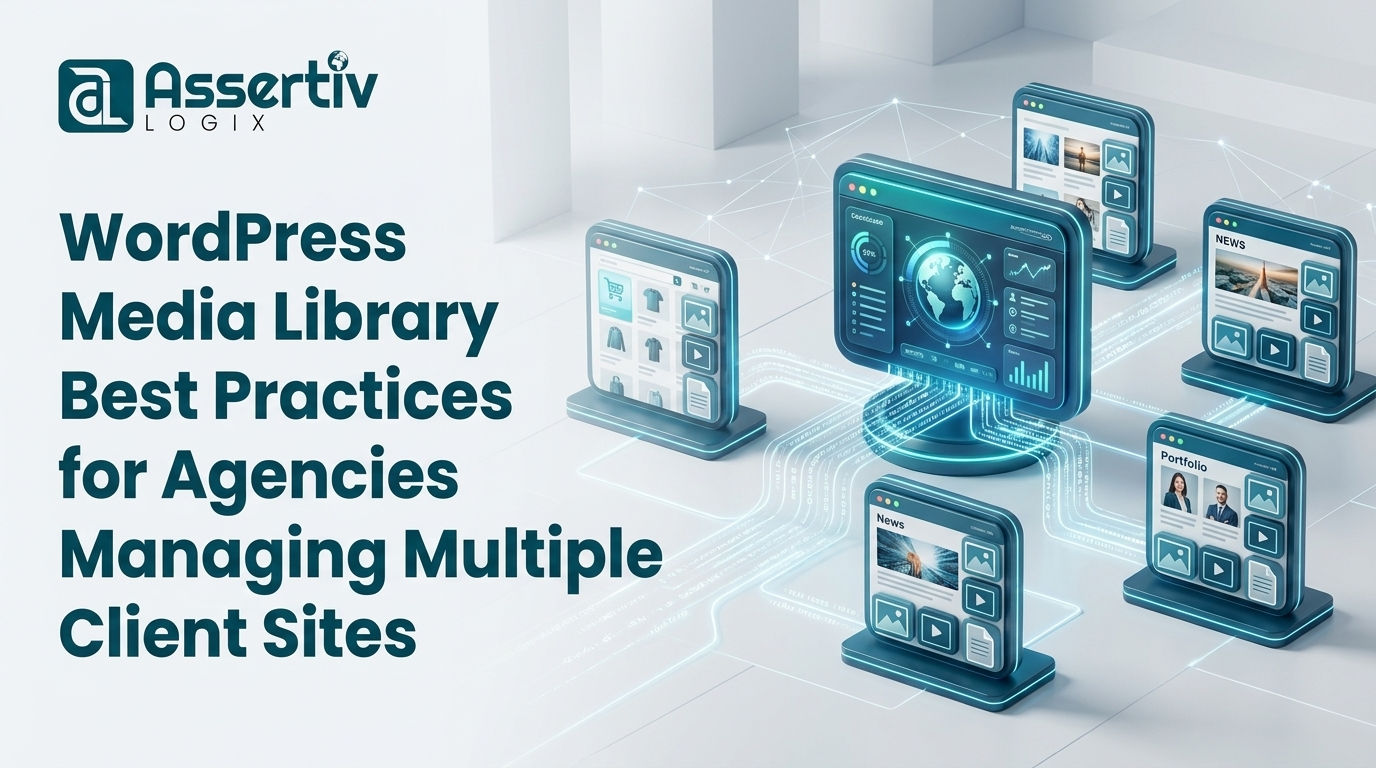
Managing a single WordPress website can be challenging enough, but digital agencies often oversee dozens or even hundreds of WordPress installations. From corporate websites and WooCommerce stores to membership platforms and content-driven blogs, each client website generates a constant stream of media uploads.
Images, PDFs, banners, videos, product photos, downloadable documents, marketing creatives, and branding assets are uploaded regularly. Over time, these media files accumulate rapidly, creating one of the most overlooked challenges agencies face: media library management.
Without proper processes in place, WordPress media libraries become cluttered with duplicate images, outdated assets, unused files, and unnecessary uploads. This clutter affects website maintenance, hosting costs, backup performance, migration speed, and overall operational efficiency.
For agencies managing multiple websites, media organization is not simply a housekeeping task—it is an essential component of website performance and long-term maintenance.
In this guide, we’ll explore WordPress media library best practices specifically designed for agencies and development teams. We’ll also discuss how tools such as Assertivlogix Duplicate and Unused Media Cleaner can help agencies streamline media management across multiple client websites.
Why Media Management Matters for Agencies
Many agencies focus heavily on SEO, security, website performance, and conversion optimization. While these areas are important, media management often receives far less attention.
Unfortunately, poor media organization creates hidden operational costs.
Storage Consumption
Every uploaded image occupies storage space.
Across dozens of client websites, duplicate and unused files can consume hundreds of gigabytes of hosting resources.
Backup Complexity
Media libraries typically account for the largest portion of website backups.
Larger backups mean:
- Longer backup times
- Higher storage costs
- Increased bandwidth usage
- Slower recovery processes
Maintenance Challenges
Media clutter makes content updates and website maintenance significantly more difficult.
Common Media Management Problems Agencies Face
Duplicate Image Uploads
One of the most common issues agencies encounter is duplicate media.
Clients often upload identical images multiple times because they cannot find existing files.
Examples include:
- Company logos
- Team photos
- Product images
- Marketing banners
- Brand graphics
Over time, duplicate files consume unnecessary storage and clutter the media library.
Unused Media Files
When websites undergo redesigns or content revisions, old assets frequently remain in the uploads directory.
Examples:
- Deleted blog images
- Removed product photos
- Outdated promotional banners
- Old landing page graphics
- Expired marketing materials
These files continue occupying storage despite no longer serving any purpose.
Poor Naming Conventions
Many clients upload files with names such as:
- image1.jpg
- banner-final.jpg
- new-banner-final-v2.jpg
- logo-new-new.png
These naming inconsistencies make file management difficult.
Best Practice #1: Establish Standard Media Naming Conventions
One of the simplest ways to improve media management is by creating consistent naming standards.
Examples:
- company-logo-primary.png
- summer-sale-banner-2026.jpg
- product-123-front-view.jpg
- team-member-john-doe.jpg
Benefits include:
- Easier searching
- Reduced duplication
- Improved organization
- Faster content creation
Best Practice #2: Train Clients on Media Library Usage
Many duplicate uploads occur because users are unaware that a file already exists.
Agencies should educate clients on:
- Searching media before uploading
- Using categories and folders when available
- Following naming standards
- Removing obsolete assets
Even basic training can dramatically reduce media clutter.
Best Practice #3: Perform Regular Media Audits
Media libraries should be reviewed regularly.
Recommended schedule:
| Website Type | Audit Frequency |
|---|---|
| Small Business Website | Quarterly |
| Corporate Website | Quarterly |
| WooCommerce Store | Monthly |
| Content Publisher | Monthly |
| Membership Site | Monthly |
Regular audits help identify duplicate and unused media before they become unmanageable.
Best Practice #4: Remove Duplicate Media Files
Duplicate files create unnecessary storage waste.
Agencies should regularly identify:
- Duplicate images
- Duplicate PDFs
- Repeated downloads
- Multiple logo versions
Tools like Assertivlogix Duplicate and Unused Media Cleaner can assist with identifying duplicate media across WordPress installations.
Best Practice #5: Identify and Remove Unused Media
Unused media is one of the largest contributors to storage waste.
Common sources include:
- Deleted pages
- Removed products
- Expired campaigns
- Old landing pages
- Redesign leftovers
Agencies should establish workflows to review and remove obsolete assets periodically.
Best Practice #6: Include Media Cleanup in Maintenance Plans
Most agencies offer maintenance packages that include:
- Plugin updates
- Theme updates
- Backups
- Security monitoring
- Performance optimization
Media cleanup should be included as well.
Regular cleanup helps prevent long-term media bloat.
Many agencies now use Assertivlogix Duplicate and Unused Media Cleaner as part of their ongoing maintenance workflows.
Best Practice #7: Optimize Backup Efficiency
Media libraries often represent 80%–95% of total backup size.
Reducing unnecessary media provides several benefits:
- Smaller backup archives
- Faster backup creation
- Lower storage costs
- Faster recovery times
For agencies managing multiple websites, these savings can be substantial.
Best Practice #8: Prepare Media Libraries Before Migrations
Before migrating a client website, agencies should perform a media audit.
This process should include:
- Removing duplicate files
- Removing unused files
- Compressing oversized images
- Verifying active assets
Migration performance improves significantly when unnecessary files are removed beforehand.
Best Practice #9: Monitor Storage Growth
Storage consumption should be monitored regularly.
Agencies should track:
- Total media library size
- Monthly growth rates
- Storage usage trends
- Backup archive sizes
Monitoring helps identify potential issues before hosting upgrades become necessary.
Best Practice #10: Standardize Agency Workflows
Agencies managing multiple websites should create standardized media management procedures.
Examples include:
- Monthly audits
- Quarterly cleanup reviews
- Client training programs
- Upload guidelines
- Media naming standards
Standardization improves consistency across all managed websites.
How Assertivlogix Duplicate and Unused Media Cleaner Supports Agencies
The Assertivlogix Duplicate and Unused Media Cleaner plugin provides agencies with a practical solution for identifying duplicate and unused media files.
Benefits include:
- Duplicate image detection
- Unused media identification
- Improved storage management
- Cleaner media libraries
- Simplified maintenance processes
For agencies managing dozens of websites, these efficiencies can save significant time.
Building a Scalable Media Management Strategy
As agencies grow, manual media management becomes increasingly difficult.
A scalable strategy should include:
- Standard operating procedures
- Regular media audits
- Client education
- Storage monitoring
- Automated media analysis tools
This approach ensures long-term sustainability.
Frequently Asked Questions
Why do agencies struggle with media management?
Managing multiple websites creates large volumes of media assets that become difficult to organize without standardized processes.
How often should agencies audit media libraries?
Most agencies should perform quarterly audits, while WooCommerce and content-heavy sites may require monthly reviews.
Do duplicate images affect hosting costs?
Yes. Duplicate images consume storage space and contribute to larger backups.
Why is media cleanup important for maintenance plans?
Regular cleanup reduces storage waste, simplifies maintenance, and improves backup efficiency.
Which plugin helps identify duplicate and unused media?
Assertivlogix Duplicate and Unused Media Cleaner helps agencies identify duplicate and unused media files within WordPress websites.
Conclusion
For agencies managing multiple WordPress websites, media library organization is far more important than many realize. Duplicate uploads, unused files, poor naming conventions, and inconsistent workflows create unnecessary storage consumption and increase maintenance complexity.
By implementing clear media management practices, conducting regular audits, and educating clients, agencies can maintain cleaner and more efficient WordPress installations.
Including media cleanup as part of ongoing maintenance plans ensures websites remain organized, backups remain manageable, and hosting resources are used efficiently.
Tools such as Assertivlogix Duplicate and Unused Media Cleaner can further simplify the process by helping agencies identify duplicate and unused media assets before they become a problem.
A well-managed media library leads to better organization, lower hosting costs, improved maintenance efficiency, and happier clients.