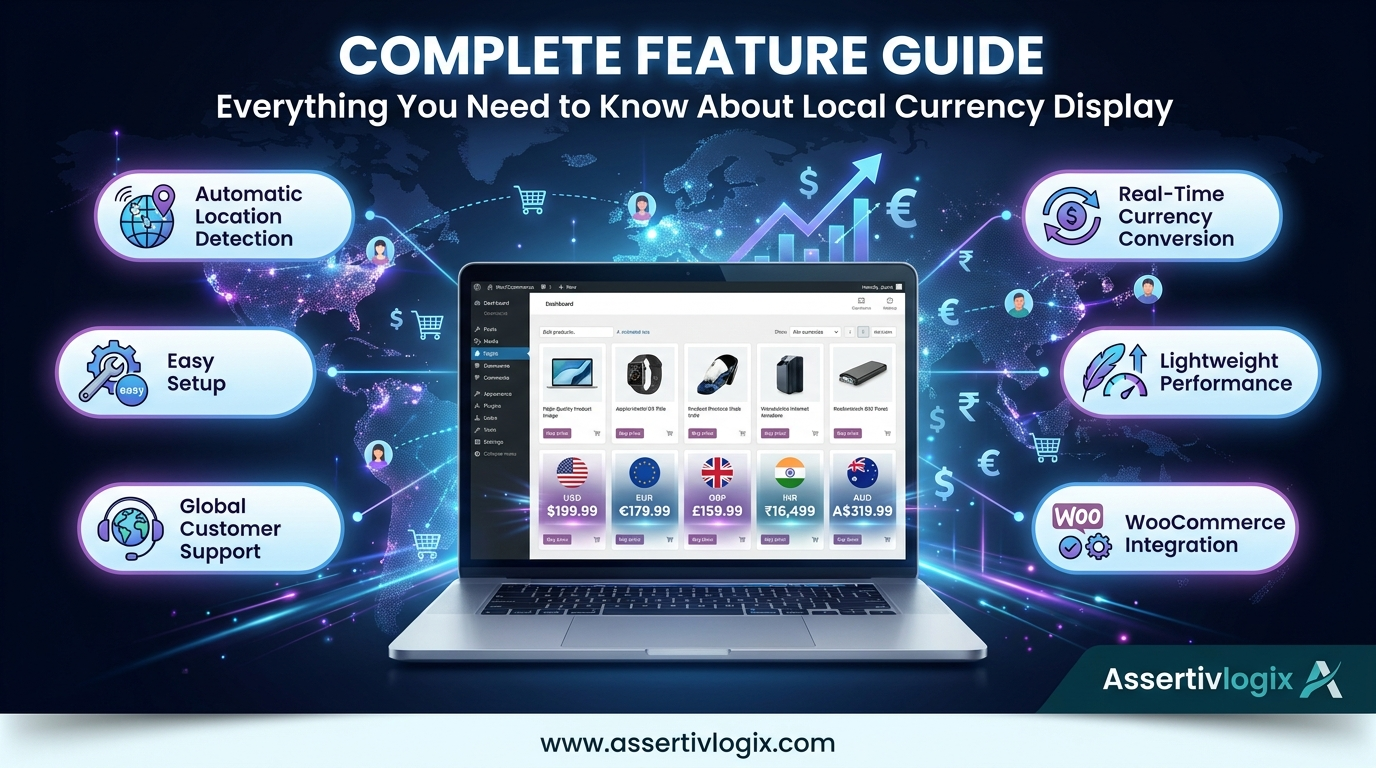
If you’re selling products globally through WooCommerce, providing a localized shopping experience is essential for maximizing conversions and customer satisfaction. One of the most effective ways to improve the international shopping experience is by displaying product prices in your visitors’ local currency.
Many store owners struggle with complicated multi-currency plugins that require extensive setup, payment gateway configuration, and ongoing maintenance. The Assertivlogix Local Currency Display for WooCommerce plugin offers a simpler alternative by automatically displaying prices in the visitor’s local currency without the complexity of a full multi-currency system.
In this complete feature guide, we’ll explore how the plugin works, its key features, benefits, and why it can help improve your WooCommerce store’s international performance.
What Is Assertivlogix Local Currency Display for WooCommerce?
Assertivlogix Local Currency Display for WooCommerce is a lightweight WooCommerce plugin designed to improve the shopping experience for international customers.
The plugin automatically detects a visitor’s location and displays product prices in their local currency. Instead of forcing customers to calculate exchange rates manually, pricing is presented in a familiar format that improves clarity and confidence.
This helps create a more localized shopping experience while maintaining a simple WooCommerce setup.
Why Local Currency Display Matters
Imagine a customer from Germany visiting your WooCommerce store and seeing all prices displayed in USD. Before making a purchase, they may need to:
- Calculate the conversion to Euros.
- Check current exchange rates.
- Estimate final purchase costs.
- Consider potential bank conversion fees.
Every additional step creates friction in the buying process.
Displaying prices directly in the customer’s local currency eliminates these obstacles and helps shoppers make purchasing decisions faster.
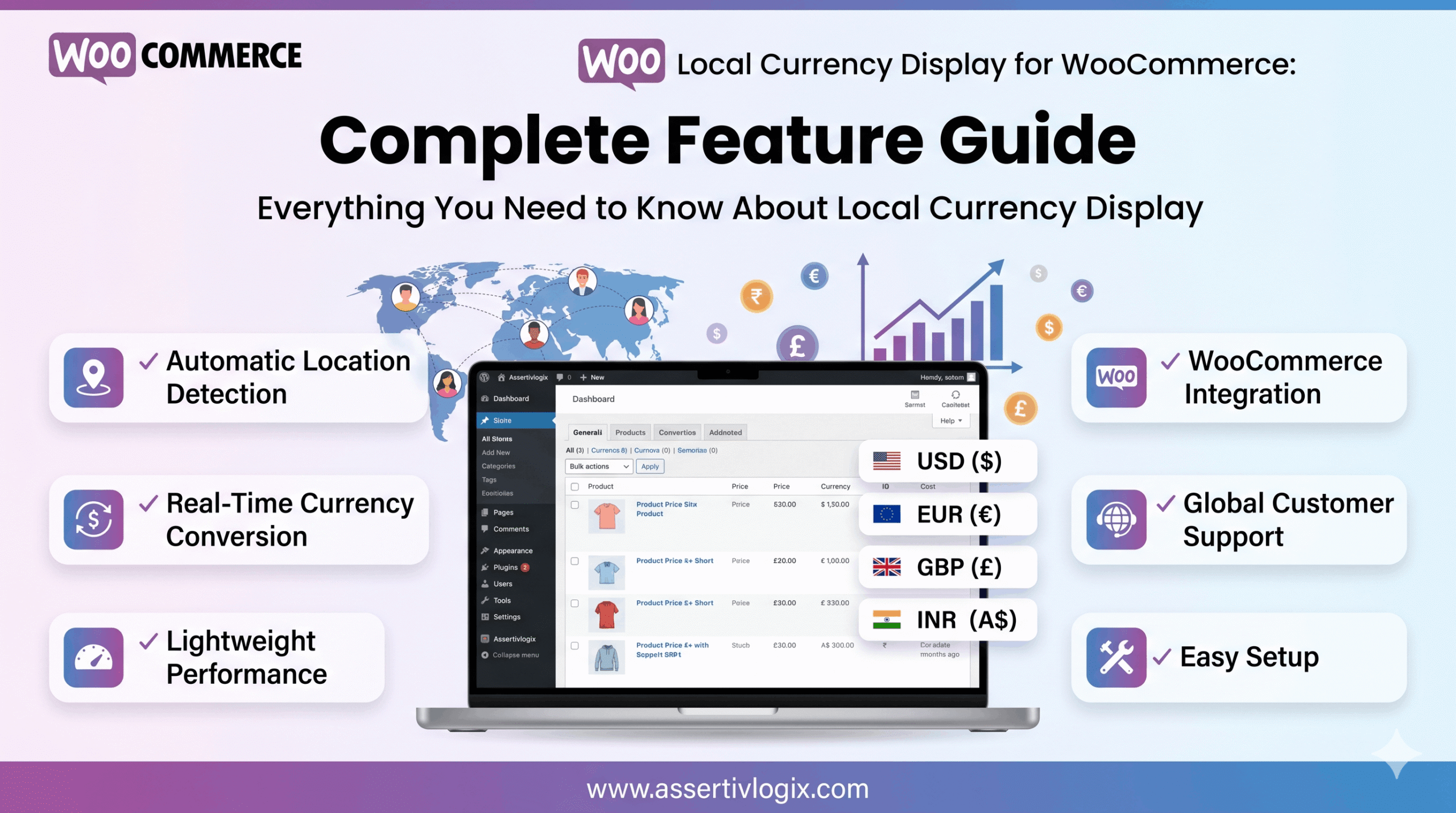
Key Features of Assertivlogix Local Currency Display for WooCommerce
1. Automatic Visitor Location Detection
The plugin automatically identifies the visitor’s geographical location and determines the most appropriate currency to display.
Customers immediately see pricing that is relevant to their country without needing to manually select a currency.
This creates a seamless and personalized shopping experience from the moment they arrive on your website.
2. Local Currency Price Display
One of the core features of the plugin is automatic local currency conversion and display.
Visitors can view prices in familiar currencies such as:
- USD ($)
- EUR (€)
- GBP (£)
- INR (₹)
- AUD (A$)
- CAD (C$)
- And many more
This improves pricing transparency and helps customers evaluate products more confidently.
3. Real-Time Currency Conversion
Exchange rates fluctuate regularly. The plugin uses updated conversion rates to ensure displayed prices remain accurate and relevant.
Customers receive realistic local pricing without requiring manual calculations.
4. Lightweight Performance
Website speed is critical for both SEO and user experience.
Unlike many feature-heavy multi-currency solutions, Assertivlogix Local Currency Display is designed to be lightweight and efficient.
This helps minimize performance impact while still providing localized pricing.
5. Simple WooCommerce Integration
The plugin integrates directly with WooCommerce and requires minimal setup.
Store owners can quickly enable local currency display without modifying checkout processes, payment gateways, or existing product configurations.
This simplicity makes it ideal for businesses looking for a fast implementation.
6. Better International Shopping Experience
International customers often feel more comfortable shopping when they see familiar pricing.
Displaying local currency helps:
- Increase trust.
- Reduce confusion.
- Improve shopping confidence.
- Create a localized experience.
These factors contribute directly to improved conversion rates.
7. No Complex Multi-Currency Configuration
Many WooCommerce store owners don’t need a full multi-currency checkout system.
Instead, they simply want customers to understand pricing easily.
Assertivlogix Local Currency Display focuses on price visibility rather than adding unnecessary complexity to the purchasing process.
This makes it an ideal solution for businesses seeking simplicity and effectiveness.
Benefits for WooCommerce Store Owners
Increase Conversion Rates
When customers understand pricing immediately, they are more likely to complete purchases.
Localized pricing reduces hesitation and encourages faster buying decisions.
Reduce Cart Abandonment
Many international shoppers abandon carts because they are uncertain about pricing.
Displaying prices in local currency removes this uncertainty and helps keep customers engaged throughout checkout.
Build Customer Trust
Trust is one of the most important factors in online shopping.
When customers see familiar currency symbols and pricing formats, your store feels more professional and customer-friendly.
Support Global Growth
If you’re targeting customers in multiple countries, local currency display can help you compete more effectively in international markets.
Providing a localized shopping experience encourages engagement and increases purchasing confidence.
Who Should Use This Plugin?
Assertivlogix Local Currency Display is ideal for:
- International WooCommerce stores.
- Dropshipping businesses.
- Digital product sellers.
- Subscription websites.
- SaaS businesses.
- Global retailers.
- B2B eCommerce stores.
If your website receives traffic from multiple countries, local currency display can help improve customer experience and increase sales.
How It Compares to Traditional Multi-Currency Plugins
| Feature | Assertivlogix Local Currency Display | Traditional Multi-Currency Plugins |
|---|---|---|
| Easy Setup | ✓ | ✗ |
| Automatic Location Detection | ✓ | ✓ |
| Lightweight | ✓ | ✗ |
| Complex Configuration | ✗ | ✓ |
| Performance Friendly | ✓ | Varies |
| Quick Deployment | ✓ | ✗ |
For many store owners, local currency display provides the most valuable benefits without the overhead associated with full multi-currency systems.
Real-World Example
Suppose a customer from India visits your WooCommerce store.
Without local currency display:
- Product Price: $79 USD
- Customer must calculate INR equivalent.
- Potential confusion and hesitation.
- Higher chance of cart abandonment.
With Assertivlogix Local Currency Display:
- Product Price: ₹6,700 INR
- Instant pricing clarity.
- Greater customer confidence.
- Higher likelihood of purchase.
This simple improvement can have a measurable impact on conversion performance.
Why Choose Assertivlogix Local Currency Display?
The plugin is designed specifically for WooCommerce store owners who want a simple, effective, and performance-friendly solution for international customers.
Instead of managing complex currency systems, you can focus on growing your business while providing customers with a more intuitive shopping experience.
The result is a store that feels more localized, trustworthy, and conversion-focused.
Conclusion
Local currency display is one of the easiest ways to improve the international shopping experience on your WooCommerce store. By helping customers understand pricing instantly, you can reduce friction, increase trust, lower cart abandonment, and improve conversions.
The Assertivlogix Local Currency Display for WooCommerce plugin provides a lightweight and user-friendly solution for displaying prices in local currency without the complexity of traditional multi-currency setups.
If you’re looking to improve your global WooCommerce sales, this plugin is a simple yet powerful addition to your store.