A WordPress website needs regular attention to remain secure, reliable, fast, and functional. Installing WordPress and launching a website are only the beginning. Over time, themes, plugins, hosting environments, PHP versions, and security requirements change. Without proper maintenance, even a well-developed website can experience errors, vulnerabilities, compatibility issues, and performance problems.
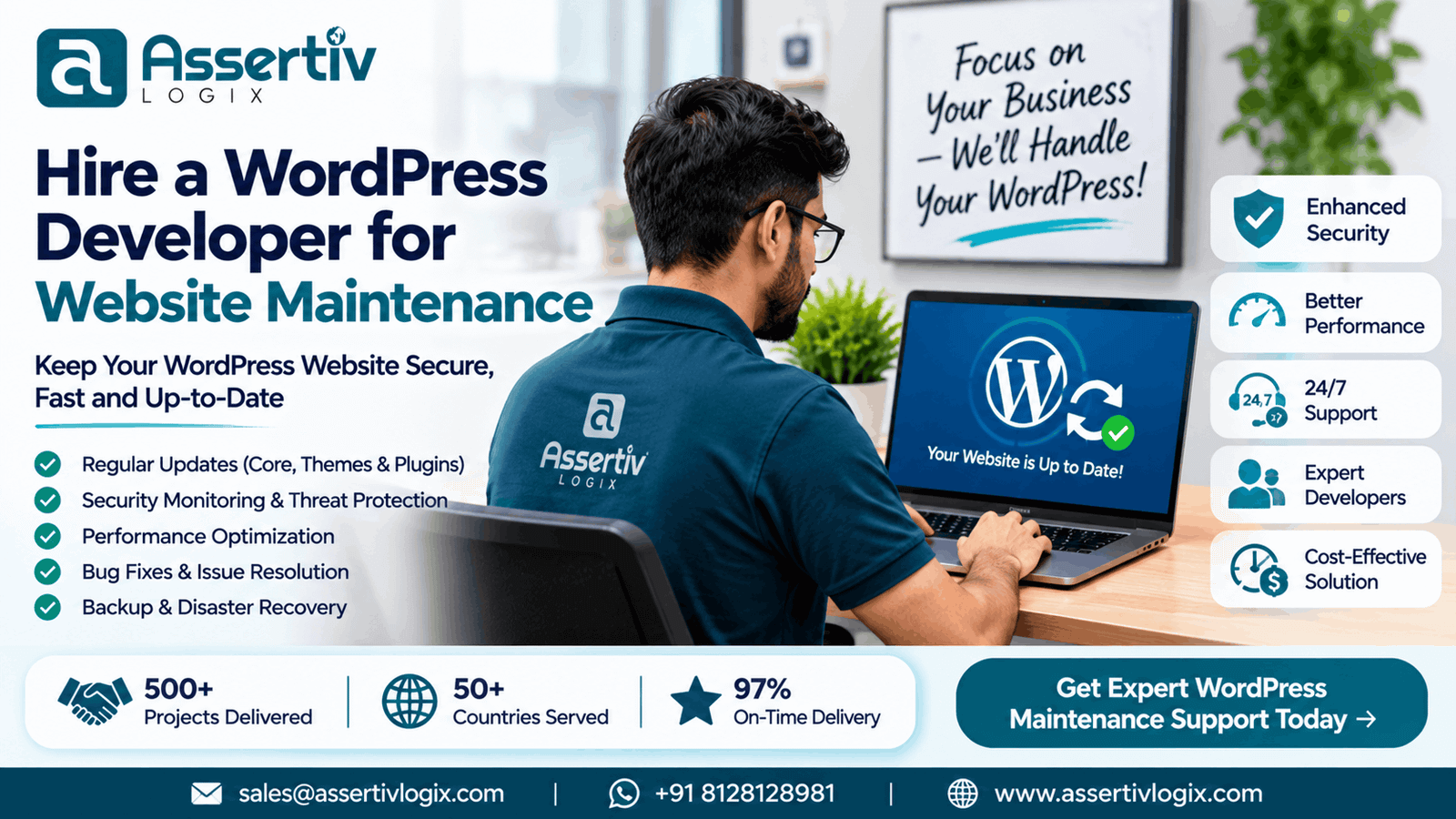
Hiring a WordPress developer for website maintenance helps businesses keep their websites running smoothly while reducing the time spent managing technical tasks. A developer can handle updates, troubleshoot errors, improve performance, resolve security issues, and support new website requirements.
Whether you operate a business website, blog, membership platform, or WooCommerce store, professional WordPress maintenance can protect your investment and support long-term growth.
In this guide, we explain what WordPress maintenance involves, when to hire a developer, which tasks to expect, how to choose the right professional, and what to consider when planning ongoing support.
Why Hire a WordPress Developer for Website Maintenance?
WordPress is flexible and relatively easy to manage, but maintaining a professional website requires technical knowledge. Updates can introduce compatibility issues, plugins may stop working, and performance can deteriorate as a website grows.
A WordPress developer can identify and resolve these issues before they create significant problems.
Here are some important reasons to hire a professional developer.
1. Keep Your Website Secure
Security is one of the most important parts of website maintenance. Outdated WordPress installations, vulnerable plugins, weak authentication, and incorrectly configured servers can expose websites to security risks.
A developer can help by:
– Updating WordPress core, themes, and plugins.
– Reviewing security configurations.
– Removing unused plugins and themes.
– Implementing appropriate login protection.
– Checking suspicious files and website activity.
– Configuring backups and recovery procedures.
– Resolving known vulnerabilities where applicable.
Security maintenance reduces avoidable risks, although no maintenance arrangement can guarantee complete protection against every threat.
2. Prevent Website Errors and Downtime
Plugin updates, theme changes, hosting modifications, and PHP upgrades can sometimes cause unexpected problems.
A WordPress developer can investigate issues such as:
– White screen errors.
– Internal server errors.
– Broken page layouts.
– Plugin conflicts.
– Database connection errors.
– PHP warnings and fatal errors.
– Contact form failures.
– WooCommerce checkout problems.
Regular monitoring and structured troubleshooting help reduce the likelihood and impact of website disruptions.
3. Improve Website Performance
A website can become slower as content, plugins, scripts, images, and database records accumulate.
A developer can review hosting, caching, database queries, image delivery, CSS, JavaScript, and other performance factors.
For more detailed recommendations, read our WordPress Performance Optimization Guide.
4. Maintain Plugin and Theme Compatibility
WordPress websites often depend on multiple plugins and third-party integrations. Updates to one component can affect another.
A developer can test important functionality after updates and resolve compatibility problems before they affect visitors or customers.
5. Get Technical Support When Needed
Businesses may need changes that go beyond routine maintenance, such as adding a new feature, modifying a page template, integrating an API, or customizing WooCommerce.
Hiring a developer who understands your website’s architecture provides access to technical support when these requirements arise.
What Does WordPress Website Maintenance Include?
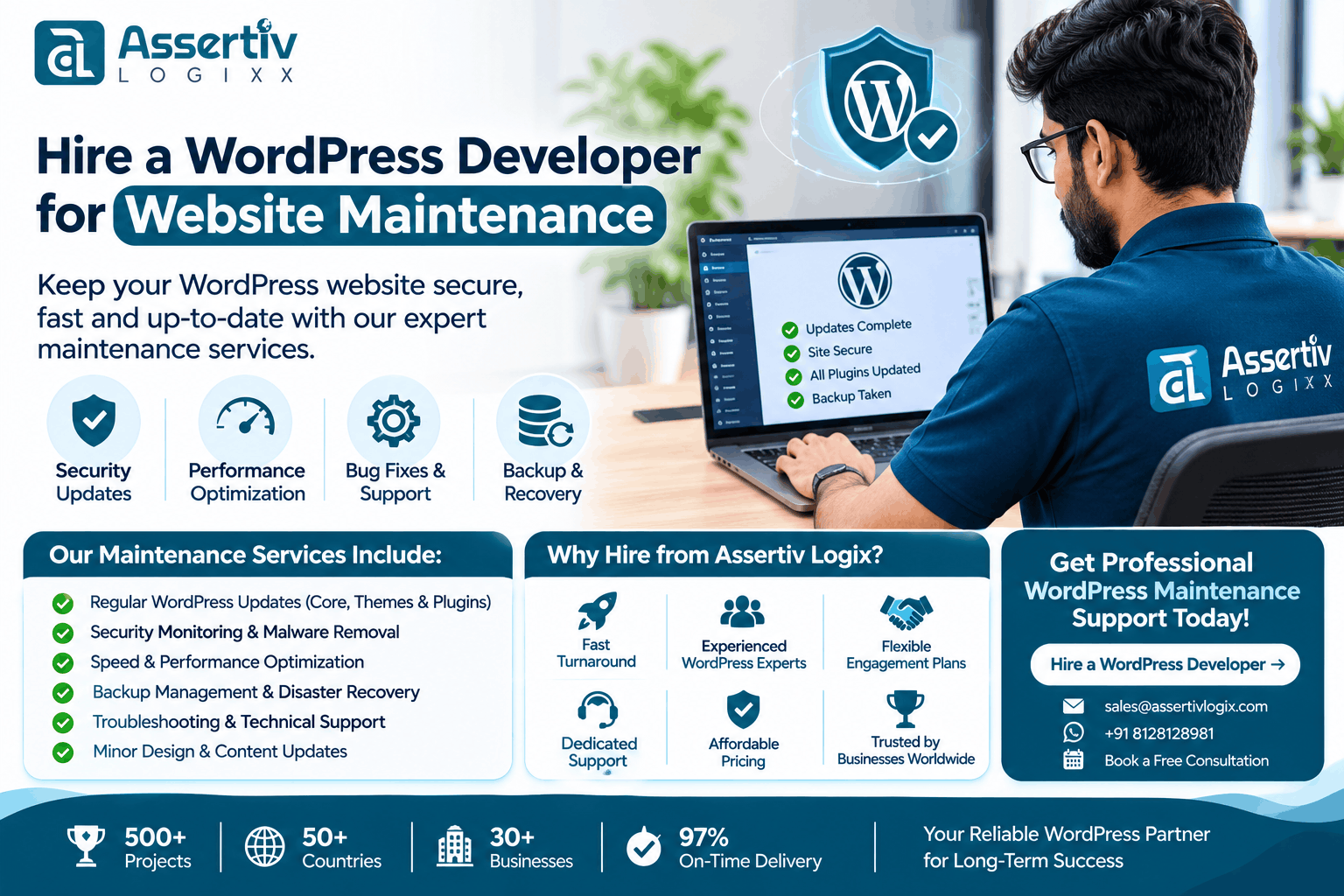
WordPress maintenance covers several activities designed to keep a website secure, functional, and efficient.
The exact scope depends on the website’s complexity, traffic, integrations, and business requirements.
1. WordPress Core Updates
WordPress releases updates that may include security improvements, bug fixes, and new features.
A developer should review updates, check compatibility, and apply them using an appropriate testing and backup process.
2. Plugin and Theme Updates
Plugins and themes need regular updates to maintain compatibility and address known issues.
Maintenance may include:
– Updating installed plugins.
– Updating the active theme.
– Reviewing update compatibility.
– Removing unused extensions.
– Resolving update-related errors.
– Testing important website functionality.
3. Website Backups
Backups provide a recovery point if a website experiences a technical failure, security incident, or accidental change.
A suitable backup plan should consider:
– Website files.
– Database records.
– Backup frequency.
– Off-site storage.
– Retention periods.
– Restoration procedures.
Backups should be tested periodically. Having backup files does not automatically mean that a website can be restored successfully.
4. Security Monitoring
Security maintenance can include malware checks, suspicious activity reviews, file integrity checks, access control, and security configuration improvements.
The level of monitoring should match the importance and risk profile of the website.
5. Website Performance Monitoring
A developer can periodically inspect loading behavior, Core Web Vitals, server response, database performance, and front-end assets.
Common tasks include image optimization, caching improvements, removal of unnecessary scripts, and troubleshooting slow pages.
6. Bug Fixes and Technical Troubleshooting
Maintenance often includes resolving unexpected problems that affect the website’s appearance or functionality.
Examples include broken layouts, PHP errors, plugin conflicts, form submission issues, and database-related problems.
7. Content and Website Changes
Some maintenance arrangements also include minor website updates, such as:
– Updating text and images.
– Editing existing pages.
– Adding new blog posts.
– Updating contact information.
– Modifying banners and calls to action.
– Making small layout adjustments.
Clarify whether content updates are included in the maintenance agreement or billed separately.
8. WooCommerce Maintenance
Online stores need additional attention because they handle customer information, orders, payments, inventory, and checkout processes.
WooCommerce maintenance may include:
– Testing product pages.
– Checking cart and checkout functionality.
– Testing payment gateway integrations.
– Reviewing shipping and tax configurations.
– Monitoring order-related errors.
– Checking transactional emails.
– Reviewing plugin compatibility.
– Monitoring store performance.
Explore our WooCommerce Development Services for custom store development and technical support.
WordPress Maintenance Tasks: Daily, Weekly, Monthly, and Quarterly
Not every maintenance task needs to be performed every day. A practical schedule helps ensure that important activities are completed at suitable intervals.
| Frequency | Maintenance Activities |
|---|---|
| Daily | Automated backup checks, uptime monitoring, security alerts, and critical error notifications. |
| Weekly | Review updates, inspect website functionality, check forms, and review security notifications. |
| Monthly | Apply planned updates, test backups, review performance, clean up unnecessary data, and inspect important pages. |
| Quarterly | Review hosting resources, website security configuration, plugin requirements, performance trends, and technical improvements. |
The schedule should be adjusted for high-traffic websites, ecommerce platforms, and websites with frequent updates or critical business operations.
When Should You Hire a WordPress Maintenance Developer?
You may be able to manage basic WordPress tasks yourself. However, professional assistance becomes valuable when maintenance requires technical experience or regular attention.
Consider hiring a developer if:
– Your website frequently displays errors.
– WordPress or plugin updates cause compatibility problems.
– Your website has recurring security warnings.
– Your pages load slowly despite basic optimization.
– Your WooCommerce checkout has technical issues.
– You need regular backups and recovery support.
– You lack the time to maintain the website.
– Your website uses custom themes or plugins.
– You need ongoing development and technical improvements.
– Your business depends on website availability.
For a business website that generates leads or sales, maintenance should be treated as an ongoing operational requirement rather than an occasional repair.
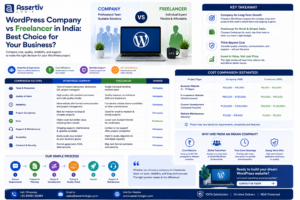
Freelance WordPress Developer vs WordPress Maintenance Agency
Businesses can hire an independent WordPress developer or work with a development agency. Both options can be suitable depending on the website and support requirements.
| Factor | Freelance Developer | Development Agency |
|---|---|---|
| Communication | Usually direct communication with one developer | May involve a dedicated contact or support team |
| Technical coverage | Depends on the developer’s individual skills | May provide access to multiple technical specialists |
| Availability | Depends on individual availability | May offer structured support arrangements |
| Complex requirements | Suitable when skills match the project | Can be useful for projects requiring multiple skill sets |
| Continuity | Can depend on one person’s availability | May provide backup resources and documented processes |
| Best suited for | Smaller websites and clearly defined tasks | Business-critical websites and broader technical requirements |
The right choice depends on your support expectations, budget, technical requirements, and the level of continuity you need.
Read our Freelance vs Agency WordPress Development Comparison to understand the differences in more detail.
How Much Does It Cost to Hire a WordPress Developer for Website Maintenance?
WordPress maintenance costs depend on the website’s complexity, required support hours, security requirements, and expected response times.
A simple informational website may need occasional updates and monitoring, while a WooCommerce store or custom platform may require more frequent technical work.
Common pricing models include:
1. Hourly Maintenance Support
With hourly support, you pay for the time a developer spends on maintenance tasks, troubleshooting, or requested improvements.
This model can work well when:
– Your website needs occasional updates.
– You have limited ongoing maintenance requirements.
– You need help with specific technical issues.
– You want flexibility instead of a fixed monthly commitment.
2. Monthly Maintenance Plans
A monthly maintenance arrangement provides recurring support for agreed tasks.
Depending on the agreement, it may include updates, backups, monitoring, security checks, performance reviews, and a defined amount of development support.
This model is useful for businesses that want predictable maintenance arrangements.
3. Dedicated WordPress Developer
Businesses with complex websites or frequent development requirements may hire a dedicated developer for ongoing work.
This arrangement can be suitable when you need regular technical improvements, custom functionality, integrations, and maintenance beyond routine updates.
Factors That Affect Maintenance Pricing
– Number of pages and website functionality.
– Number and complexity of plugins.
– Custom theme and plugin requirements.
– WooCommerce or membership functionality.
– Traffic and hosting environment.
– Backup and security requirements.
– Required support hours.
– Emergency response expectations.
– Third-party integrations.
– Reporting and documentation requirements.
Avoid selecting a maintenance provider based only on the lowest advertised price. Confirm exactly what is included, what is excluded, and how additional work is billed.
For more cost-related information, read our WordPress Maintenance Cost Guide.
How to Choose the Right WordPress Maintenance Developer
Selecting the right developer is important because maintenance involves access to your website, database, hosting environment, and sometimes customer-related functionality.
Consider these factors before hiring.
1. Check WordPress Experience
Look for practical experience with WordPress core, PHP, MySQL, themes, plugins, and common hosting environments.
If your website uses custom functionality, choose someone who can understand and maintain its existing codebase.
2. Review Previous Projects
Ask for examples of websites the developer has maintained or improved.
Relevant experience is especially important if your website uses WooCommerce, custom plugins, membership systems, or third-party integrations.
3. Understand Their Security Practices
Ask how the developer handles backups, administrator access, security updates, malware investigations, and recovery procedures.
A responsible provider should explain how they protect access credentials and manage production changes.
4. Ask About Update and Testing Procedures
Updates should not be applied blindly to a business-critical website.
Ask whether the developer uses staging environments, verifies backups, tests important features, and checks the website after significant changes.
5. Confirm Support Availability
Understand the support hours, communication channels, expected response times, and emergency support arrangements.
A response-time commitment should be clearly documented rather than assumed.
6. Check Reporting and Documentation
Regular reports help you understand what work has been completed.
Useful maintenance reports may include:
– Updates performed.
– Backup status.
– Security checks.
– Issues identified and resolved.
– Performance observations.
– Recommended improvements.
– Additional work requiring approval.
7. Confirm Ownership and Access
Your business should retain ownership of its website, domain, hosting, and important accounts.
Use secure, individual access accounts where possible, and establish a clear process for transferring credentials and documentation if the maintenance relationship ends.
Questions to Ask Before Hiring a WordPress Developer
Before entering a maintenance agreement, ask the following questions:
- How many years of WordPress development experience do you have?
- Have you maintained websites similar to mine?
- Do you work with custom themes and plugins?
- How do you manage WordPress and plugin updates?
- Do you create and test backups before major changes?
- Can you troubleshoot PHP errors and plugin conflicts?
- Do you provide security monitoring?
- Can you help improve website speed and Core Web Vitals?
- Do you support WooCommerce and payment gateway integrations?
- What is included in your monthly maintenance arrangement?
- How are emergency issues and additional development requests handled?
- Will I receive regular maintenance reports?
The answers should help you evaluate technical capability, communication, reliability, and the actual value of the proposed service.
WordPress Maintenance Checklist for Business Owners
Use this checklist to review your website’s ongoing maintenance requirements.
- Keep WordPress core updated.
- Update themes and plugins after compatibility checks.
- Remove unused themes and plugins.
- Maintain regular website and database backups.
- Test backup restoration periodically.
- Monitor uptime and critical website errors.
- Review administrator accounts and permissions.
- Check website security and suspicious activity.
- Monitor website speed and Core Web Vitals.
- Test contact forms and important enquiry flows.
- Test checkout and payment processes for WooCommerce stores.
- Review hosting resources and database performance.
- Check SSL certificate and domain renewal status.
- Document important changes and maintenance activities.
Why Choose Assertivlogix for WordPress Maintenance and Support?
At Assertivlogix, we help businesses maintain, improve, and extend their WordPress websites through practical development and technical support.
Our team works with WordPress websites, custom themes, plugins, WooCommerce stores, and third-party integrations. We focus on maintaining website functionality while identifying opportunities to improve security, performance, and long-term maintainability.
Our WordPress maintenance and development support can include:
– WordPress core, theme, and plugin updates.
– Website backups and maintenance checks.
– Technical troubleshooting and bug fixes.
– Custom theme and plugin maintenance.
– WordPress security improvements.
– Website speed and performance optimization.
– WooCommerce maintenance and checkout testing.
– PHP and database troubleshooting.
– API and third-party integration support.
– Ongoing development and feature improvements.
Whether you need occasional technical assistance or a longer-term maintenance arrangement, we can discuss a support scope based on your website and business requirements.
Keep your website secure, updated, and running smoothly with professional WordPress development and maintenance support from Assertivlogix.
Frequently Asked Questions
1. Why should I hire a WordPress developer for website maintenance?
A WordPress developer can manage technical updates, troubleshoot errors, improve security, monitor performance, resolve plugin conflicts, and maintain custom website functionality. Professional support is especially useful when your website is important to daily business operations.
2. What does WordPress website maintenance include?
WordPress maintenance can include core, theme, and plugin updates, backups, security checks, uptime monitoring, bug fixes, performance optimization, database maintenance, and functionality testing. The exact scope depends on the maintenance agreement.
3. How often should a WordPress website be maintained?
Website maintenance should be ongoing. Critical security alerts and uptime issues may need immediate attention, while updates, backups, functionality checks, and performance reviews should follow a regular schedule appropriate for the website.
4. Can a WordPress developer fix plugin conflicts?
Yes. A developer can investigate plugin conflicts by reviewing error logs, testing plugin combinations, checking theme compatibility, and identifying the source of the problem. Changes should be tested carefully before being applied to the live website.
5. Is WordPress maintenance necessary for small business websites?
Yes. Small business websites still require updates, backups, security checks, and functionality testing. Regular maintenance helps reduce avoidable problems and keeps important pages, enquiry forms, and contact information working correctly.
6. Should I hire a freelancer or a WordPress development agency for maintenance?
A freelancer may be suitable for smaller websites and occasional tasks. An agency may be a better option when you need broader technical coverage, ongoing support, custom development, or assistance with more complex websites. Compare experience, availability, support scope, and pricing before deciding.
7. Can a WordPress maintenance developer support WooCommerce websites?
Yes, provided the developer has relevant WooCommerce experience. Maintenance may include product page checks, cart and checkout testing, payment gateway troubleshooting, plugin compatibility reviews, order-related issues, and store performance improvements.
8. What should I check before choosing a WordPress maintenance provider?
Review WordPress experience, relevant projects, security practices, backup procedures, testing processes, support availability, reporting, pricing, and ownership arrangements. Confirm the included services and exclusions in writing before starting.