Introduction
Over time, WordPress websites accumulate thousands of images, PDFs, videos, and other media files. Many of these files become unused after redesigns, content updates, or plugin changes. Duplicate uploads also consume valuable storage space and slow down website maintenance.
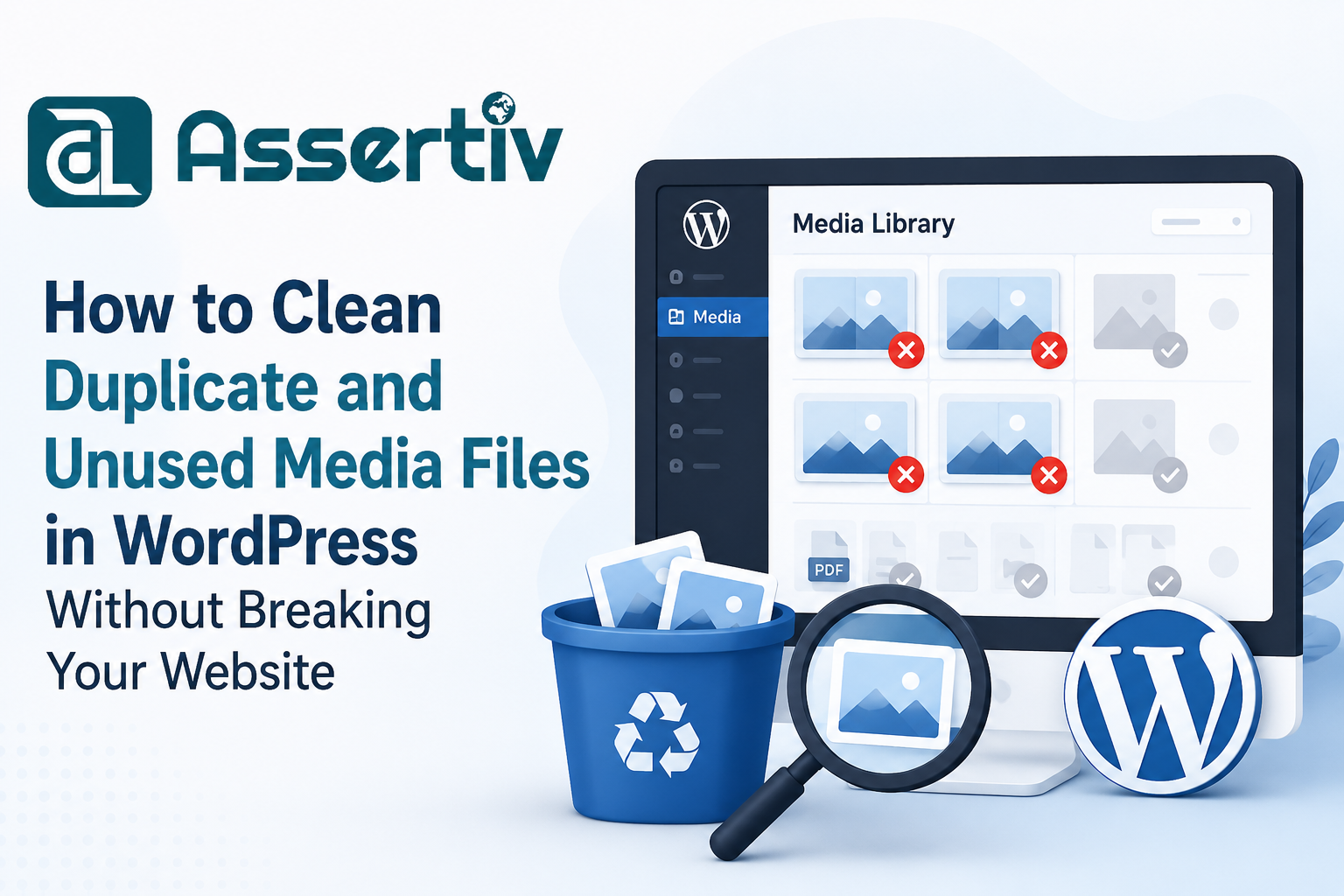
The Assertivlogix Duplicate and Unused Media Cleaner plugin helps WordPress users identify duplicate media files and safely remove unused media from their websites.
Why Media Libraries Become Bloated
- Multiple uploads of the same image
- Old images from deleted posts
- Unused product images in WooCommerce
- Theme and plugin migrations
- Website redesigns
- Imported demo content
Problems Caused by Unused Media
Increased Hosting Costs
Unused files consume disk space and may increase hosting expenses.
Slower Backups
Large media libraries create larger backup files and longer backup times.
Difficult Website Migrations
Thousands of unnecessary files make migrations slower and more prone to errors.
Poor Media Management
Finding important assets becomes difficult when your media library is cluttered.
How Assertivlogix Duplicate and Unused Media Cleaner Helps
- Detect duplicate images
- Find unused media files
- Scan WordPress media library
- Safe deletion process
- Storage optimization
- Faster website maintenance
Best Practices Before Cleanup
- Create a full website backup.
- Review scan results carefully.
- Delete files in batches.
- Monitor website functionality after cleanup.
Conclusion
A clean media library improves website performance, simplifies management, and reduces hosting costs. Assertivlogix Duplicate and Unused Media Cleaner makes the cleanup process simple and safe for WordPress users.