WooCommerce Development for Small Business: Complete Guide for 2026
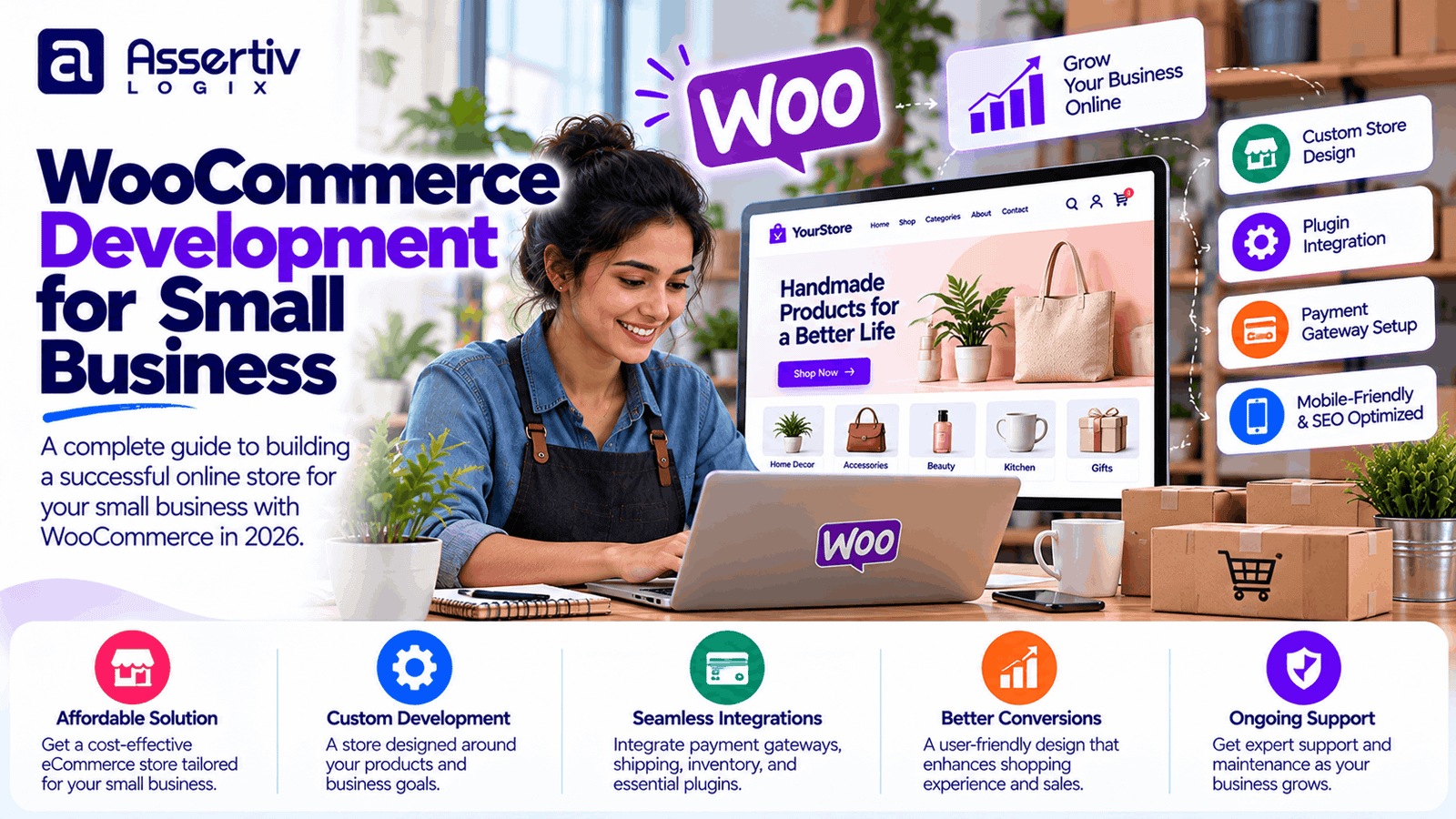
WooCommerce development for small business gives business owners a flexible way to sell products online, manage orders, accept payments, and build an eCommerce presence using WordPress. Whether you run a local shop, a growing retail brand, or a business that wants to expand beyond physical sales, WooCommerce can help you create an online store around your specific needs.
However, a successful online store requires more than installing WooCommerce. Your website needs a clear product catalog, a convenient checkout experience, reliable hosting, secure payment processing, mobile-friendly design, and a plan for attracting customers.
This guide explains how WooCommerce can support small businesses, which features to prioritize, what affects development costs, and how to choose the right development partner.
What Is WooCommerce Development for Small Business?
WooCommerce is an eCommerce plugin for WordPress that turns a website into an online store. It supports product listings, shopping carts, checkout, order management, inventory settings, and a wide range of extensions.
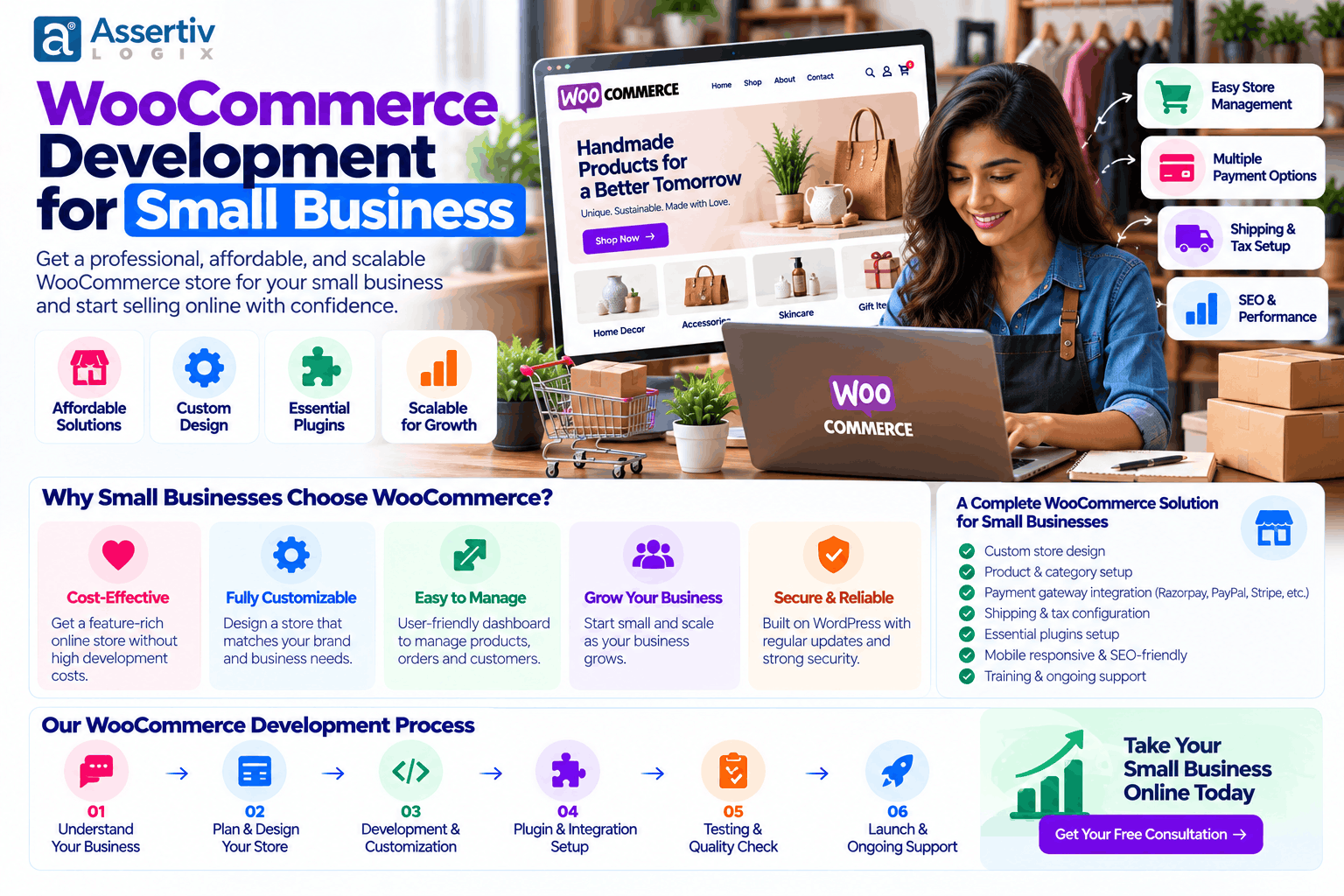
WooCommerce development for small business involves configuring and customizing this platform to match the way a company sells its products or services. Depending on the requirements, the work may include store design, payment integration, shipping configuration, product setup, custom features, performance optimization, and ongoing maintenance.
For example, a clothing store may need size and color variations, while a furniture business may need delivery zones and product dimensions. A food retailer may require local delivery options, and a B2B supplier may need customer-specific pricing or bulk ordering.
The objective is not to add every available feature. It is to create a dependable shopping experience that supports your business model and makes purchasing straightforward for customers.
Why Small Businesses Choose WooCommerce
Small businesses often need a platform that balances affordability, flexibility, and control. WooCommerce can be a suitable option when the business wants ownership of its website and the freedom to extend its functionality over time.
1. Flexible store customization
You can customize product pages, category layouts, checkout fields, navigation, and other parts of the store. A business with specialized requirements can add custom functionality rather than adapting its entire operation to a rigid template.
2. Control over your website
With a self-hosted WordPress installation, you control the website files, database, hosting environment, and configuration. This offers flexibility, although you remain responsible for appropriate updates, backups, security, and maintenance or must arrange those services with a provider.
3. Support for different product types
WooCommerce supports physical products, digital downloads, variable products, and other product types through its core features and compatible extensions. Additional extensions can support subscriptions, bookings, memberships, or more advanced selling models.
4. Integration with business tools
Your store can connect with payment gateways, email marketing tools, analytics platforms, shipping services, accounting software, and inventory systems. The available integration and its cost depend on the provider and your workflow.
5. Content marketing and SEO opportunities
Because WooCommerce runs on WordPress, your business can publish product guides, educational articles, buying advice, and other content alongside its product catalog. Technical quality, useful content, and a strong user experience all contribute to an effective organic search strategy.
6. Room to grow
A small store can begin with essential functionality and add more advanced features as demand grows. Scaling still requires suitable hosting, performance monitoring, sound plugin choices, and development planning.
Essential WooCommerce Features for a Small Business
The right feature set depends on what you sell, where your customers live, and how you fulfill orders. Start with the basics before investing in complex customizations.
| Feature | Why it matters |
|---|---|
| Responsive design | Helps customers browse and buy on phones, tablets, and desktops. |
| Product catalog | Organizes products, categories, attributes, images, and variations. |
| Secure checkout | Provides a clear path from the shopping cart to order completion. |
| Payment integration | Allows customers to pay through supported payment methods. |
| Shipping and tax settings | Helps calculate delivery options and configure relevant tax rules. |
| Inventory management | Tracks stock levels and helps prevent avoidable overselling. |
| Order notifications | Keeps customers and store administrators informed about order status. |
| Analytics integration | Helps measure traffic, product interest, and purchase behavior. |
| Backup and security | Supports recovery planning and helps protect store operations. |
Other features, such as wishlists, loyalty programs, product bundles, subscriptions, and advanced filters, can be added when they solve a genuine customer or operational need.
WooCommerce Development Services for Small Businesses
Professional WooCommerce development services can cover the full store lifecycle, from initial planning to launch and ongoing improvement.
Custom WooCommerce store development
Development begins with your products, customers, business processes, and goals. The store is then configured or built to support those requirements, with appropriate layouts, navigation, product pages, and checkout functionality.
Theme customization and responsive design
A maintained theme may be enough for a straightforward store. More specialized businesses may benefit from tailored layouts, custom templates, improved product discovery, and a consistent brand experience across devices.
Payment gateway integration
A developer can configure a supported payment gateway, test successful and failed payments, handle relevant order status updates, and verify refund workflows. Payment processing charges are normally separate from development fees.
Shipping and inventory setup
Shipping zones, delivery rules, stock settings, and order management can be configured around the way your business fulfills purchases. More complex requirements may involve external shipping or inventory integrations.
Custom plugin and API development
When standard extensions do not meet a specific requirement, custom code can introduce new business rules or connect WooCommerce with another system. Integrations should include suitable error handling, testing, documentation, and maintenance planning.
Performance optimization
Image optimization, caching, efficient queries, careful plugin selection, and appropriate hosting can help improve the store experience. Performance should be measured on important pages, including product listings, product details, cart, and checkout.
Security and maintenance
Regular updates, backups, access control, monitoring, and restore testing help keep an online store maintainable. Businesses that do not have internal technical resources may prefer an ongoing maintenance agreement.
Explore Assertivlogix WooCommerce development services for store customization, integrations, and tailored eCommerce development. You can also review our WordPress plugin development services for custom functionality.
How Much Does WooCommerce Development Cost for a Small Business?
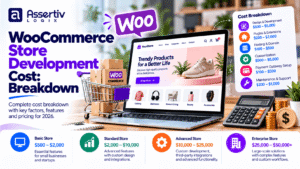
The cost of WooCommerce development depends on design requirements, product volume, integrations, customization, and the level of ongoing support. The following figures are illustrative planning ranges in USD, not verified market averages or fixed quotations.
| Project type | Illustrative development budget | Typical scope |
|---|---|---|
| Basic online store | $500–$1,500 | Standard theme, core pages, basic catalog and checkout |
| Small business store | $1,500–$4,000 | Branded layouts, product setup, payment and shipping configuration |
| Growing retail store | $4,000–$10,000 | More customization, advanced catalog features, and marketing integrations |
| Custom eCommerce solution | $10,000+ | Specialized workflows, API integrations, or complex business logic |
Your actual quote may fall outside these ranges. A small catalog with a complex product configurator can require more work than a larger catalog using standard product types.
Other costs to consider
- Domain and hosting: Recurring costs that vary by provider and resource requirements.
- Premium themes and extensions: May involve one-time purchases or annual renewals.
- Product content: Product photography, copywriting, and catalog entry may be additional services.
- Payment processing: Gateway fees depend on the provider, payment method, and transaction volume.
- Maintenance: Budget for updates, backups, troubleshooting, and technical support.
- Marketing: SEO, advertising, email campaigns, and conversion optimization may require a separate budget.
For a more detailed estimate, see our eCommerce WordPress website cost guide and WordPress website cost breakdown for 2026.
WooCommerce vs Other eCommerce Platforms for Small Businesses
WooCommerce is not the only option for selling online. The best platform depends on how much control you want, your technical resources, your budget, and the features your business needs.
| Consideration | WooCommerce | Hosted eCommerce platform |
|---|---|---|
| Hosting | You arrange and manage hosting or use a managed provider. | Hosting is generally part of the service. |
| Customization | Extensive control through themes, plugins, and code. | Depends on platform tools, plans, and available integrations. |
| Maintenance | Requires updates and compatibility management. | Core platform maintenance is generally handled by the provider. |
| Costs | Hosting, development, extensions, and maintenance vary. | Subscription, transaction, app, and development fees may apply. |
| Best fit | Businesses seeking WordPress integration and control. | Businesses prioritizing a managed, packaged platform. |
Compare the total cost of ownership rather than the initial setup price. A managed platform may reduce technical administration, while WooCommerce may offer more flexibility for businesses that need control over their site and custom functionality.
How to Build a Successful Small Business WooCommerce Store
A structured development process helps keep the project focused and reduces avoidable rework.
Step 1: Define your business requirements
Identify your target customers, product types, delivery areas, payment methods, and operational needs. Decide which features are essential for launch and which can be added later.
Step 2: Plan the store structure
Map out product categories, navigation, key landing pages, product details, policies, and the checkout journey. Clear structure makes the store easier to use and maintain.
Step 3: Choose the right design and tools
Select a suitable theme and extensions based on functionality, compatibility, maintenance history, and budget. Avoid installing plugins simply because they offer extra features.
Step 4: Develop and configure the store
Build the agreed layouts, add product data, configure payment and shipping, and connect the required business tools. Custom code should be limited to requirements that cannot be met reliably through standard features.
Step 5: Test the customer journey
Test product variations, stock changes, coupons, taxes, shipping charges, successful and failed payments, order emails, and refunds. Check the site on mobile devices and major browsers.
Step 6: Launch and measure performance
Set up analytics, verify search indexing, test backups, and monitor checkout errors after launch. Use real customer behavior to identify which pages and processes need improvement.
WooCommerce SEO Tips for Small Businesses
A well-built store needs a plan for helping potential customers discover its products. SEO is an ongoing process, and rankings or sales cannot be guaranteed by development alone.
- Write useful product descriptions: Explain benefits, specifications, compatibility, sizing, and other details customers need to make a decision.
- Optimize product titles and metadata: Use clear, descriptive wording that reflects the product and search intent.
- Organize category pages: Use logical categories and descriptive navigation labels.
- Optimize product images: Compress images, use appropriate dimensions, and write meaningful alt text.
- Improve page performance: Measure loading performance and address issues affecting real users.
- Publish helpful content: Create buying guides, product comparisons, tutorials, and answers to common customer questions.
- Monitor search performance: Use Search Console to review indexing and search queries.
- Implement structured data correctly: Use relevant product and organization markup where appropriate, ensuring the information matches visible content.
Use Google’s SEO Starter Guide and Google Search Console to support your optimization process.
Security and Performance Best Practices
Small businesses may not have a dedicated technical team, but their stores still need a practical security and performance routine.
- Use reputable hosting with suitable resources and current software versions.
- Keep WordPress, WooCommerce, themes, and extensions updated.
- Use unique administrator credentials and appropriate user permissions.
- Maintain backups and periodically test restoration.
- Install extensions from reputable sources and remove those that are no longer needed.
- Use HTTPS and follow payment-provider security requirements.
- Test important pages with PageSpeed Insights.
- Review the official WordPress security guidance.
Security is an ongoing responsibility. No plugin or hosting plan can eliminate every risk, so combine preventative measures with monitoring, backups, and a recovery plan.
Common WooCommerce Mistakes Small Businesses Should Avoid
- Choosing a platform based only on price: Consider ongoing maintenance, usability, scalability, and total ownership costs.
- Installing too many plugins: Unnecessary extensions can increase complexity and compatibility risks.
- Ignoring mobile checkout: Customers should be able to review products and complete purchases comfortably on smaller screens.
- Launching without full testing: Test real purchase scenarios before accepting live orders.
- Using weak product content: Incomplete descriptions and inconsistent images can make products harder to evaluate.
- Neglecting maintenance: Updates, backups, and monitoring should be part of the operating plan.
- Adding every advanced feature immediately: Start with essential requirements and expand based on customer needs and business results.
When Should You Hire a WooCommerce Developer?
A ready-made theme and standard WooCommerce settings may be sufficient for a basic store. Professional development becomes more valuable when your business needs custom layouts, specialized checkout logic, data migration, API integrations, performance improvements, or reliable troubleshooting.
Before choosing a developer, review relevant eCommerce projects, ask how the work will be tested, and confirm who owns the website, source code, accounts, and licenses. The proposal should clearly identify deliverables, exclusions, milestones, and post-launch support.
For ongoing or complex work, a development partner can also help plan improvements as the business grows. Read our guide on choosing between a freelancer and an agency to understand the trade-offs.
Frequently Asked Questions
Is WooCommerce suitable for a small business?
Yes. WooCommerce can support small businesses selling physical products, digital products, and other offerings. Its suitability depends on the business’s budget, technical resources, integrations, and maintenance requirements.
How much does WooCommerce development cost for a small business?
An illustrative development budget for a basic store may be $500–$1,500, while a more customized small business store may cost $1,500–$4,000 or more. These are planning ranges rather than fixed prices; actual costs depend on requirements and location.
Is WooCommerce free for small businesses?
The core WooCommerce plugin is free, but an online store may require paid hosting, a domain, premium extensions, payment processing, development, security, and maintenance.
Can I build a WooCommerce store without coding?
Yes. WordPress themes, WooCommerce settings, and compatible extensions allow many basic stores to be built without writing code. A developer may be needed for advanced customization, integrations, or troubleshooting.
How long does it take to build a small business WooCommerce website?
A straightforward store may take a few weeks, depending on product content, design, integrations, and feedback. More complex stores may take longer.
Can WooCommerce integrate with payment gateways and shipping services?
Yes. WooCommerce supports integrations through compatible extensions and custom development. Availability, fees, and functionality vary by payment provider, shipping company, country, and business requirements.
Is WooCommerce good for SEO?
WooCommerce can support an SEO-friendly store through customizable product pages, category structures, content, metadata, and compatible SEO tools. Results still depend on technical quality, content, competition, and ongoing optimization.
Does a WooCommerce store need ongoing maintenance?
Yes. Updates, backups, security checks, compatibility testing, and performance monitoring help keep the store reliable. Businesses can handle these tasks internally or use a maintenance provider.
Build Your Small Business Online Store with Assertivlogix
Your online store should fit the way your business operates today while leaving room for future growth. The right development plan focuses on essential features, a straightforward buying experience, secure payments, reliable performance, and integrations that solve real business problems.
Assertivlogix provides WordPress and WooCommerce development services, including custom store development, theme customization, plugin development, API integrations, and technical optimization. Discuss your requirements before committing to a development scope.
Tell us about your products, required features, budget, and business goals. We can help you explore a suitable WooCommerce development approach.