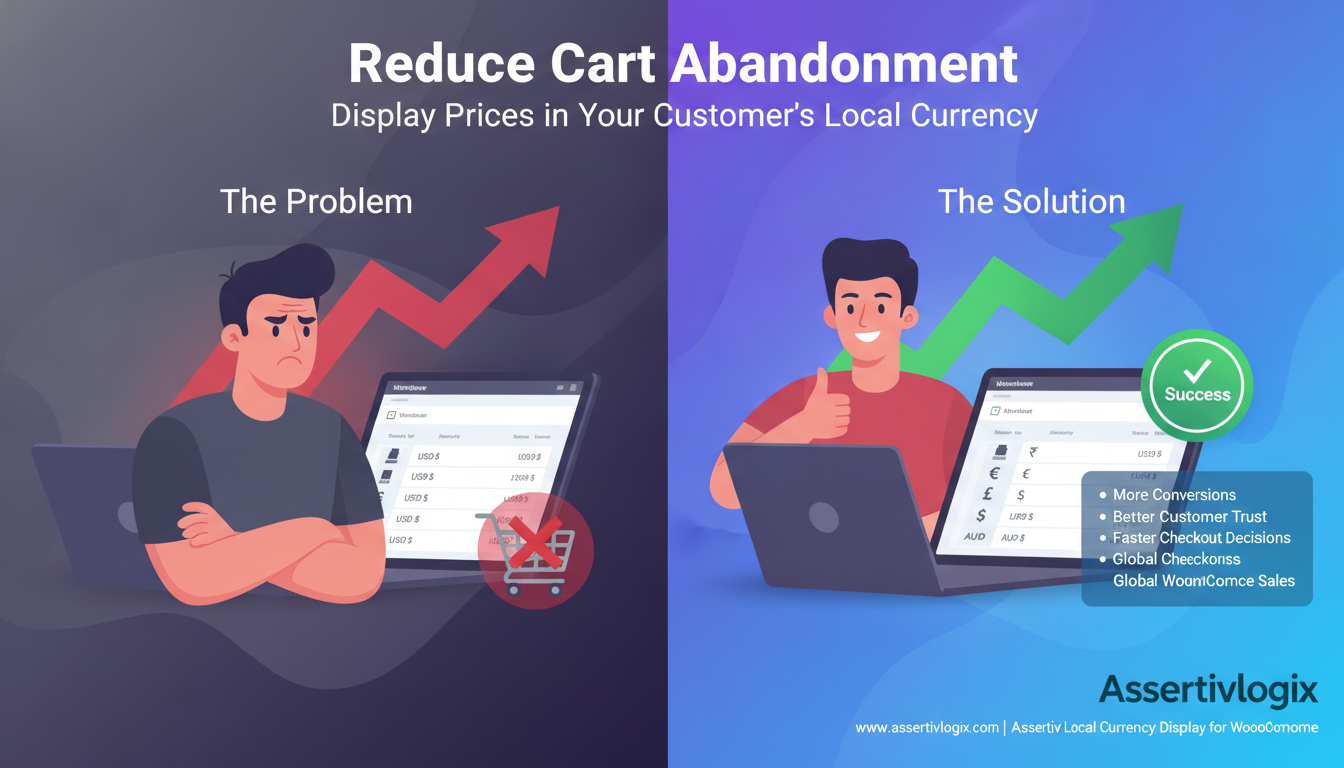
Cart abandonment is one of the biggest challenges facing WooCommerce store owners. Customers add products to their cart, browse the checkout page, and then leave without completing their purchase. While there are many reasons why shoppers abandon their carts, one often-overlooked factor is currency confusion.
If your WooCommerce store attracts visitors from multiple countries, displaying prices in a single currency can create uncertainty and friction during the buying process. Customers may hesitate because they don’t fully understand how much they’ll actually pay in their local currency.
This is where the Assertivlogix Local Currency Display for WooCommerce plugin can make a significant difference. By automatically displaying prices in the visitor’s local currency, you can reduce confusion, improve trust, and encourage more customers to complete their purchases.
Understanding Cart Abandonment in WooCommerce
Cart abandonment occurs when a shopper adds products to their cart but leaves the website before completing checkout.
Common causes include:
- Unexpected costs.
- Complicated checkout processes.
- Lack of trust.
- Payment concerns.
- Shipping costs.
- Currency confusion.
While store owners often focus on checkout design and payment gateways, pricing clarity is equally important.
When international shoppers struggle to understand pricing, they are far more likely to leave the site before making a purchase.
Why Currency Confusion Causes Cart Abandonment
Imagine a customer from Germany visits your WooCommerce store and sees a product priced at $150 USD.
Before purchasing, they may need to ask themselves:
- How much is this in Euros?
- Will my bank charge conversion fees?
- What exchange rate will apply?
- Is the final price within my budget?
Every additional question creates friction.
Many customers leave the website to check exchange rates or compare prices elsewhere. Unfortunately, a significant percentage never return.
Displaying prices in local currency eliminates this uncertainty and makes the buying process more straightforward.
1. Local Currency Display Builds Customer Trust
Trust plays a crucial role in online purchasing decisions.
When visitors see prices displayed in familiar currencies such as:
- ₹ Indian Rupee
- € Euro
- £ British Pound
- $ US Dollar
- AUD Australian Dollar
- CAD Canadian Dollar
they immediately feel more comfortable navigating the store.
Localized pricing demonstrates that your business is prepared to serve international customers and creates a more professional shopping experience.
2. Removes Pricing Uncertainty
One of the most common reasons shoppers abandon carts is uncertainty about the final amount they will be charged.
When customers see prices in their own currency, they can instantly evaluate:
- Affordability
- Product value
- Budget impact
- Purchase readiness
This transparency helps customers make decisions faster and with greater confidence.
3. Creates a Better User Experience
User experience has a direct impact on conversion rates.
Modern consumers expect websites to personalize content based on their location and preferences.
Local currency display contributes to a smoother shopping experience by:
- Reducing cognitive effort.
- Eliminating manual currency calculations.
- Providing instant pricing clarity.
- Making the store feel localized.
A seamless experience keeps customers engaged and reduces the likelihood of abandonment.
4. Encourages Faster Purchase Decisions
The longer customers spend evaluating pricing, the greater the chance they will leave without purchasing.
Displaying local currency allows shoppers to understand costs immediately and proceed through the checkout process more efficiently.
Reducing decision-making time often leads to improved conversion rates and lower abandonment rates.
5. Supports International WooCommerce Growth
If your WooCommerce store attracts traffic from multiple countries, local currency display becomes an essential part of your international growth strategy.
Instead of creating separate stores for different regions, you can provide localized pricing from a single WooCommerce installation.
This helps you:
- Serve global customers.
- Improve conversion rates.
- Reduce cart abandonment.
- Expand into new markets.
How Assertivlogix Local Currency Display Works
The Assertivlogix Local Currency Display for WooCommerce plugin automatically detects the visitor’s location and displays product prices in their local currency.
Rather than requiring customers to calculate conversions manually, the plugin presents pricing in a familiar format from the moment they land on your website.
Key Features
- Automatic visitor location detection.
- Local currency price display.
- Real-time exchange rate conversion.
- WooCommerce compatibility.
- Lightweight and performance-friendly.
- Easy installation and setup.
- Supports international customers.
Real-World Example
Suppose a customer from India visits your WooCommerce store.
Without local currency display:
- Product Price: $99 USD
- Customer must calculate INR equivalent.
- Additional uncertainty about exchange rates.
- Higher likelihood of abandonment.
With local currency display:
- Product Price: ₹8,400 INR
- Immediate pricing clarity.
- Better customer confidence.
- Increased likelihood of purchase.
This simple change can significantly improve conversion performance.
Additional Benefits Beyond Cart Recovery
While reducing cart abandonment is the primary benefit, local currency display also helps:
- Increase customer trust.
- Improve international user experience.
- Boost conversion rates.
- Increase average order value.
- Improve customer retention.
- Support global expansion.
These benefits contribute to long-term business growth and customer satisfaction.
Who Should Use Local Currency Display?
This solution is ideal for:
- International WooCommerce stores.
- Dropshipping businesses.
- Digital product sellers.
- Subscription websites.
- SaaS businesses.
- Global retailers.
- B2B eCommerce companies.
If your store receives visitors from different countries, local currency display can help improve conversions and reduce lost sales opportunities.
Why Choose Assertivlogix Local Currency Display for WooCommerce?
Unlike many complex multi-currency solutions, Assertivlogix Local Currency Display focuses on simplicity and conversion optimization.
The plugin helps store owners provide a better shopping experience without introducing unnecessary complexity into their WooCommerce setup.
Whether you sell physical products, digital goods, subscriptions, or services, localized pricing helps customers feel more confident throughout the buying journey.
Conclusion
Cart abandonment can significantly impact WooCommerce revenue, especially for stores serving international customers. While many factors contribute to abandoned carts, pricing confusion is one of the easiest problems to solve.
Displaying prices in the visitor’s local currency removes uncertainty, improves trust, enhances user experience, and encourages faster purchasing decisions.
With the Assertivlogix Local Currency Display for WooCommerce plugin, you can provide customers with familiar pricing and create a smoother shopping experience that helps reduce cart abandonment and increase sales.