
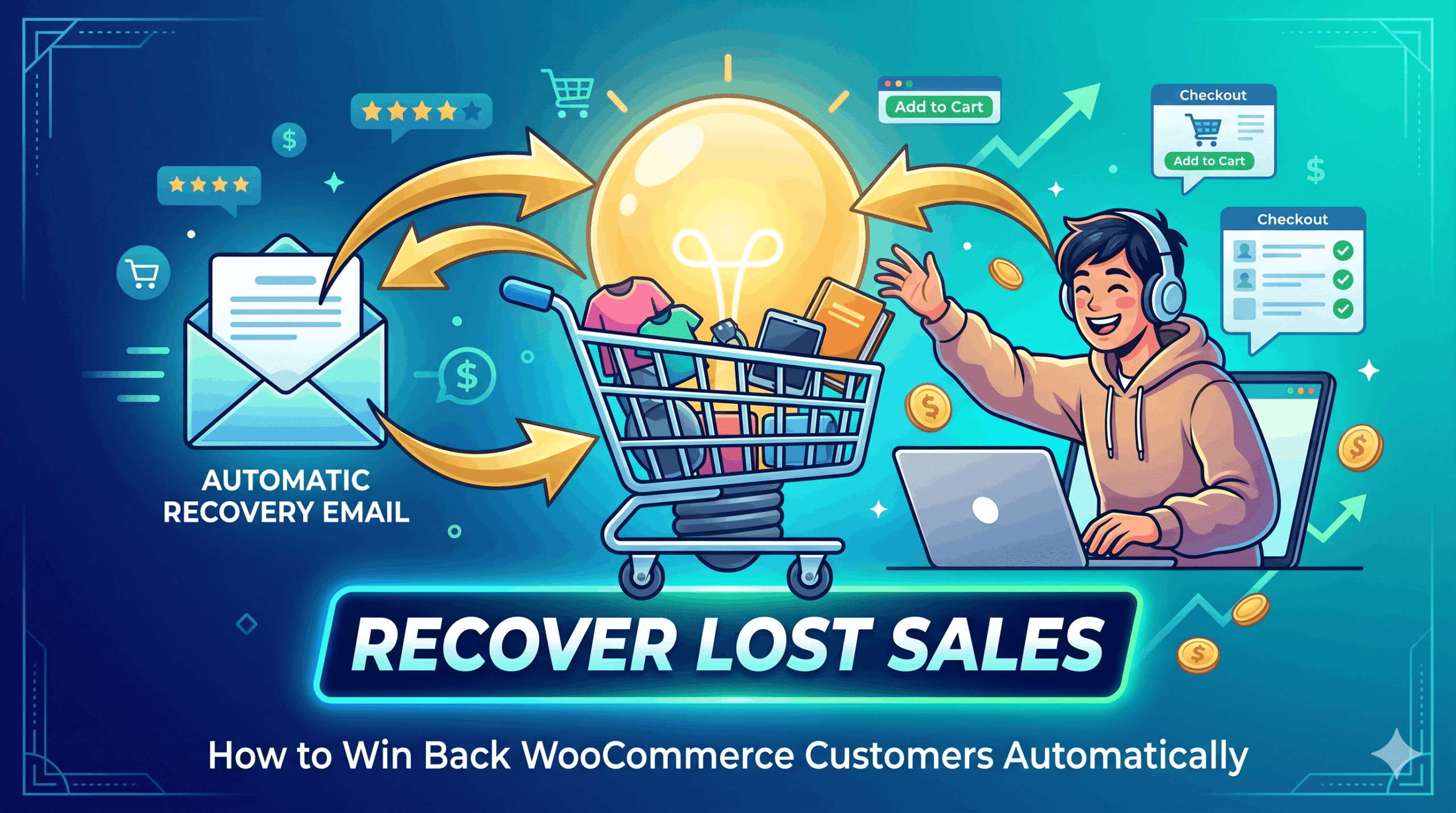
Did you know that nearly 70% of online shopping carts are abandoned before checkout? That means for every 10 customers who add a product to their cart, 7 leave without buying. For WooCommerce store owners, this represents thousands of dollars in lost revenue every month. The good news: most of those customers can be won back with a simple, well-timed recovery email.
Why Shoppers Abandon Their Carts
- Unexpected shipping costs at checkout
- Just browsing or comparing prices
- Got distracted and forgot
- Technical issues during payment
- Wanted to think it over before buying
The Business Case for Abandoned Cart Emails
Abandoned cart emails have some of the highest open and click rates of any marketing email — typically 40–50% open rates compared to 20% for newsletters. The average recovery rate for cart abandonment emails is around 5–11% of lost carts. For a store doing $10,000/month with a 70% cart abandonment rate, recovering even 5% of those carts means an extra $350+ per month from email alone.
How Abandoned Cart Recovery Works in AI eCommerce Growth Suite
The plugin automatically captures cart data when a visitor enters their email at checkout but leaves before completing the purchase. You can send recovery emails manually from the admin or enable automated checks that find carts abandoned for more than one hour and trigger a tailored recovery email. When a customer finally completes their order, their abandoned cart is automatically marked as recovered.
- Install and activate the AI eCommerce Growth Suite plugin.
- Go to the Abandoned Cart section in your dashboard.
- Enable automated recovery email checks.
- Customize your recovery email subject and body with your brand voice.
- Set the delay — the plugin checks for carts older than 1 hour.
- Monitor your recovery rate and revenue recovered from the stats panel.
Setting Up Automated Cart Recovery
- Install and activate the AI eCommerce Growth Suite plugin.
- Go to the Abandoned Cart section in your dashboard.
- Enable automated recovery email checks.
- Customize your recovery email subject and body with your brand voice.
- Set the delay — the plugin checks for carts older than 1 hour.
- Monitor your recovery rate and revenue recovered from the stats panel.
What Your Recovery Email Should Include
- The customer’s first name for personalization
- The exact product(s) left in the cart
- A clear call-to-action button to return to checkout
- A sense of urgency (limited stock, time-sensitive offer)
- Your store name and contact details
Tracking Your Recovery Performance
The AI eCommerce Growth Suite dashboard shows you active abandoned carts, recovered carts, total recovery rate percentage, and revenue recovered. You can click into any individual cart to see exactly what items were left behind before sending a recovery email. This transparency helps you spot patterns — for example, if a specific product has unusually high abandonment, it may signal a pricing or shipping cost issue.
AI eCommerce Growth Suite
Frequently Asked Questions
Does the plugin capture cart data without cookies?
How soon after abandonment is the recovery email sent?
Can I customize the recovery email template?
Is abandoned cart recovery available in the free version?