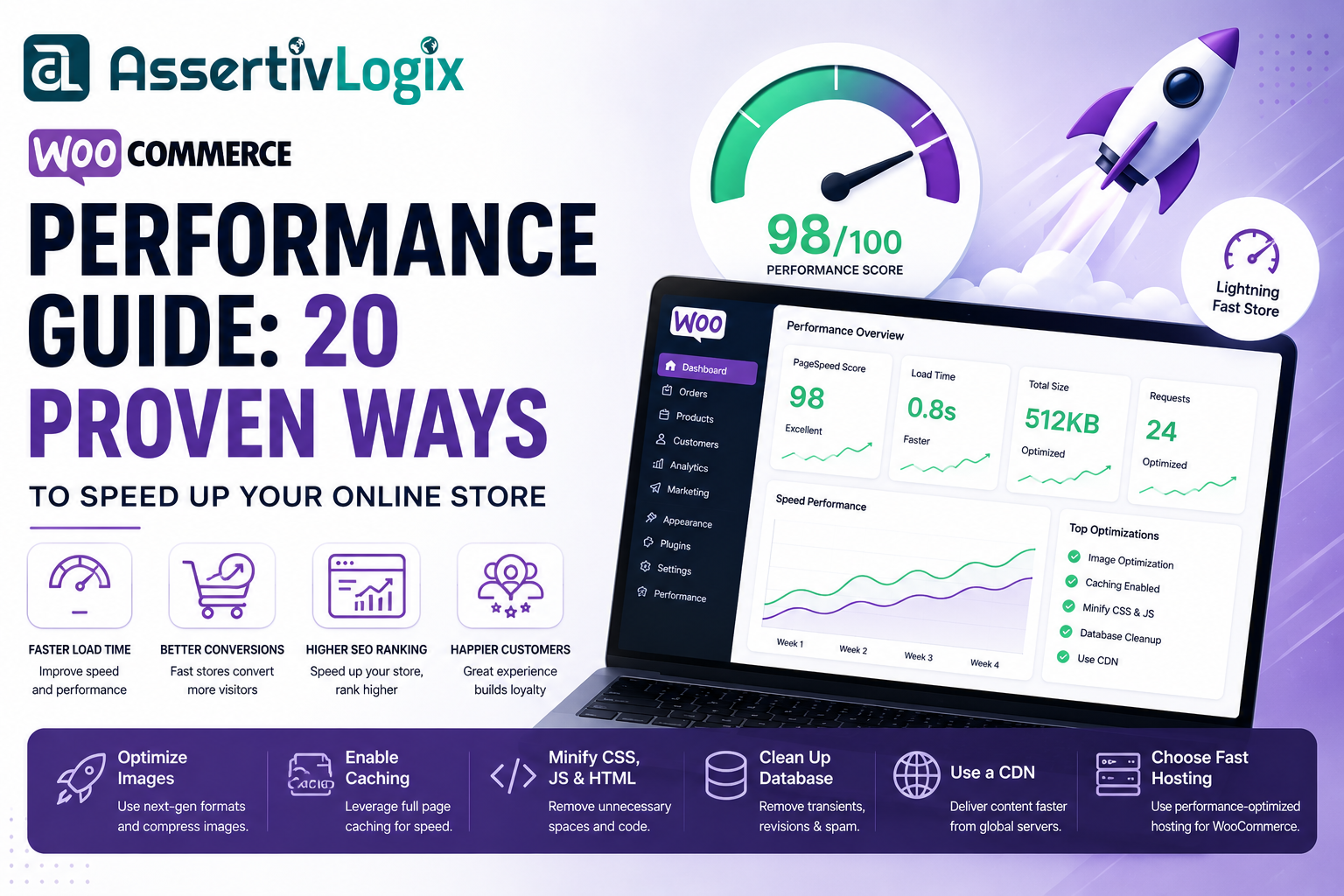
Website performance is one of the most critical factors in the success of any WooCommerce store. Customers expect pages to load instantly, products to appear without delay, and the checkout process to be smooth. Even a one-second delay can increase bounce rates, reduce conversions, and negatively impact customer satisfaction.
Search engines also prioritize fast-loading websites. Google’s Core Web Vitals are now an important ranking factor, making performance optimization essential for improving search visibility and driving more organic traffic.
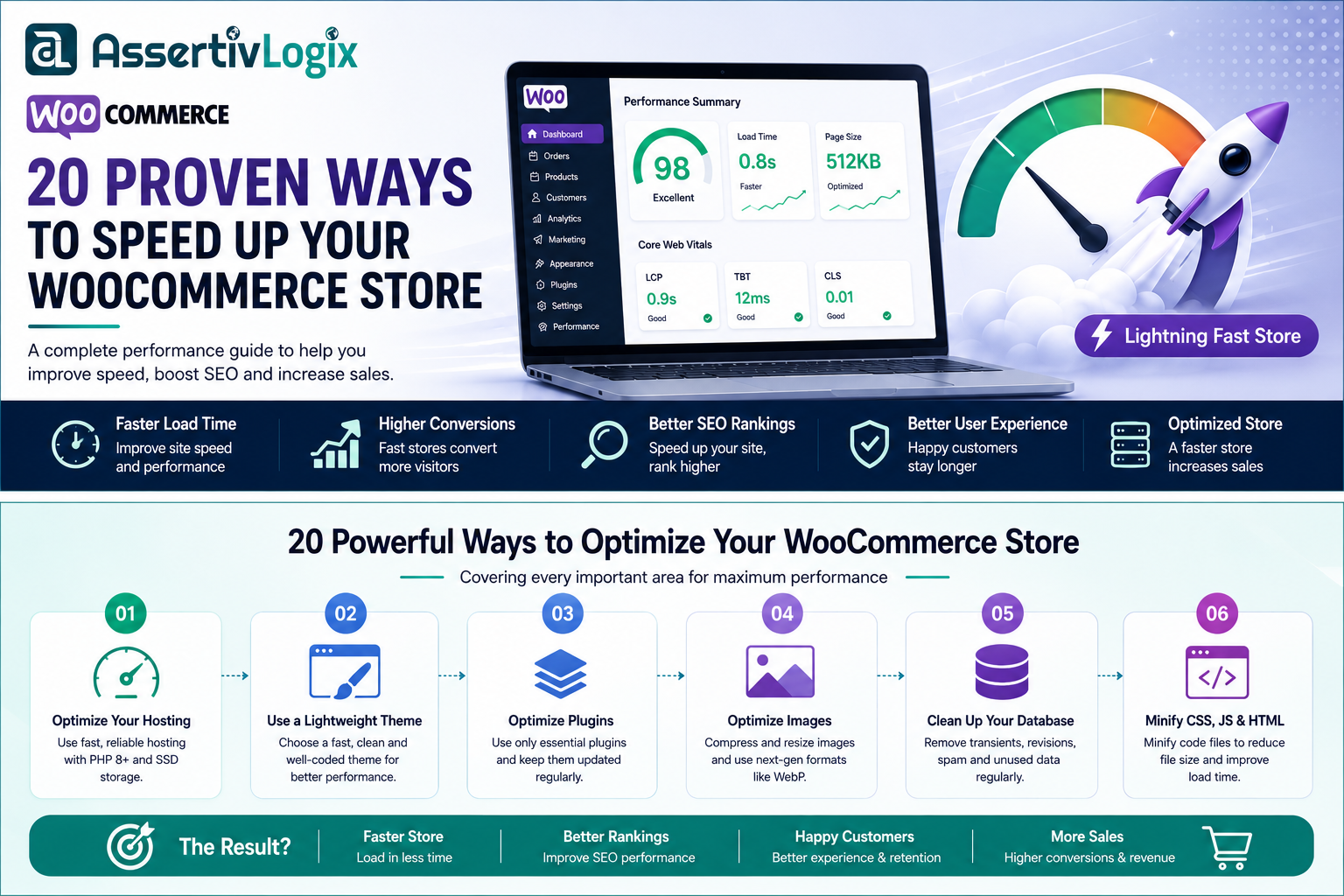
This comprehensive WooCommerce Performance Guide covers practical strategies to optimize your store for speed, scalability, and a better shopping experience.
Why WooCommerce Performance Matters
Fast websites provide a better user experience, improve search engine rankings, and increase sales. Slow-loading stores often experience higher cart abandonment and lower customer retention.
- Improve customer experience
- Increase conversion rates
- Reduce bounce rates
- Boost SEO rankings
- Improve Core Web Vitals
- Handle more traffic efficiently
1. Choose High-Performance Hosting
Your hosting provider is the foundation of your website’s performance. Choose managed WordPress or WooCommerce hosting with modern infrastructure, SSD storage, HTTP/3 support, PHP 8.x, and server-side caching.
2. Keep WordPress, WooCommerce, and Plugins Updated
Updates often include performance improvements, bug fixes, and security patches. Running outdated software can slow down your store and increase the risk of vulnerabilities.
3. Use a Lightweight Theme
Select a well-coded, performance-focused theme. Avoid themes with excessive built-in features that load unnecessary assets on every page.
4. Optimize Product Images
Large images are one of the biggest causes of slow WooCommerce stores.
- Compress images
- Use WebP or AVIF formats
- Enable lazy loading
- Upload correctly sized images
5. Enable Page Caching
Caching reduces server processing by serving pre-generated pages instead of rebuilding them for every visitor.
Popular caching techniques include:
- Page cache
- Object cache
- Browser cache
- Opcode cache
6. Use a Content Delivery Network (CDN)
A CDN stores copies of your static files on servers around the world, reducing latency and improving page load times for global visitors.
7. Minify CSS and JavaScript
Removing unnecessary spaces, comments, and characters reduces file sizes and speeds up downloads.
8. Remove Unused Plugins
Every active plugin can add scripts, styles, database queries, and background tasks. Keep only the plugins you genuinely need.
9. Optimize Your Database
Over time, WordPress databases accumulate revisions, transients, spam comments, and orphaned data. Regular optimization keeps your store running efficiently.
10. Optimize WooCommerce Checkout
The checkout page should be simple and fast. Reduce unnecessary fields, streamline payment methods, and eliminate distractions to improve conversions.
11. Reduce HTTP Requests
Every CSS file, JavaScript file, font, and image requires an HTTP request. Combining and minimizing resources helps reduce load time.
12. Enable GZIP or Brotli Compression
Compression reduces the size of HTML, CSS, and JavaScript files before they are sent to the browser.
13. Optimize Fonts
Use fewer font families and weights. Self-host fonts when possible and preload critical fonts to reduce layout shifts.
14. Improve Core Web Vitals
Focus on optimizing:
- Largest Contentful Paint (LCP)
- Interaction to Next Paint (INP)
- Cumulative Layout Shift (CLS)
15. Limit External Scripts
Too many third-party scripts, such as chat widgets, analytics, and advertising networks, can slow down your store.
16. Optimize Mobile Performance
Most ecommerce traffic comes from mobile devices. Ensure your store is responsive, lightweight, and easy to navigate on smaller screens.
17. Monitor Performance Regularly
Use tools such as Google PageSpeed Insights, GTmetrix, and Lighthouse to identify bottlenecks and monitor improvements over time.
18. Consider Static HTML for Marketing Pages
Landing pages, documentation, and informational pages that don’t require dynamic functionality can often be served as static HTML. This reduces server load and improves page speed.
19. Optimize Product Search
Large stores benefit from efficient search indexing and optimized product queries to deliver faster search results.
20. Test After Every Change
Every optimization should be measured. Test your website before and after changes to ensure improvements are delivering measurable results.
WooCommerce Performance Checklist
- ✅ Fast hosting
- ✅ Latest PHP version
- ✅ Optimized images
- ✅ Page caching
- ✅ CDN enabled
- ✅ Minified assets
- ✅ Optimized database
- ✅ Lightweight theme
- ✅ Reduced plugins
- ✅ Mobile optimization
- ✅ Core Web Vitals monitoring
Conclusion
WooCommerce performance optimization is an ongoing process, not a one-time task. By focusing on hosting, caching, image optimization, database maintenance, and efficient resource loading, you can build a store that delivers an exceptional shopping experience.
A faster WooCommerce store not only improves customer satisfaction but also supports better SEO rankings, higher conversion rates, and increased revenue. Start implementing these performance improvements today, measure the results, and continue refining your store to stay competitive in the ever-growing ecommerce landscape.