Introduction
When website owners purchase a WordPress maintenance plan, they typically expect services such as plugin updates, theme updates, backups, security monitoring, uptime checks, malware scanning, and performance optimization. These services are essential for keeping websites secure and functional.
However, there is one important maintenance task that many agencies, freelancers, and website owners overlook: media cleanup.
Every WordPress website accumulates media files over time. Images, PDFs, videos, downloadable resources, WooCommerce product photos, promotional graphics, and marketing assets are uploaded continuously. While these files are necessary for website operations, many eventually become obsolete.
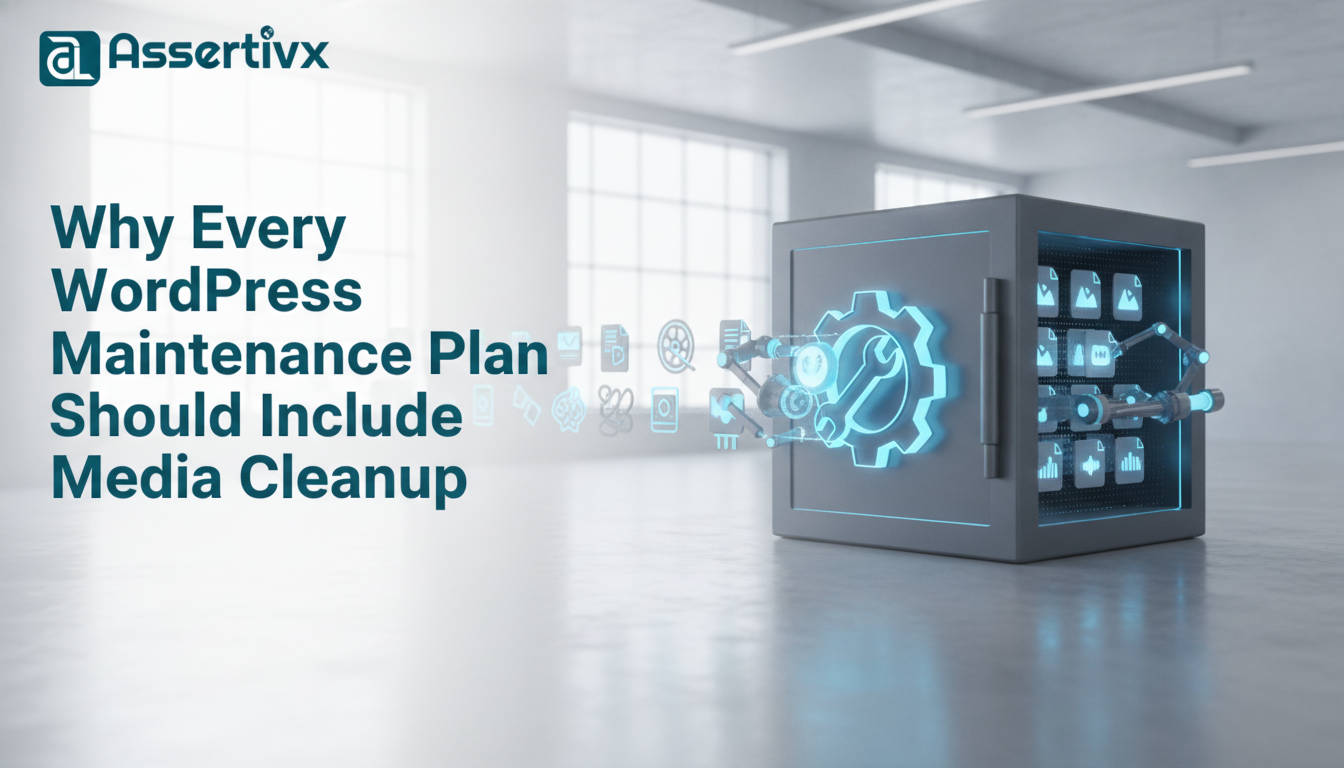
Without regular cleanup, media libraries become cluttered with duplicate files, unused images, outdated documents, and orphaned assets. This media bloat silently consumes storage space, increases backup sizes, complicates migrations, and creates long-term maintenance challenges.
Including media cleanup as part of a WordPress maintenance plan helps prevent these issues and ensures websites remain efficient, organized, and cost-effective.
In this guide, we’ll explore why media cleanup deserves a permanent place in every WordPress maintenance strategy and how tools such as Assertivlogix Duplicate and Unused Media Cleaner can simplify the process.
What Is WordPress Media Cleanup?
WordPress media cleanup refers to the process of reviewing, identifying, and removing unnecessary media assets stored within the WordPress media library.
This process typically includes:
- Removing duplicate images
- Deleting unused media files
- Eliminating outdated documents
- Cleaning orphaned media records
- Removing expired promotional assets
- Organizing media libraries
- Optimizing storage usage
Media cleanup is not about deleting active content. Instead, it focuses on removing files that no longer provide value to the website.
Why Media Libraries Grow So Quickly
Many website owners underestimate how quickly media libraries expand.
Every website activity contributes to media growth:
- Publishing blog posts
- Uploading product images
- Creating landing pages
- Running marketing campaigns
- Updating branding assets
- Replacing graphics
- Adding downloadable resources
Over months and years, these activities generate thousands of files.
Unfortunately, WordPress does not automatically remove media when content is updated or deleted.
This leads to significant media accumulation over time.
The Hidden Problem of Duplicate Media Files
Duplicate media files are one of the most common causes of media library bloat.
Examples include:
- Multiple versions of the same logo
- Repeated product images
- Duplicate PDFs
- Reuploaded marketing banners
- Repeated downloads
Many users upload files without checking whether the asset already exists.
As websites grow, duplicate files consume increasingly large amounts of storage.
Regular maintenance plans should include duplicate file reviews to prevent unnecessary growth.
The Impact of Unused Media Files
Unused media files create another major problem.
Examples include:
- Deleted blog images
- Old landing page graphics
- Discontinued product photos
- Expired promotional banners
- Unused downloadable resources
Although visitors never access these files, they continue consuming server resources.
Without regular audits, unused media can accumulate for years.
How Media Bloat Increases Hosting Costs
Hosting providers typically allocate a specific amount of storage.
As media libraries grow, websites consume more disk space.
This often results in:
- Storage limit warnings
- Hosting upgrades
- Higher monthly fees
- Increased cloud storage costs
Regular media cleanup helps maximize existing hosting resources and delays unnecessary upgrades.
How Media Cleanup Improves Backup Efficiency
Backups represent one of the largest ongoing maintenance costs for WordPress websites.
Media files typically account for the majority of backup size.
For example:
| Website Component | Storage Size |
|---|---|
| Database | 200 MB |
| Themes & Plugins | 300 MB |
| Media Library | 8 GB |
In many cases, the media library accounts for more than 90% of total backup size.
Removing duplicate and unused media produces:
- Smaller backup files
- Faster backup creation
- Reduced backup storage costs
- Faster restorations
This is why media cleanup should be considered an essential backup optimization strategy.
Media Cleanup Simplifies Website Migrations
Website migrations become increasingly difficult as media libraries grow.
Every file must be:
- Archived
- Transferred
- Uploaded
- Extracted
- Verified
Thousands of unnecessary media files increase migration time and complexity.
Maintenance plans that include media cleanup help ensure websites remain migration-ready.
Media Cleanup Improves Website Organization
A cluttered media library creates frustration for content creators.
Common challenges include:
- Difficulty finding assets
- Accidental use of outdated graphics
- Duplicate uploads
- Poor content management workflows
A clean media library improves productivity and makes website administration easier.
Why Agencies Should Include Media Cleanup in Maintenance Packages
Many agencies already provide comprehensive WordPress maintenance services.
Typical services include:
- Plugin updates
- Theme updates
- Security monitoring
- Performance optimization
- Website backups
- Uptime monitoring
Adding media cleanup provides additional value while helping clients reduce long-term website costs.
Benefits include:
- Improved website organization
- Lower hosting costs
- Smaller backups
- Simplified migrations
- Better maintenance efficiency
Recommended Media Cleanup Schedule
| Website Type | Recommended Frequency |
|---|---|
| Small Business Website | Quarterly |
| Corporate Website | Quarterly |
| WooCommerce Store | Monthly |
| Membership Site | Monthly |
| News Website | Monthly |
| Agency Managed Website | Quarterly |
Consistent reviews prevent media libraries from becoming unmanageable.
Media Cleanup and WooCommerce Stores
WooCommerce websites are especially vulnerable to media bloat.
Stores frequently upload:
- Product photos
- Gallery images
- Category banners
- Marketing creatives
- Seasonal promotions
As catalogs evolve, unused media accumulates rapidly.
WooCommerce maintenance plans should prioritize media cleanup to keep storage consumption under control.
Using Assertivlogix Duplicate and Unused Media Cleaner
The Assertivlogix Duplicate and Unused Media Cleaner plugin is designed to help WordPress administrators identify duplicate and unused media assets.
Key advantages include:
- Duplicate image detection
- Unused media identification
- Storage optimization support
- Media organization improvements
- Simplified maintenance workflows
Rather than manually reviewing thousands of files, administrators can use dedicated tools to streamline media management.
How Media Cleanup Supports SEO Efforts
While media cleanup does not directly improve search rankings, it contributes to overall website health.
Benefits include:
- Improved maintenance efficiency
- Faster backups
- Simplified website management
- Better hosting resource utilization
- More organized content workflows
A healthier website environment supports long-term SEO efforts.
Common Media Cleanup Mistakes
Skipping Backups
Always create backups before deleting files.
Deleting Files Without Verification
Review file usage carefully.
Ignoring WooCommerce Assets
Product images require additional attention.
Cleaning Too Infrequently
Media clutter accumulates continuously.
Relying Entirely on Manual Reviews
Large websites often require specialized cleanup tools.
Building a Better Maintenance Plan
A modern WordPress maintenance plan should include:
- Plugin updates
- Theme updates
- Security monitoring
- Performance checks
- Backup verification
- Uptime monitoring
- Media library cleanup
Together, these services provide comprehensive website protection and optimization.
Frequently Asked Questions
Is media cleanup really necessary?
Yes. Without cleanup, media libraries continue growing and consume unnecessary storage resources.
How often should media cleanup be performed?
Most websites benefit from quarterly reviews, while WooCommerce stores often require monthly audits.
Do duplicate images increase hosting costs?
Yes. Duplicate files consume storage and contribute to larger backups.
Does media cleanup improve backups?
Absolutely. Smaller media libraries result in smaller and faster backups.
Which plugin helps identify duplicate and unused media?
Assertivlogix Duplicate and Unused Media Cleaner helps administrators locate duplicate and unused media assets within WordPress websites.
Conclusion
Media cleanup is one of the most valuable yet overlooked components of WordPress maintenance. While plugin updates, backups, and security monitoring receive significant attention, unmanaged media libraries quietly create storage waste, larger backups, higher hosting costs, and maintenance inefficiencies.
Including media cleanup in every maintenance plan ensures websites remain organized, efficient, and cost-effective over the long term.
Regular audits, duplicate file reviews, unused media detection, and storage optimization should become standard maintenance practices for agencies, freelancers, and website owners alike.
For administrators looking to simplify the process, Assertivlogix Duplicate and Unused Media Cleaner offers an effective way to identify duplicate and unused media files while supporting ongoing WordPress optimization efforts.
A clean media library is more than just good housekeeping—it is a critical component of a successful WordPress maintenance strategy.