Amazon attributes up to 35% of its revenue to product recommendations. For WooCommerce stores, upselling and cross-selling are the fastest ways to grow revenue without acquiring new customers. The AI eCommerce Growth Suite brings smart, automatic product recommendations to your WooCommerce store with zero configuration needed.
Upsell vs Cross-Sell: What Is the Difference?
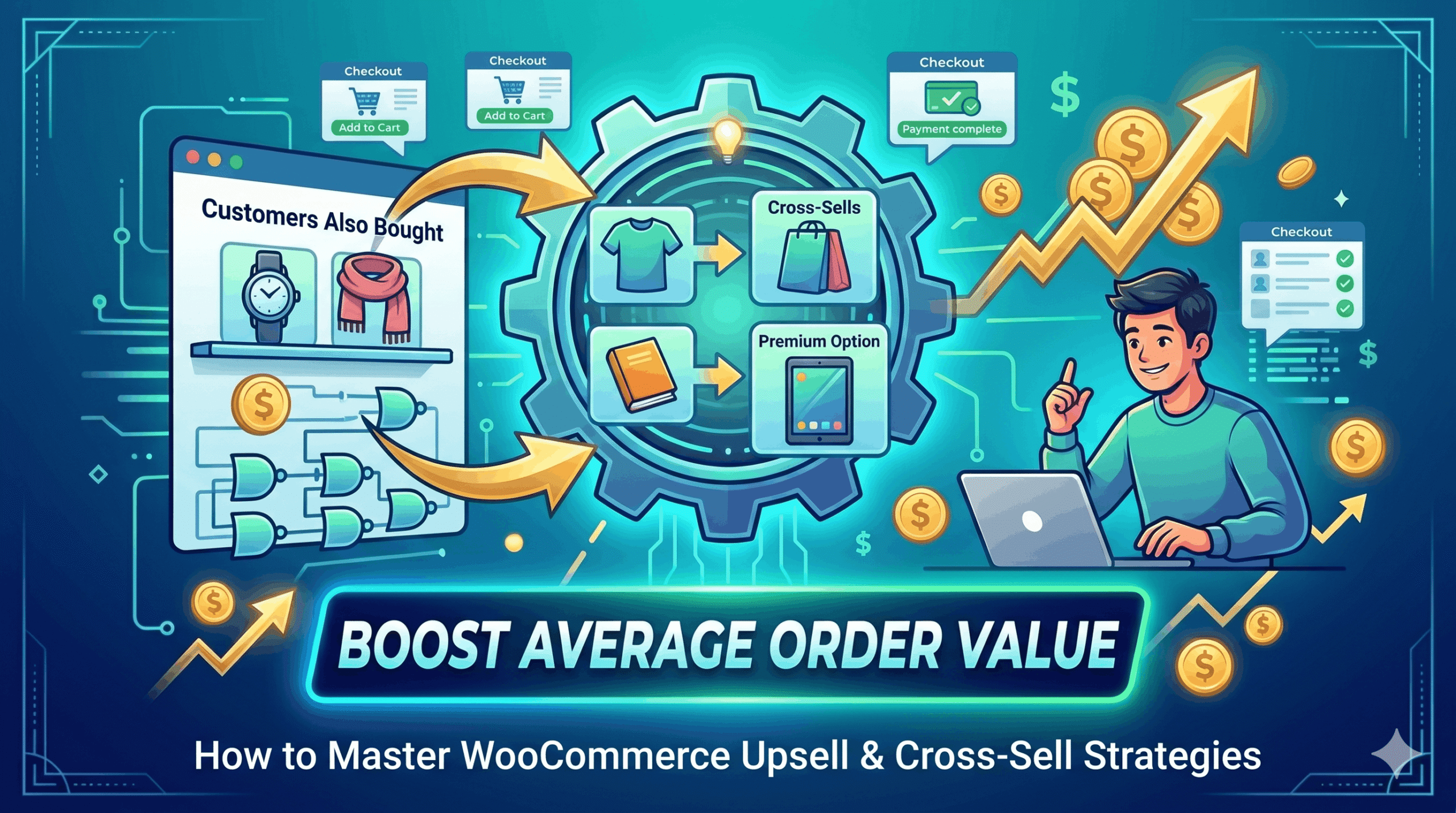
An upsell encourages a customer to buy a higher-value version of what they are already looking at — for example, showing a premium model alongside a basic one. A cross-sell suggests complementary products — showing a phone case when someone views a smartphone. Both strategies increase average order value (AOV) and improve the customer’s overall experience when done correctly.
How Smart Upsells Work in AI eCommerce Growth Suite
The plugin adds a ‘You may also like’ section to your product pages automatically. Recommendations are category-based, meaning related products from the same category appear without you needing to manually link every product. You can also regenerate recommendations for your full catalog with one click, or manage and disable upsells on a per-product basis from the admin.
Benefits of Automated Upsell Recommendations
- Increases AOV without additional traffic or ad spend
- Reduces bounce rate by showing customers more of your catalog
- Works passively — set it once and it runs automatically
- No manual linking of hundreds of products required
- Fully compatible with WooCommerce’s native product display
Best Practices for WooCommerce Upsells
- Show recommendations that are genuinely related, not just random products.
- Keep the recommendation section visible above the fold on mobile.
- Limit to 3–4 recommendations — too many options cause decision fatigue.
- Test different recommendation placements on product pages.
- Track which products appear most often in upsell sections and ensure they are in stock.
AI eCommerce Growth Suite
Frequently Asked Questions
Can I disable upsells for specific products?
How does the plugin decide which products to recommend?
Will upsells slow down my product pages?
Is this feature in the free version?